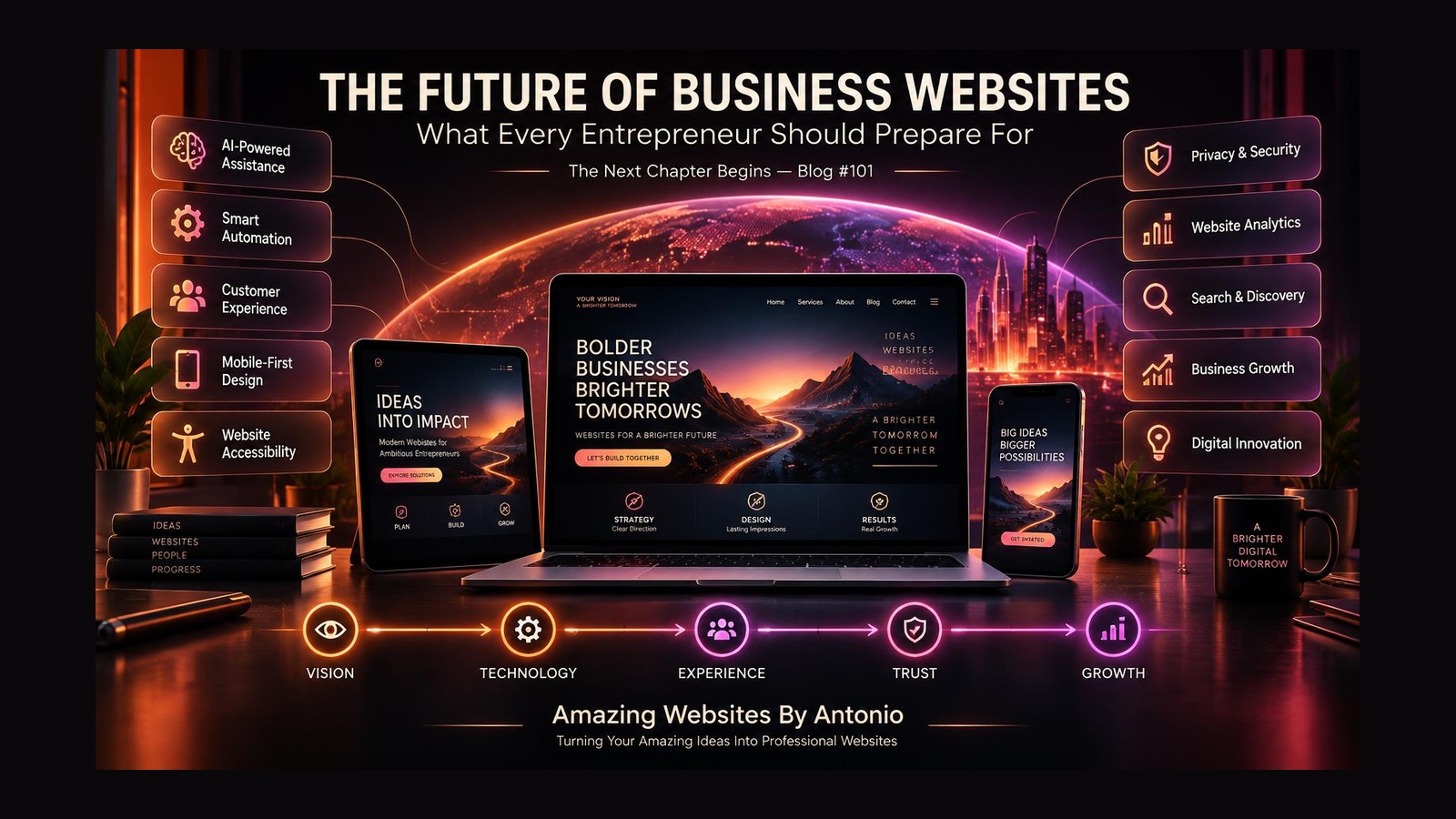
The Next Chapter of Digital Innovation and Business Growth
The internet is changing.
Technology is evolving.
Artificial intelligence is becoming part of more business tools.
Customers are discovering businesses in new ways.
And entrepreneurs are finding new opportunities to build, connect, and grow online.
But here's an important question:
IS YOUR BUSINESS WEBSITE READY FOR WHAT COMES NEXT?
For years, many businesses treated their websites like digital brochures.
A homepage.
An About page.
A Services page.
A Contact page.
And perhaps a few pictures.
Those pages can still be important.
But modern websites can do much more.
They can help customers discover information, explore services, submit inquiries, book appointments, purchase products, access resources, and receive support.
The future of business websites isn't simply about adding more technology.
It's about using technology thoughtfully to create better experiences.
After celebrating our 100th blog, Amazing Websites By Antonio is beginning a new chapter.
And Blog #101 is all about preparing for the future.
Let's explore 50 ideas, trends, and strategies entrepreneurs should understand.
Part 1: The Evolution of Business Websites
1. Websites Will Continue Becoming More Interactive
A website doesn't have to be a collection of static pages.
Interactive tools can help customers:
- Explore services
- Compare options
- Answer questions
- Request estimates
- Book appointments
- Complete forms
The goal is to make useful actions easier.
2. Customer Experience Will Remain Essential
Technology changes, but people still want websites that are easy to understand.
Visitors need clear navigation, helpful content, trustworthy information, and understandable next steps.
An advanced website that confuses customers isn't necessarily an improvement.
3. Business Websites Will Support More Customer Tasks
Some businesses may benefit from combining marketing, communication, scheduling, shopping, and customer support within one connected digital experience.
Not every business needs every feature.
The right combination depends on customer needs.
4. Website Strategy Will Matter More Than Feature Count
A website with dozens of unnecessary features can become difficult to use and maintain.
Entrepreneurs should ask:
What problem does this feature solve?
Who will use it?
Will it improve the customer experience?
Can we maintain it?
5. Websites Must Continue Evolving
A professional website shouldn't be treated as something you launch and never review.
Business needs change.
Customer expectations change.
Technology changes.
Your website should be reviewed and improved over time.
Part 2: Artificial Intelligence and Smarter Websites
6. AI May Help Customers Find Information
AI-powered assistants can help visitors locate relevant content or understand available services.
But answers should be accurate, appropriate, and grounded in reliable business information.
7. AI Can Support Content Planning
Entrepreneurs can use AI to brainstorm:
Blog topics.
FAQ questions.
Service descriptions.
Marketing ideas.
Content outlines.
Human review remains important for accuracy and originality.
8. AI Can Help Organize Customer Questions
Repeated questions can reveal missing website information.
AI tools may help group and summarize those questions, allowing business owners to identify useful content improvements.
9. AI-Powered Recommendations May Become More Common
Some websites may offer recommendations based on information customers choose to provide.
For example, a visitor could answer a few questions to explore suitable service options.
These experiences should be transparent and respectful of privacy.
10. AI Should Support Human Judgment
AI can generate ideas and assist with repetitive work.
But it can also make mistakes.
Important business decisions, customer promises, and published information should receive appropriate human review.
Part 3: Automation and Business Efficiency
11. Automated Inquiry Confirmations Can Improve Communication
When someone submits a Contact form, an automated confirmation can let them know the submission was received.
This creates clarity and reduces uncertainty.
12. Appointment Scheduling Can Become Easier
Online scheduling can help customers select available appointments without unnecessary back-and-forth communication.
Businesses should still provide alternatives when appropriate.
13. Client Onboarding Can Become More Organized
A structured onboarding process may include:
Welcome information.
Project questionnaires.
Document requests.
Scheduling.
Next-step instructions.
Automation can help organize these tasks.
14. Follow-Up Workflows Can Save Time
Appropriate reminders and follow-up messages can help businesses stay organized.
However, communication should remain relevant and respect customer preferences.
15. Automation Needs Testing
Automated workflows can fail.
Messages may not send.
Forms may not connect properly.
Information may reach the wrong destination.
Test automation before relying on it.
Part 4: Personalization and Customer Relevance
16. Websites May Offer More Relevant Content
Some businesses may benefit from helping visitors choose content based on their interests or needs.
For example:
I'm starting a business.
I need a website redesign.
I want help with branding.
I want to explore AI solutions.
Visitors can then find relevant information more easily.
17. Personalization Doesn't Have to Be Complicated
A simple service-selection guide may be more useful than a sophisticated system collecting large amounts of personal data.
Start with customer needs.
18. Privacy Must Remain a Priority
Personalization can involve customer information.
Businesses should understand what information is collected, how it is used, and what permissions or disclosures may be required.
19. Customers Should Have Meaningful Choices
When practical, give visitors understandable options rather than forcing them through a highly personalized experience.
20. Trust Is More Valuable Than Unnecessary Data Collection
Collect only information that supports a legitimate business purpose.
A better customer experience doesn't require knowing everything about the customer.
Part 5: Accessibility and Inclusive Design
21. Accessibility Should Be Part of the Foundation
Websites should be designed with different users and abilities in mind.
Accessibility is not merely an optional decorative feature.
22. Keyboard Navigation Matters
Visitors should be able to operate important website functions without relying exclusively on a mouse.
23. Readability Will Remain Important
Clear typography, appropriate contrast, readable text, and understandable content benefit many users.
24. Accessible Forms Improve Customer Experiences
Forms should include meaningful labels, clear instructions, and understandable error messages.
25. New Technology Must Also Be Accessible
AI chat interfaces, interactive tools, and animated features should be evaluated for accessibility.
Innovation shouldn't create unnecessary barriers.
Part 6: Mobile Experiences and Performance
26. Mobile-Friendly Design Will Remain Essential
Many customers use smartphones to explore businesses.
Websites should work well across relevant screen sizes.
27. Performance Will Continue to Matter
Large images, unnecessary scripts, and heavy animations can affect the experience.
A visually impressive website should also function efficiently.
28. Simple Navigation Can Make a Big Difference
Visitors should not need to struggle through complicated menus to find important information.
29. Mobile Forms Should Be Easy to Complete
Review field sizes, labels, required information, and submission behavior on smaller screens.
30. Test Real Customer Journeys
Don't stop at checking whether the homepage looks good on a phone.
Test important tasks from beginning to end.
Part 7: Search, Discovery, and Content
31. Search Discovery May Continue Changing
Customers can discover businesses through search engines, maps, social platforms, recommendations, and AI-assisted tools.
Entrepreneurs should avoid depending entirely on one discovery channel.
32. Helpful Content Will Remain Valuable
Businesses can create useful information that answers real customer questions.
Clear, accurate, original content can support both visitors and discoverability.
33. Clear Business Information Matters
Keep business details, service descriptions, and contact information accurate and consistent.
34. Strong Website Structure Helps People Navigate
Descriptive headings, logical navigation, and internal links make information easier to explore.
35. Blogging Can Support Long-Term Learning and Visibility
A blog can become a growing library of helpful resources.
But publishing more articles isn't automatically better.
Quality, relevance, and maintenance matter.
Part 8: Security, Privacy, and Trust
36. Website Security Is an Ongoing Responsibility
Businesses should review their platform's security features, access controls, and integrations.
37. Account Access Should Be Protected
Use appropriate authentication, strong unique credentials, and available multifactor authentication.
38. Customer Data Requires Careful Handling
Contact forms, purchases, accounts, and other interactions may involve personal information.
Collect and retain information responsibly.
39. Backups and Recovery Plans Matter
Understand what your website platform backs up and how important information can be recovered.
40. Transparency Builds Confidence
Explain relevant business processes, policies, and expectations clearly.
Trustworthy websites help customers understand what they're agreeing to.
Part 9: Analytics, Testing, and Continuous Improvement
41. Meaningful Metrics Will Matter More Than Vanity Numbers
Page views alone don't tell the entire story.
Look at measurements connected to customer needs and business goals.
42. Customer Feedback Should Influence Decisions
Surveys, customer conversations, and user testing can reveal issues that analytics alone may not explain.
43. Website Changes Should Be Evaluated
Before making major changes, define:
The problem.
The hypothesis.
The expected outcome.
The testing method.
The success measure.
44. Business Owners Should Maintain an Improvement Roadmap
Organize potential changes into:
NOW
NEXT
LATER
IDEAS
This prevents every new trend from becoming an immediate project.
45. Regular Maintenance Supports Long-Term Success
Review content, functionality, accessibility, performance, security, and important integrations regularly.
Part 10: Preparing Your Business for the Next Generation
46. Invest in Understanding Your Customers
Technology is useful when it solves real problems.
Talk to customers.
Study their questions.
Observe where they struggle.
Use those insights to guide your website strategy.
47. Build Flexible Digital Systems
Choose tools and processes that can evolve as your business grows.
Consider portability, maintenance, integrations, and long-term costs.
48. Keep Learning
Entrepreneurs don't need to become experts in every technology.
But understanding new opportunities can help them make more informed decisions.
49. Don't Chase Every Trend
Not every business needs an AI chatbot.
Not every business needs advanced personalization.
Not every business needs complicated automation.
Choose technology because it supports your goals, not simply because it's popular.
50. Keep Your Vision at the Center
Your website should reflect the purpose of your business.
Technology may change.
Design trends may change.
Customer expectations may change.
But your business vision should guide the decisions you make.
The Future-Ready Website Framework
Use this simple process:
VISION
Define what your business wants to accomplish.
↓
CUSTOMERS
Understand who you're serving.
↓
FOUNDATION
Create a clear, accessible, professional website.
↓
TECHNOLOGY
Choose useful tools, AI features, and automation.
↓
EXPERIENCE
Help visitors complete important tasks.
↓
TRUST
Protect information and communicate clearly.
↓
MEASUREMENT
Review meaningful outcomes.
↓
IMPROVEMENT
Test, learn, and refine.
↓
GROWTH
Adapt as your business evolves.
Your Future-Ready Website Checklist
Use these questions when planning your next website improvements.
- ☐ Does my website clearly explain what my business offers?
- ☐ Is it easy to use on mobile devices?
- ☐ Can customers find important information?
- ☐ Are forms and contact methods working?
- ☐ Is the website accessible?
- ☐ Are pages performing appropriately?
- ☐ Is customer information handled responsibly?
- ☐ Are important business details accurate?
- ☐ Do I understand my website goals?
- ☐ Am I measuring meaningful outcomes?
- ☐ Am I collecting useful customer feedback?
- ☐ Do I have an improvement roadmap?
- ☐ Could automation simplify repetitive tasks?
- ☐ Would an AI feature solve a genuine customer problem?
- ☐ Am I prepared to maintain the tools I introduce?
You don't need to check every box immediately.
Use the checklist to identify your next meaningful improvement.
A New Chapter After Blog #100
Reaching Blog #100 was an exciting milestone.
But reaching a milestone doesn't mean the journey is finished.
It means there's another opportunity to grow.
Another idea to explore.
Another lesson to learn.
Another business challenge to solve.
And another possibility waiting to become something amazing.
As we begin this next chapter of Amazing Websites By Antonio, our focus remains on helping entrepreneurs understand the tools, strategies, and opportunities that can support their digital presence.
The future isn't about building the most complicated website.
It's about building the right website for the people you serve.
Final Thoughts
THE FUTURE OF BUSINESS WEBSITES ISN'T JUST ABOUT TECHNOLOGY.
It's about people.
It's about connection.
It's about creativity.
It's about accessibility.
It's about trust.
It's about opportunity.
And it's about helping entrepreneurs turn meaningful ideas into real digital experiences.
You don't have to predict every future trend.
You don't have to adopt every new tool.
And you don't have to rebuild your website every year.
You need a clear vision, a strong foundation, and a willingness to learn.
DREAM BIG.
BUILD SMART.
STAY CURIOUS.
KEEP IMPROVING.
Because the future of your business website begins with the decisions you make today.
Amazing Websites By Antonio
Turning Your Amazing Ideas Into Professional Websites