
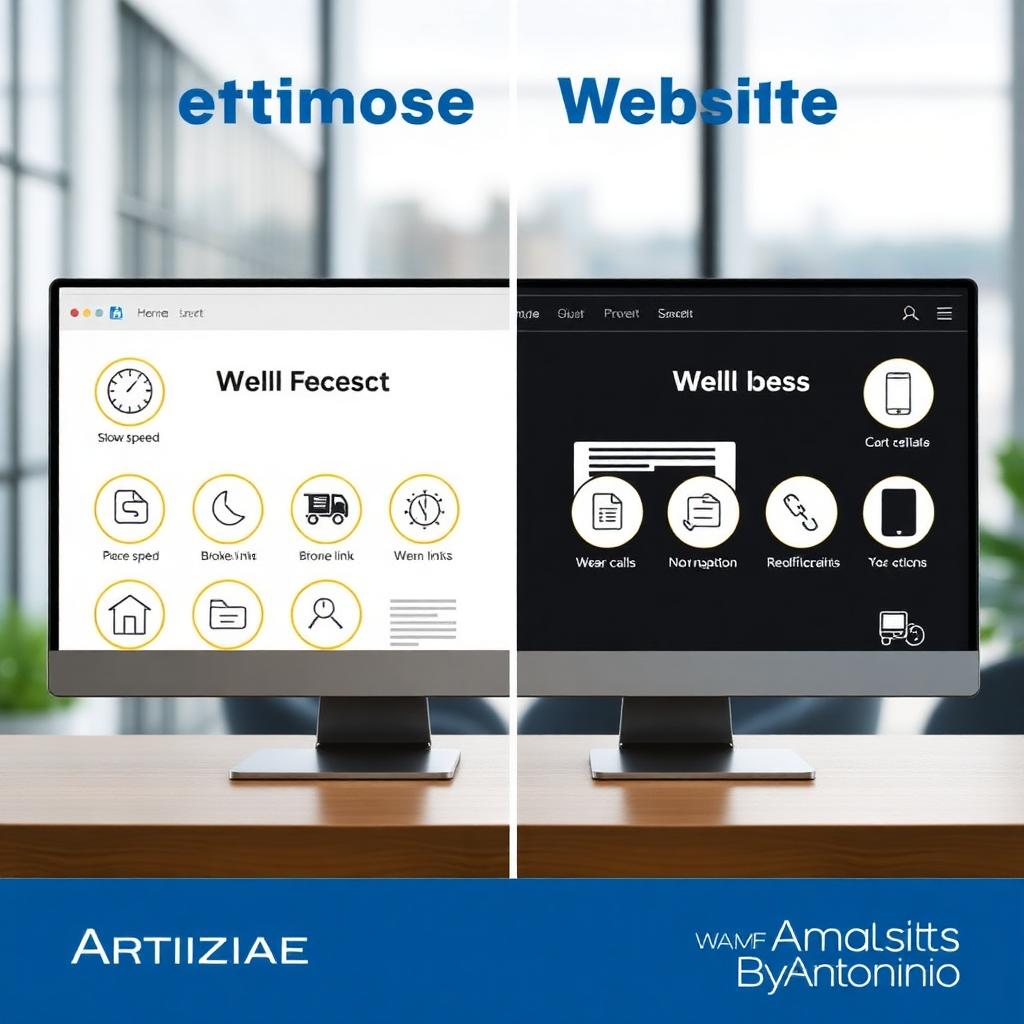
Common Website Mistakes That Cost You Customers
Discover the most common website mistakes that drive visitors away — and how fixing them can turn more browsers into buyers.
Recommended for you
Smart picks based on this article's category, related topics, and what's trending on Amazing Websites By Antonio.

10 Signs Your Business Website Needs a Redesign
Discover 10 warning signs that your business website may need a redesign — and how a fresh digital presence can help your business grow.
What to Include on Your Contact Page: A Small Business Guide
Your contact page is where visitors become conversations. Learn what to include—welcoming headline, simple form, trust signals, clear CTA, and more—to turn more visitors into leads.
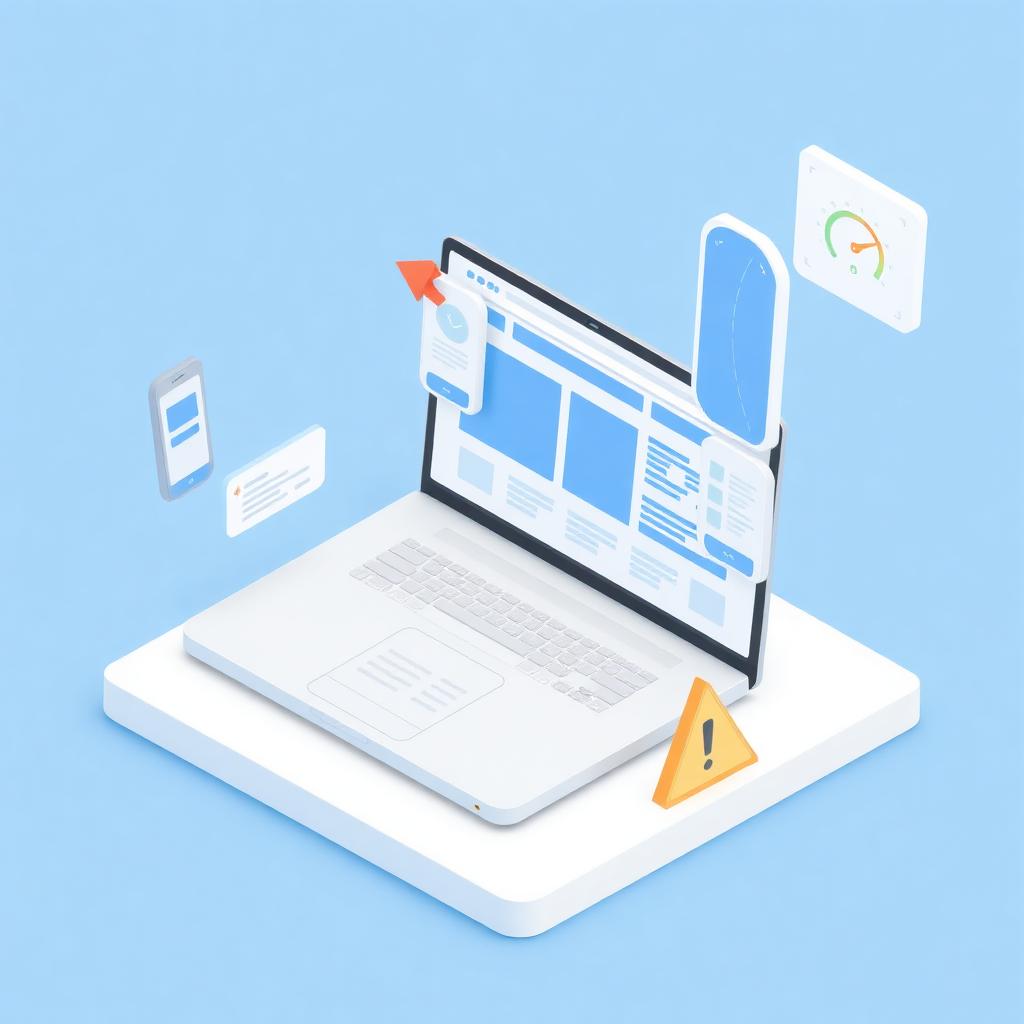
Website Design Mistakes That Drive Customers Away
Common website design mistakes like cluttered layouts, slow loading speeds, poor mobile optimization, and confusing navigation can drive potential customers away. Learn how to fix these issues and create a website that attracts visitors and converts them into customers.
Suggested learning path
A guided sequence through Website Design & Business Growth.
Popular this week
Explore more categories
AI, ChatGPT, automation, agents, prompts, and productivity for small businesses.
How AI helps small businesses save time, reduce costs, improve productivity, and grow smarter.
Planning, homepages, landing pages, responsive design, UX, and best practices.
Website design, user experience, accessibility, and creating websites that are intuitive and easy to use.
Calls to action, landing pages, conversion optimization, and turning website visitors into customers.
Website speed, performance optimization, conversions, and how a faster site drives business growth.
Website design, contact pages, landing pages, and business-focused web strategies that turn visitors into customers.
Website analytics, strategy, planning, and data-informed decisions that help businesses grow online.
Future-ready websites, digital innovation, thoughtful AI, automation, and technology that supports business growth.
How website strategy, brand identity, and messaging work together to create a consistent customer experience.
Building trust and credibility by showcasing expertise, experience, authentic stories, and professional value online.
Building website trust, credibility, and customer confidence through strategic design, clear messaging, and thoughtful user experiences.
Client intake, onboarding, communication, and project processes that create a smooth, confident experience from first contact to launch.
Client onboarding, welcome experiences, and building strong customer relationships that help businesses grow.
Client communication, project updates, feedback, approvals, and keeping website projects organized from kickoff to launch.
Project planning, launch checklists, testing, approvals, and organizing website builds from start to launch.
Post-launch care, monitoring, backups, security, updates, and keeping a live website healthy and growing.
Monthly maintenance routines, health checks, updates, monitoring, and ongoing care that keeps a website working for the business.
Website engagement, user experience, navigation, and creating websites that guide visitors naturally without overwhelming them.
Contact pages, lead capture, inquiry forms, and turning website visitors into qualified business leads.
Search engine optimization, keyword strategy, and digital marketing foundations that help businesses get found online.
Website metrics, analytics, conversions, and using data to make smarter business decisions and grow online.
Brand identity, logos, colors, typography, strategy, and consistency.
Brand building, business identity, growth strategy, and customer experience for small businesses.
Brand messaging, value propositions, positioning, and differentiation that help businesses stand out and grow.
How brand storytelling, identity, and website strategy work together to create a memorable customer experience.
Founder stories, authentic messaging, and human-centered branding that help businesses build meaningful customer relationships.
Marketing, social, email, content, ads, and lead generation.
Digital marketing, social media, SEO, content strategy, and growth tactics that help businesses attract and convert customers.
Lead magnets, email capture, conversion strategy, and turning website visitors into loyal customers.
Lead follow-up, nurturing, communication, and building lasting customer relationships.
Entrepreneurship, productivity, customer experience, and success stories.
Customer relationships, loyalty, communication, community building, and experiences that drive business growth.
Customer feedback, usability, testing, and purposeful website improvements guided by customer needs and business goals.
Website security best practices, cybersecurity tips, technology safety, and protecting your business online.
Content marketing strategy, blog writing, website copy, and valuable content that attracts, engages, and converts customers.
Website copy, blog writing, content strategy, messaging, and storytelling that connects with your audience.
Tutorials, how-to's, checklists, beginner guides, and FAQs.
Guides, templates, checklists, and tutorials for every stage.
Search another article
Looking for something specific? Search across every blog post and resource.
Get new articles by email
Subscribe for new blogs, AI resources, website tips, and platform updates.
Turning Your Amazing Ideas Into Professional Websites.
Continue Your Learning
Learning doesn't stop with one article. Explore more resources, practical tools, and educational guides designed to help you build your skills, strengthen your business, and grow with confidence.
🤖 AI Learning Hub
Continue building your AI knowledge with beginner-friendly lessons, practical examples, and structured learning paths.
Explore the AI Learning Hub💬 Prompt Library
Browse our growing collection of AI prompts for websites, marketing, branding, business, productivity, and content creation.
Open the Prompt Library📚 Resource Center
Discover guides, templates, checklists, tutorials, and practical resources to support your digital journey.
Browse Resources📝 Read Another Blog
- 10 Signs Your Business Website Needs a RedesignAug 20, 2026 · 6 min read
- What to Include on Your Contact Page: A Small Business GuideAug 9, 2026 · 6 min read
🛠️ Interactive Tools
Continue learning with hands-on tools: Website Health Check, Where Should I Start? Quiz, and the Interactive Resource Finder.
Try the Interactive Tools🌐 Professional Services
Need personalized support? Learn how Amazing Websites By Antonio can help with website design, branding, AI guidance, SEO, and digital strategy.
View ServicesEvery Step Forward Matters
Whether you're learning about AI, improving your website, strengthening your brand, or exploring new digital tools, every article you read brings you one step closer to achieving your goals. Our mission is to make learning practical, approachable, and valuable for everyone.
Stay Connected
Receive updates whenever we publish new educational articles, learning resources, and platform improvements.
Thank you for learning with Amazing Websites By Antonio. We're committed to helping entrepreneurs, nonprofits, creators, and small businesses continue learning, building, and growing with confidence.
Turning Your Amazing Ideas Into Professional Websites.