Imagine visiting a business website because you need help.
You have a simple question.
You open the website's AI assistant.
You type your question.
And the assistant responds with something completely unrelated.
So you ask again.
It repeats the same answer.
You try a third time.
And suddenly, you're stuck in a conversation that goes nowhere.
Frustrating, right?
Now imagine a different experience.
You visit a website.
You ask a question.
The assistant understands what you're trying to accomplish.
It provides a clear answer using accurate business information.
It gives you a helpful next step.
And if it cannot help, it explains how to reach a real person.
That's the difference between simply adding AI to a website and designing AI around the customer experience.
An AI website assistant should make your website easier to use.
Not harder.
It should help customers find information.
Not create confusion.
It should support your business.
Not make promises your business cannot keep.
And most importantly, it should respect the people using it.
Let's explore 50 ways to create an AI website assistant that feels genuinely helpful.
PART 1: START WITH THE CUSTOMER, NOT THE TECHNOLOGY
1. Understand Why Customers Need Assistance
Before adding an AI assistant, identify what visitors commonly need.
They may want to:
- Learn about services
- Compare service options
- Find pricing information
- Understand the project process
- Request a consultation
- Contact the business
- Get technical support
Start with real customer questions.
2. Define the Assistant's Purpose
Your assistant needs a clear role.
For example:
"Help visitors find accurate information about our services and explain how to contact the business."
A focused purpose makes the assistant easier to design and evaluate.
3. Identify What the Assistant Should Not Do
An assistant should have boundaries.
It should not invent pricing, promise guaranteed results, approve refunds, or make commitments it isn't authorized to make.
4. Choose Problems Worth Solving
If visitors repeatedly ask the same questions, an assistant might help.
But if the problem is simply unclear website content, improve the content first.
5. Keep the Experience Optional
Visitors should be able to navigate the website without being forced to interact with a chatbot.
AI should offer another helpful path, not become an obstacle.
PART 2: CREATE A FRIENDLY FIRST IMPRESSION
6. Use a Welcoming Greeting
A good greeting is short and useful.
For example:
"Hi! I'm the AI website assistant. I can help you explore services, find answers, or learn how to get started."
7. Clearly Identify the Assistant as AI
Don't pretend an automated system is a human employee.
Transparency helps set appropriate expectations.
8. Explain What the Assistant Can Help With
Give visitors a few examples.
Such as:
- Explore Services
- Ask a Question
- Learn About the Process
- Contact the Business
9. Avoid Overly Long Introductions
Customers shouldn't have to read a lengthy message before asking their question.
10. Make the Assistant Easy to Dismiss
Visitors should be able to close or minimize the chat without difficulty.
Avoid repeatedly reopening it after someone dismisses it.
PART 3: DESIGN CLEAR, NATURAL CONVERSATIONS
11. Use Simple Language
Write responses that customers can understand without technical knowledge.
12. Answer the Question First
If someone asks how to contact the business, provide the relevant contact information or Contact page.
Don't begin with unrelated promotional content.
13. Keep Responses Focused
A helpful assistant should avoid overwhelming customers with unnecessary paragraphs.
14. Ask Clarifying Questions When Needed
If someone says:
"I need a website."
The assistant might ask:
"Are you looking to create a new website or improve an existing one?"
15. Avoid Asking Too Many Questions at Once
A conversation should feel manageable.
Ask for essential details only when they help determine the next step.
16. Offer Useful Suggested Questions
Examples:
"What services do you offer?"
"How does the website design process work?"
"How can I request a consultation?"
17. Understand Different Ways Customers Ask Questions
Customers may say:
"How do I reach you?"
"Where's your Contact page?"
"Can I send a message?"
These requests may have the same underlying goal.
18. Avoid Repetitive Responses
If the customer explains that an answer wasn't helpful, the assistant should try an appropriate alternative rather than endlessly repeating itself.
19. Keep the Tone Professional and Friendly
An assistant can be warm without being overly casual or intrusive.
20. Make Next Steps Clear
Whenever appropriate, provide a useful action:
"Visit the Services page."
"Complete the Contact form."
"Review the FAQ."
"Contact the business for confirmation."
PART 4: MAKE ACCURACY A PRIORITY
21. Connect the Assistant to Approved Information
Use a reliable knowledge base containing current services, FAQs, business information, and relevant policies.
22. Avoid Invented Answers
An assistant should not make up:
- Service prices
- Appointment availability
- Business hours
- Refund policies
- Project timelines
- Guarantees
23. Acknowledge Missing Information
A useful response might be:
"I don't have confirmed information about that. Please contact the business for assistance."
24. Keep the Knowledge Base Updated
If your services or policies change, update the information the assistant uses.
25. Test Accuracy Regularly
Ask common customer questions and compare the responses against approved business information.
PART 5: CREATE EFFECTIVE HUMAN HANDOFFS
26. Know When AI Should Step Aside
Some situations require human attention.
Examples include:
Unusual project requests.
Sensitive account concerns.
Payment disputes.
Complex complaints.
Requests beyond the assistant's knowledge.
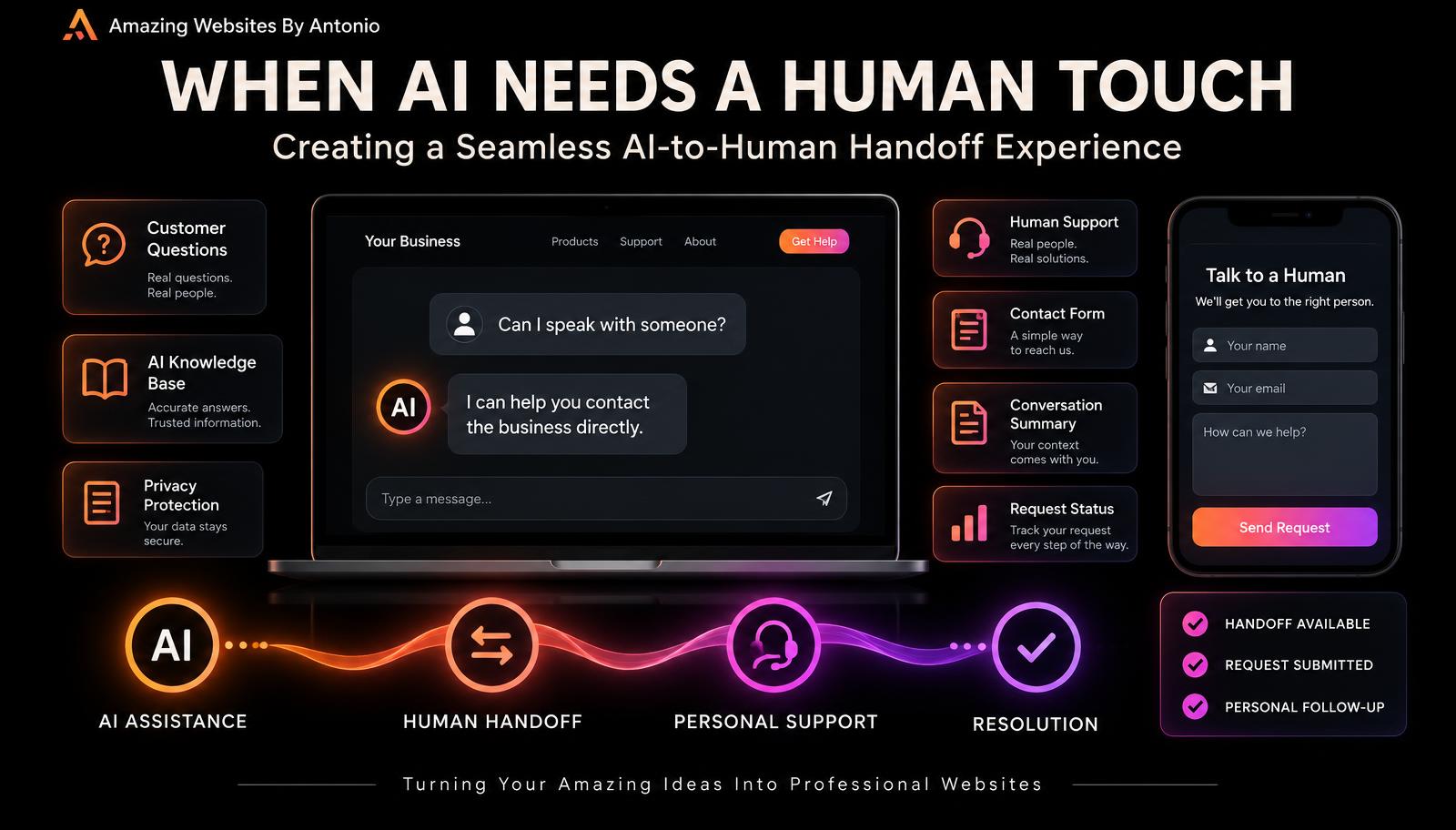
27. Provide a Clear Contact Option
Customers shouldn't have to argue with a chatbot to reach a person.
28. Explain What Happens Next
If a customer submits an inquiry, explain the next step using your actual business process.
29. Avoid Promising Immediate Human Support Unless Available
Don't say:
"A representative will respond in five minutes."
Unless that response time is genuinely supported.
30. Preserve Context Responsibly
When supported and appropriately authorized, a handoff can include a relevant conversation summary so customers don't need to repeat everything.
Handle personal information carefully.
PART 6: DESIGN FOR ACCESSIBILITY AND MOBILE DEVICES
31. Make the Chat Interface Keyboard-Friendly
Customers should be able to access and operate important controls using a keyboard.
32. Use Readable Text
Choose appropriate font sizes, spacing, and contrast.
33. Label Interactive Elements
Buttons, input fields, and controls should have meaningful accessible names.
34. Manage Focus Appropriately
Opening and closing a chat should not leave keyboard users confused about where they are on the page.
35. Test on Smartphones and Tablets
Make sure the assistant doesn't cover important content or become difficult to operate on smaller screens.
PART 7: RESPECT PRIVACY AND CUSTOMER TRUST
36. Explain Relevant Data Practices
Visitors should be able to understand how chat information is handled.
37. Avoid Collecting Unnecessary Personal Information
Don't ask for sensitive details unless there's a legitimate, appropriate reason.
38. Protect Conversation Data
Review access controls, provider practices, storage, and retention.
39. Avoid Exposing Private Business Information
Public assistants should only access information they're authorized to use.
40. Give Customers Appropriate Control
Where supported and required, provide relevant privacy choices and ways to contact the business about their information.
PART 8: TEST REAL CUSTOMER SCENARIOS
41. Test Common Questions
Ask the assistant questions that actual customers frequently ask.
42. Test Unusual Questions
Try questions that aren't covered by the knowledge base.
The assistant should acknowledge uncertainty rather than fabricate information.
43. Test Confusing Wording
Customers don't always type perfectly.
Test misspellings, short questions, and alternate phrasing.
44. Test Frustrated Customer Scenarios
For example:
"That didn't answer my question."
"I need to speak with someone."
"I've already tried that."
The assistant should respond constructively and offer a useful next step.
45. Test Technical Failures
Consider what happens if:
The AI service is unavailable.
A connection fails.
A response takes too long.
The customer loses internet connectivity.
Provide an understandable fallback when possible.
PART 9: MEASURE WHETHER THE ASSISTANT IS HELPING
46. Measure Task Completion
Can visitors accomplish what they came to do?
That's more meaningful than counting chat messages alone.
47. Review Unanswered Questions
Repeated unanswered questions may reveal missing knowledge base content.
48. Collect Feedback About the Assistant
Consider a simple question:
"Was this answer helpful?"
Yes / No
Offer an optional explanation when useful.
49. Review Escalation Patterns
If customers repeatedly request human assistance for the same topic, investigate why.
50. Keep Improving the Experience
Review accuracy, usefulness, accessibility, privacy, performance, and customer feedback regularly.
An AI assistant should evolve as your business and customer needs change.
COPY-READY AI WEBSITE ASSISTANT CONVERSATION TEMPLATE
ASSISTANT NAME:
Website AI Assistant
WELCOME MESSAGE:
"Hi! I'm the AI website assistant. I can help you explore services, find answers to common questions, or learn how to get started. What can I help you with today?"
SUGGESTED QUESTIONS:
- What services do you offer?
- How does your process work?
- How can I get started?
- Where can I contact the business?
SERVICE QUESTION RESPONSE:
"I can help you explore the available services. Would you like information about website design, branding, or AI solutions?"
UNKNOWN ANSWER RESPONSE:
"I don't have confirmed information about that question. You can contact the business for assistance."
HUMAN SUPPORT RESPONSE:
"I can help you find the Contact page so you can send your question directly to the business."
FRUSTRATED CUSTOMER RESPONSE:
"I'm sorry that answer wasn't useful. I can try to clarify the information or help you contact the business directly."
CLOSING MESSAGE:
"Thanks for visiting! If you have another question, I'm here to help you find the information you need."
IMPORTANT IMPLEMENTATION NOTE:
These are sample messages. Customize the assistant's capabilities, available services, and contact methods to match your actual website.
YOUR 30-DAY AI ASSISTANT IMPLEMENTATION PLAN
WEEK 1 — PLAN THE EXPERIENCE
Identify common customer questions.
Define the assistant's purpose.
Set boundaries.
Decide when human support is needed.
WEEK 2 — PREPARE THE KNOWLEDGE BASE
Organize approved business information.
Create or update FAQs.
Document services and processes.
Review accuracy.
WEEK 3 — BUILD AND TEST
Configure the assistant.
Test common questions.
Test unclear requests.
Test missing information.
Test accessibility and mobile usability.
Test human handoffs.
WEEK 4 — REVIEW AND IMPROVE
Evaluate response accuracy.
Review customer feedback.
Identify unanswered questions.
Correct problems.
Decide whether the assistant is ready for broader use.
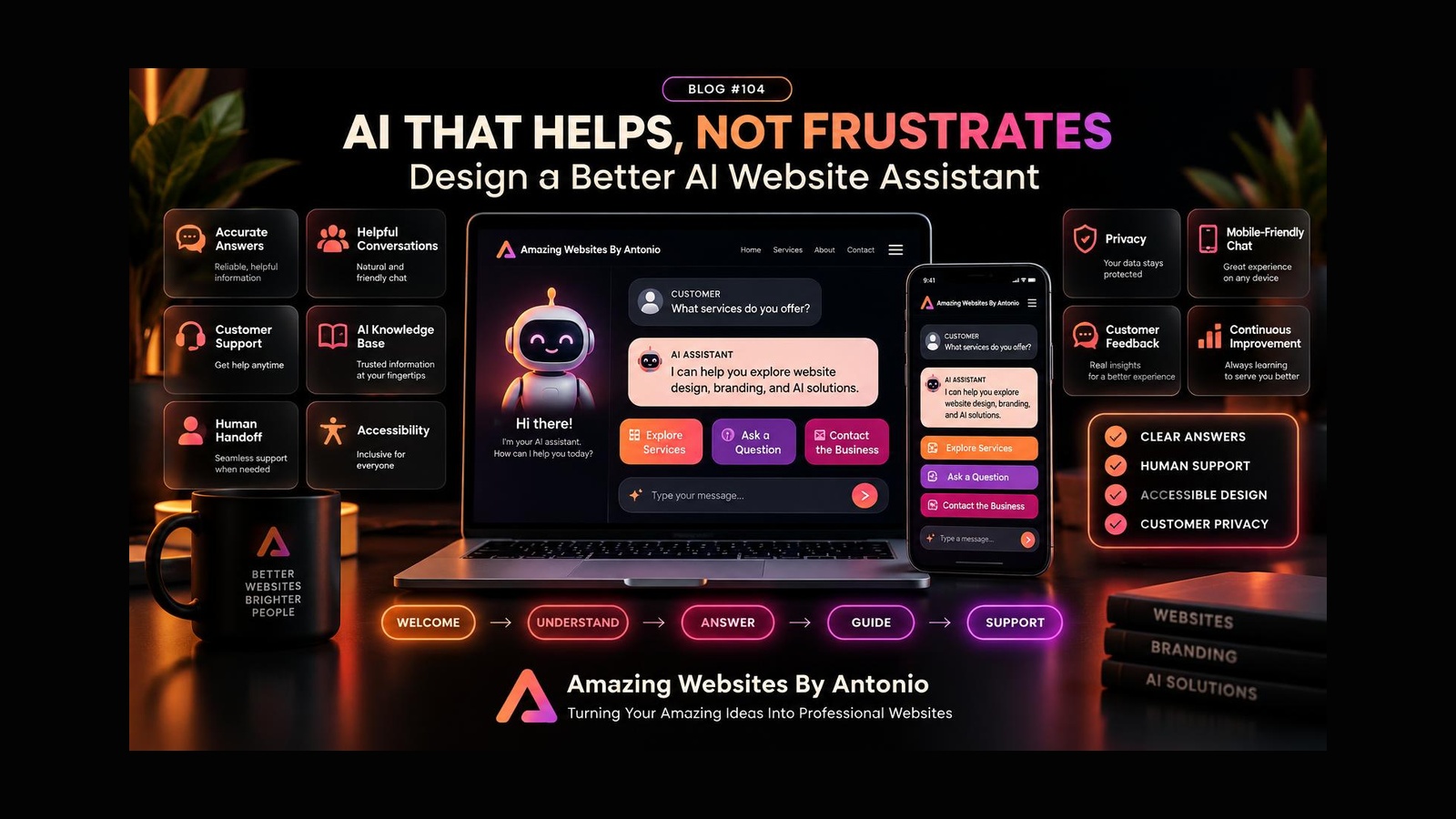
THE HELPFUL AI ASSISTANT FRAMEWORK
WELCOME
Make visitors feel comfortable.
↓
UNDERSTAND
Identify what the customer needs.
↓
ANSWER
Provide accurate, useful information.
↓
GUIDE
Offer a clear next step.
↓
ESCALATE
Provide human support when necessary.
↓
LEARN
Review feedback and improve.
AI WEBSITE ASSISTANT QUALITY CHECKLIST
- ☐ The assistant clearly identifies itself as AI.
- ☐ Its purpose is easy to understand.
- ☐ The greeting is short and helpful.
- ☐ Customers can ask questions naturally.
- ☐ Responses use approved business information.
- ☐ The assistant acknowledges uncertainty.
- ☐ It doesn't invent prices or promises.
- ☐ Human contact options are available.
- ☐ The interface works on mobile devices.
- ☐ Important controls are accessible.
- ☐ Customer privacy is considered.
- ☐ Technical failures have appropriate fallbacks.
- ☐ Common questions have been tested.
- ☐ Frustrated-customer scenarios have been tested.
- ☐ The system has an ongoing review process.
FINAL THOUGHTS
An AI website assistant should never make customers feel trapped.
It should help them move forward.
Find information.
Understand services.
Get answers.
Complete tasks.
And connect with the business when needed.
The best AI assistant isn't necessarily the one with the most features.
It's the one that solves real problems with clarity, accuracy, and respect.
HELPFUL AI ISN'T ABOUT TALKING MORE.
IT'S ABOUT HELPING BETTER.
Start with customer needs.
Use reliable information.
Create natural conversations.
Protect privacy.
Make the experience accessible.
Offer human support.
And keep improving.
LISTEN → UNDERSTAND → ANSWER → GUIDE → SUPPORT
Because technology should make your business more approachable, not less.
Amazing Websites By Antonio
Turning Your Amazing Ideas Into Professional Websites