How to Create an AI Website Business Continuity Plan That Keeps Customers Connected During Disruptions
A Practical Guide to Maintaining Customer Communication, Protecting Essential Operations, and Keeping Your Business Moving Forward During Website Disruptions
Imagine your business website suddenly becomes unavailable.
Customers are trying to learn about your services.
Potential clients want to contact you.
Your AI website assistant isn't responding.
Your Contact form is temporarily unavailable.
And important automated workflows have stopped.
What happens to your business while you're waiting for everything to be restored?
Do customers have another way to reach you?
Can you continue responding to inquiries?
Can you provide accurate information about your services?
And can you maintain essential operations without relying entirely on your website?
THAT'S WHY BUSINESS CONTINUITY PLANNING MATTERS.
A business continuity plan helps an organization continue its most important activities during unexpected disruptions.
For an AI-powered business website, that may mean maintaining customer communication, providing alternative contact options, protecting important information, and temporarily using manual processes.
Business continuity and website recovery are closely related, but they aren't exactly the same.
Website recovery focuses on restoring the technology.
Business continuity focuses on keeping essential business activities functioning while the technology is unavailable.
Both are important.
And the good news is that you don't need a large company or complicated technology system to begin.
Even a solo entrepreneur can create a practical continuity plan.
In Blog #117, we're exploring 50 strategies to help your business stay organized, accessible, and prepared when your website or AI services experience disruptions.
PART 1: UNDERSTAND BUSINESS CONTINUITY
1. Know What Business Continuity Means
Business continuity is the ability to maintain or resume essential business activities during a disruption.
2. Understand the Difference Between Continuity and Recovery
Recovery restores affected systems.
Continuity keeps important business functions operating through temporary alternatives.
3. Recognize Your Website Dependencies
Your business may rely on hosting, domains, email, AI services, payment providers, and connected automations.
4. Identify Essential Business Activities
Determine which services customers must be able to access even when your website is unavailable.
5. Create a Written Plan
A documented process helps reduce confusion during unexpected interruptions.
PART 2: IDENTIFY YOUR MOST IMPORTANT OPERATIONS
6. Prioritize Customer Communication
Customers should have an appropriate way to reach your business.
7. Protect Existing Customer Relationships
Consider how you'll communicate with customers who have active projects.
8. Maintain Access to Essential Business Information
Keep accurate service descriptions, policies, and approved communication materials available through appropriately secured methods.
9. Identify Time-Sensitive Activities
Determine which commitments require attention during an outage.
10. Define Minimum Acceptable Operations
Decide what your business must be able to do until full service is restored.
PART 3: PREPARE ALTERNATIVE CONTACT METHODS
11. Establish a Backup Communication Channel
Consider a business email address, telephone number, or another approved communication method that does not depend on the affected website feature.
12. Verify That Your Backup Channel Is Independent
An email address connected to the same failing provider may not be a reliable alternative.
13. Prepare Customer Contact Instructions
Write a short message explaining how customers can reach your business during a disruption.
14. Keep Contact Information Current
Review your backup contact details regularly.
15. Test Your Alternative Contact Method
Confirm that messages can be sent and received before an actual outage.
PART 4: MAINTAIN CUSTOMER INQUIRIES
16. Prepare a Manual Inquiry Process
If your website form is unavailable, use an approved alternative to receive basic customer requests.
17. Collect Only Necessary Information
Avoid asking customers to send sensitive information through insecure channels.
18. Create a Temporary Inquiry Log
Record essential details securely so requests can be followed up.
19. Prevent Duplicate Responses
Use a simple tracking method to identify inquiries already addressed.
20. Reconcile Inquiries After Recovery
Compare temporary records with restored systems, checking for duplicates or missing information.
PART 5: MANAGE AI SERVICE INTERRUPTIONS
21. Identify AI-Dependent Workflows
List the tasks that depend on your AI website assistant or connected AI services.
22. Prepare Human-Managed Alternatives
Determine how customers can receive essential assistance when the AI assistant is unavailable.
23. Keep Approved Answers Accessible
Maintain a secure reference containing current information about services, contact methods, and important policies.
24. Avoid Replacing One Unreliable System With Another
Verify that any temporary AI tool is appropriate, authorized, and safe for the information involved.
25. Resume AI Services Carefully
Test restored AI functionality before relying on it for customer support again.
PART 6: PROTECT ESSENTIAL BUSINESS INFORMATION
26. Identify Critical Records
Determine which records are necessary to continue business operations.
27. Maintain Appropriate Backups
Use supported, secure backup methods where available.
28. Protect Customer Privacy
Limit access to temporary records and avoid exposing customer information.
29. Review Account Recovery Options
Make sure you understand how to recover access to important business accounts.
30. Document External Service Dependencies
Know which providers support your website, email, payments, and AI workflows.
PART 7: PREPARE CUSTOMER COMMUNICATION
31. Communicate Clearly
Explain service disruptions in understandable language.
32. Share Verified Information
Avoid guessing about the cause or duration of an outage.
33. Provide Alternative Contact Options
Tell customers how to reach you while normal services are unavailable.
34. Set Realistic Expectations
Explain which services remain available and which are temporarily affected.
35. Update Customers When Appropriate
Provide meaningful updates when the situation changes, without creating unnecessary messages.
PART 8: CONTINUE IMPORTANT BUSINESS ACTIVITIES
36. Identify Tasks That Can Continue Manually
Some customer communications, planning activities, and administrative tasks may continue without the website.
37. Prioritize Existing Commitments
Review upcoming deadlines and active customer needs.
38. Use Secure Temporary Workflows
Choose temporary processes that protect information and minimize errors.
39. Document Work Completed During the Disruption
Keep an accurate record of actions taken while automated systems are unavailable.
40. Avoid Overpromising
Be realistic about what your business can deliver during a disruption.
PART 9: RETURN TO NORMAL OPERATIONS
41. Confirm Website Recovery
Verify that the affected website functions have been restored.
42. Test AI Assistant Functionality
Check representative customer questions and appropriate human handoffs.
43. Verify Contact Forms
Confirm that submissions are saved correctly and expected notifications work.
44. Reconcile Temporary Records
Transfer necessary information carefully and prevent duplicate processing.
45. Notify Customers When Appropriate
Let affected customers know when normal service has resumed and explain any remaining limitations.
PART 10: IMPROVE YOUR CONTINUITY PLAN
46. Review What Worked
Identify the temporary processes that helped maintain operations.
47. Identify Weaknesses
Look for missing contacts, unavailable records, or confusing procedures.
48. Update Your Backup Communication Methods
Improve alternatives that proved unreliable.
49. Practice Continuity Scenarios
Run safe tabletop exercises without intentionally disrupting your live website.
50. Keep Your Plan Current
Review the plan whenever important services, providers, or business processes change.
PREPARE → PROTECT → COMMUNICATE → CONTINUE → RESTORE → RECONCILE → IMPROVE
THE DIFFERENCE BETWEEN WEBSITE RECOVERY AND BUSINESS CONTINUITY
| Website Recovery | Business Continuity |
|---|---|
| Restores website access | Maintains essential business activities |
| Repairs broken integrations | Provides temporary alternatives |
| Tests AI assistant functionality | Supports customers without AI when necessary |
| Restores Contact forms | Uses backup inquiry methods |
| Verifies technical recovery | Confirms business operations can resume normally |
Both approaches work together to support a more resilient business.
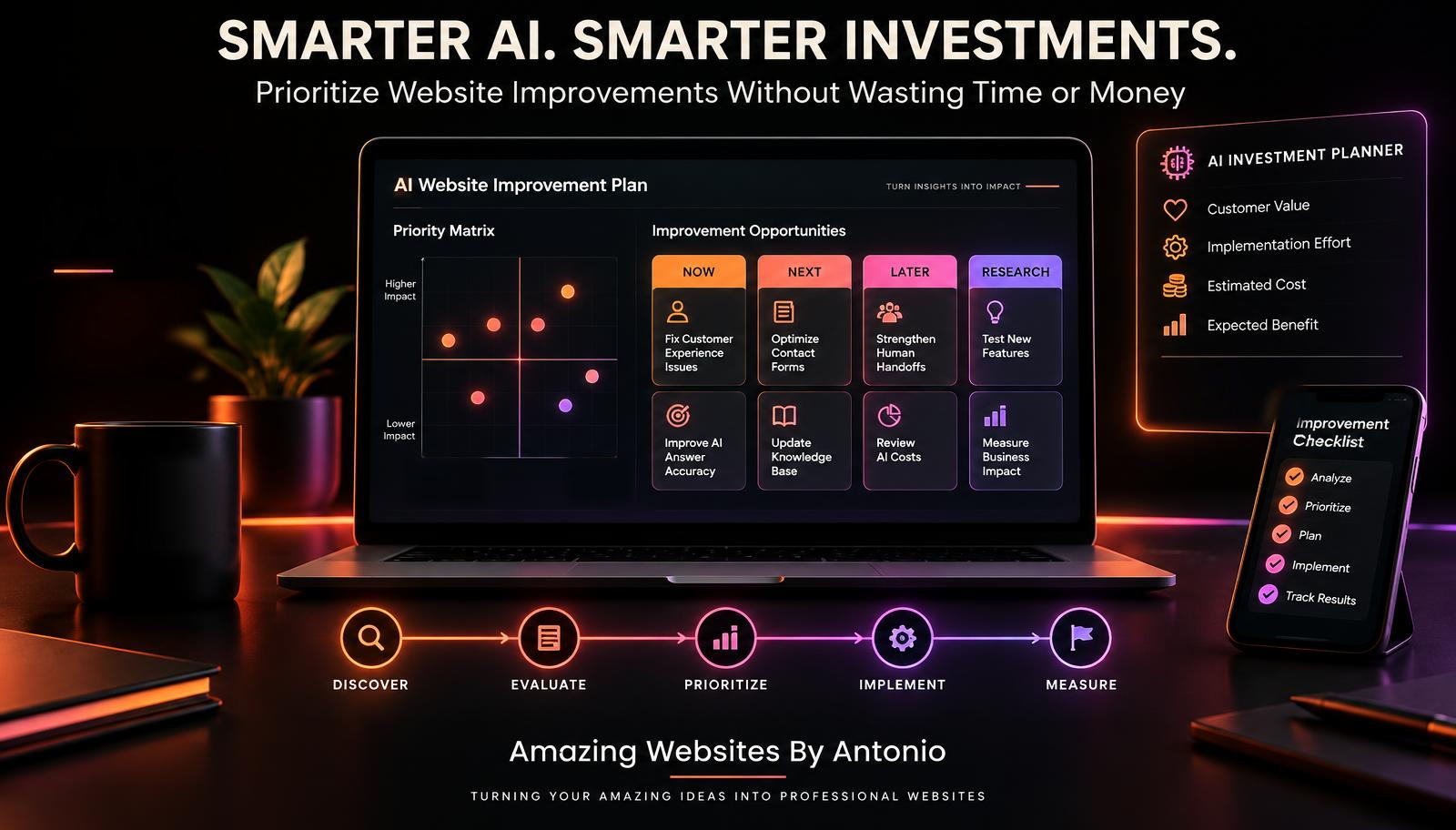
YOUR ESSENTIAL BUSINESS CONTINUITY PRIORITY GUIDE
The following is an illustrative guide. Actual priorities depend on your business activities and customer needs.
| Business Function | Temporary Alternative | Priority |
|---|---|---|
| Customer communication | Independent business email or phone | High |
| New customer inquiries | Secure manual inquiry log | High |
| Existing customer projects | Approved direct communication | High |
| AI assistant questions | Human-managed answers from approved information | Medium |
| Website analytics | Resume when systems recover | Lower |
| Nonessential visual updates | Postpone until recovery | Lower |
Security and privacy risks should receive urgent attention regardless of the affected function's ordinary priority.
COMPLETE AI WEBSITE BUSINESS CONTINUITY CHECKLIST
SECTION 1 — BUSINESS PREPARATION
- ☐ Essential business activities are identified.
- ☐ Critical website dependencies are documented.
- ☐ Important service providers are listed.
- ☐ Minimum acceptable operations are defined.
- ☐ Time-sensitive customer commitments are identified.
SECTION 2 — CUSTOMER COMMUNICATION
- ☐ A backup contact method is available.
- ☐ The backup method has been tested.
- ☐ Customer contact instructions are prepared.
- ☐ An outage communication template is ready.
- ☐ Alternative communication channels are appropriately secured.
SECTION 3 — CUSTOMER INQUIRIES
- ☐ A temporary inquiry process is documented.
- ☐ An inquiry tracking method is prepared.
- ☐ Private customer information is protected.
- ☐ Duplicate inquiry handling is considered.
- ☐ A post-recovery reconciliation process exists.
SECTION 4 — AI ASSISTANT CONTINUITY
- ☐ AI-dependent tasks are identified.
- ☐ A human-managed alternative is available where needed.
- ☐ Approved business information is accessible.
- ☐ AI service limitations are understood.
- ☐ Restored AI features will be tested before normal use.
SECTION 5 — BUSINESS RECORDS
- ☐ Critical records are identified.
- ☐ Available backup options are reviewed.
- ☐ Access permissions are appropriate.
- ☐ Important account recovery procedures are documented.
- ☐ Sensitive information is handled securely.
SECTION 6 — BUSINESS OPERATIONS
- ☐ Essential tasks can continue through approved alternatives.
- ☐ Active customer commitments are reviewed.
- ☐ Temporary work is documented.
- ☐ Customers receive realistic expectations.
- ☐ Manual processes can be reconciled after recovery.
SECTION 7 — RETURN TO NORMAL
- ☐ Website access is restored.
- ☐ Important customer workflows pass testing.
- ☐ Contact forms are verified.
- ☐ AI assistant responses are reviewed.
- ☐ Temporary records are reconciled.
- ☐ Duplicate actions are prevented.
- ☐ Appropriate customer updates are completed.
SECTION 8 — CONTINUOUS IMPROVEMENT
- ☐ The disruption has been documented.
- ☐ Lessons learned are recorded.
- ☐ Weaknesses have been identified.
- ☐ Backup methods are updated.
- ☐ The continuity plan is scheduled for review.
COPY-READY BUSINESS CONTINUITY PLAN TEMPLATE
BUSINESS NAME:
[Enter Business Name]
PLAN OWNER:
[Enter Name]
LAST REVIEWED:
[Enter Date]
NEXT REVIEW DATE:
[Enter Date]
1. ESSENTIAL BUSINESS SERVICES
[List Essential Activities]
2. CRITICAL TECHNOLOGY DEPENDENCIES
[List Website, Hosting, Email, AI, Payment, and Other Relevant Providers]
3. DISRUPTION SCENARIOS
[List Potential Interruptions]
4. BACKUP CUSTOMER CONTACT METHODS
Primary Contact Method:
[Enter Details]
Alternative Contact Method:
[Enter Details]
Independent Backup Channel:
[Enter Details]
5. CUSTOMER INQUIRY CONTINUITY
Temporary Inquiry Method:
[Describe Method]
Secure Record Location:
[Describe Location Without Including Passwords]
Responsible Person:
[Enter Name]
6. AI ASSISTANT CONTINUITY
Affected AI Workflows:
[List Workflows]
Temporary Human Support Method:
[Describe Method]
Approved Information Source:
[Enter Reference]
7. CUSTOMER COMMUNICATION
Customer Update Channel:
[Enter Channel]
Prepared Message Location:
[Enter Location]
Update Responsibility:
[Enter Name]
8. ESSENTIAL BUSINESS OPERATIONS
Tasks That Can Continue:
[List Tasks]
Tasks That Must Be Paused:
[List Tasks]
Time-Sensitive Commitments:
[List Commitments]
9. RECOVERY COORDINATION
Website Recovery Procedure:
[Enter Reference]
Service Provider Contacts:
[Enter Details]
Recovery Verification Checklist:
[Enter Reference]
10. RETURN-TO-NORMAL PROCEDURE
Required Tests:
[List Tests]
Temporary Records Reconciled:
Yes / No / Not Applicable
Customer Follow-Ups Completed:
Yes / No / Not Applicable
Final Status:
Normal Operations / Limited Operations / Disruption Ongoing
11. LESSONS LEARNED
What Worked:
[Enter Findings]
What Needs Improvement:
[Enter Findings]
Next Actions:
[List Actions]
COPY-READY CUSTOMER WEBSITE DISRUPTION MESSAGE
Subject: Temporary Website Service Interruption
Hello,
I'm currently experiencing a temporary technical interruption affecting some features of my business website.
I'm working to address the issue and restore normal functionality.
During this time, you can still contact me through:
Alternative Contact Method: [Insert Verified Contact Information]
If you've recently submitted an inquiry and haven't received a response, please contact me using the alternative method above. Avoid sending sensitive personal or payment information through an unverified channel.
I appreciate your patience and understanding.
I'll provide additional information when there is a meaningful update.
Thank you for supporting my business.
Amazing Websites By Antonio
Turning Your Amazing Ideas Into Professional Websites
EXAMPLE BUSINESS CONTINUITY SCENARIO
The following scenario is fictional and does not describe an actual Amazing Websites By Antonio outage.
Situation: Website Contact Form and AI Assistant Become Unavailable
A website owner discovers that customers cannot submit Contact forms or use the AI assistant.
The website itself remains accessible.
Step 1 — Identify the Disruption
The owner confirms that the Contact form and AI assistant are unavailable.
Step 2 — Assess Customer Impact
Customers may be unable to submit new inquiries or receive automated answers.
Step 3 — Activate Alternative Communication
The owner uses a verified independent contact method to receive customer requests.
Step 4 — Provide Approved Information
Common customer questions are answered manually using current business information.
Step 5 — Track Customer Requests
New inquiries are recorded securely.
Step 6 — Coordinate Technical Recovery
The owner investigates the affected integrations and follows appropriate provider guidance.
Step 7 — Verify Restored Functionality
The owner tests the Contact form, private inquiry storage, notifications, and AI assistant.
Step 8 — Reconcile Temporary Records
The owner checks that inquiries received during the disruption are appropriately followed up without duplication.
Step 9 — Return to Normal Operations
Once essential systems pass verification, the owner resumes the normal workflow.
LESSON:
Even when technology is unavailable, a business can maintain important customer relationships through prepared, secure alternatives.
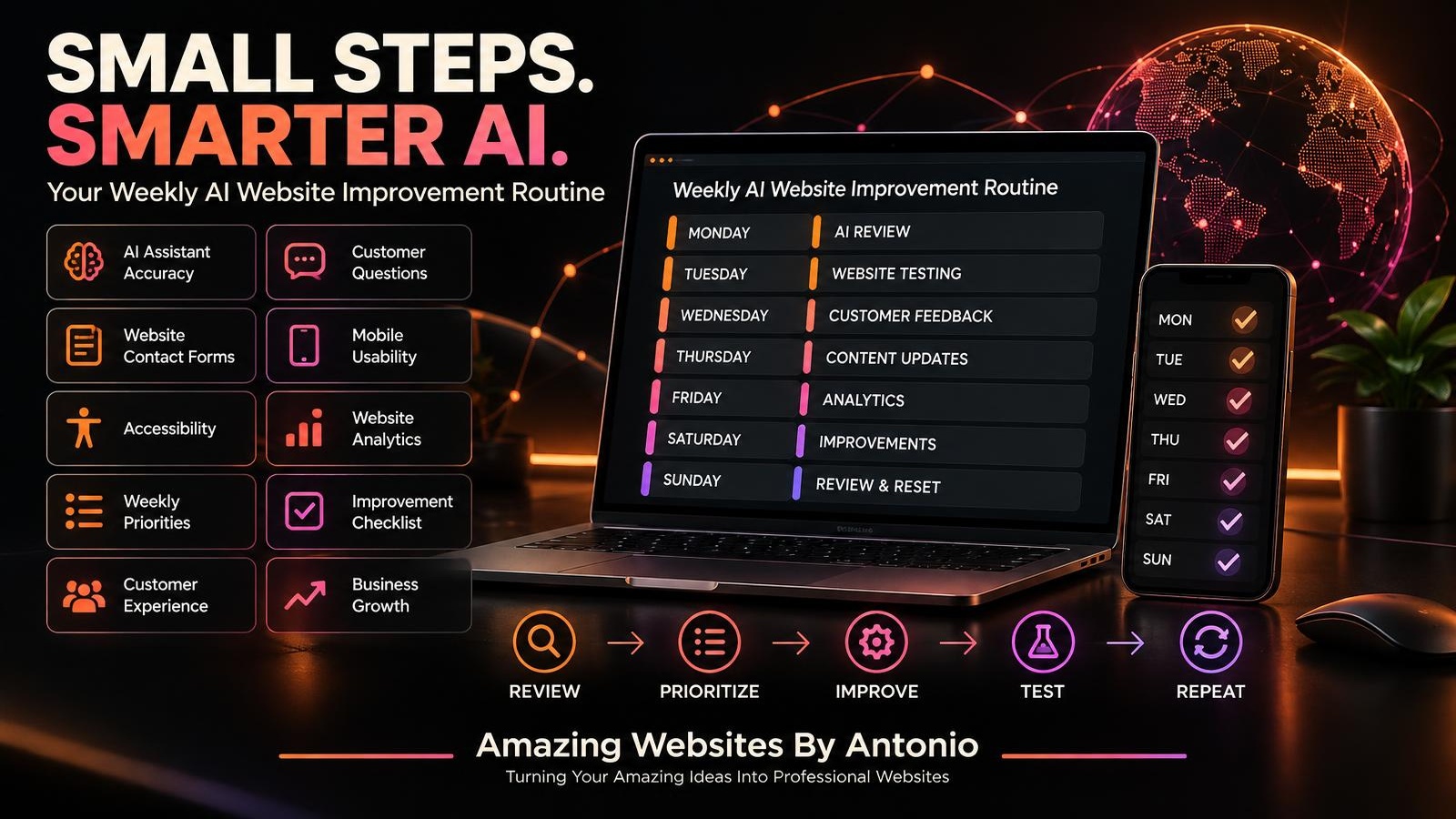
YOUR 30-DAY BUSINESS CONTINUITY IMPLEMENTATION PLAN
WEEK 1 — IDENTIFY ESSENTIAL OPERATIONS
- List critical business activities.
- Identify important customer needs.
- Document website dependencies.
- Review existing contact methods.
- Define minimum acceptable operations.
GOAL: Understand what must continue during a disruption.
WEEK 2 — PREPARE BACKUP METHODS
- Establish an independent communication option.
- Prepare a secure temporary inquiry log.
- Create customer communication templates.
- Identify approved information sources.
- Review important account recovery options.
GOAL: Build practical alternatives to unavailable technology.
WEEK 3 — PRACTICE A DISRUPTION SCENARIO
- Choose a fictional website outage.
- Walk through your continuity plan.
- Test backup communication where appropriate.
- Review manual inquiry procedures.
- Identify missing information.
GOAL: Practice without interrupting live business services.
WEEK 4 — REFINE AND MAINTAIN
- Review the continuity plan.
- Update important contact information.
- Improve temporary workflows.
- Document lessons learned.
- Schedule future reviews.
GOAL: Create a sustainable business continuity routine.
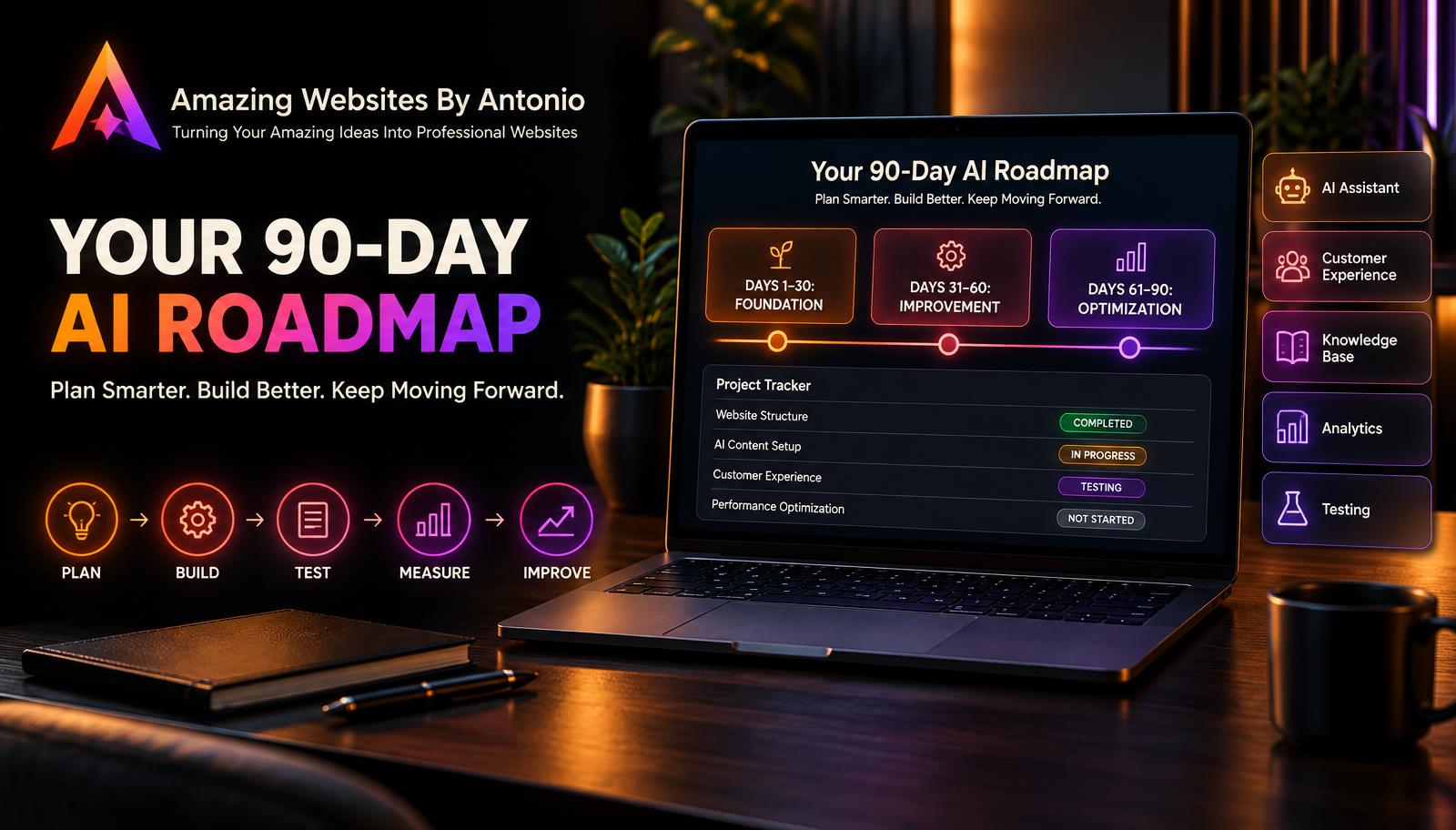
THE AI WEBSITE BUSINESS CONTINUITY FRAMEWORK
PREPARE
Identify essential operations and dependencies.
↓
PROTECT
Safeguard customer information and business records.
↓
COMMUNICATE
Provide reliable alternative contact options.
↓
CONTINUE
Maintain important activities through approved temporary processes.
↓
RESTORE
Coordinate technical recovery.
↓
VERIFY
Test essential website and AI functionality.
↓
RECONCILE
Organize temporary records and prevent duplicate work.
↓
IMPROVE
Use lessons learned to strengthen the plan.
FINAL THOUGHTS
Technology is an incredible part of running a modern business.
Websites help customers discover your services.
AI assistants answer questions.
Contact forms collect inquiries.
And automations make everyday work more efficient.
But technology isn't always available.
Websites can experience outages.
Integrations can fail.
AI services can become temporarily unavailable.
And unexpected interruptions can affect business operations.
That's why business continuity matters.
A continuity plan helps you prepare alternatives.
Protect important information.
Communicate with customers.
Maintain essential services.
And return to normal operations in an organized way.
YOUR WEBSITE MAY EXPERIENCE A DISRUPTION.
YOUR COMMITMENT TO SERVING CUSTOMERS DOESN'T HAVE TO DISAPPEAR WITH IT.
You don't need a complicated plan to begin.
Start with your most important business activities.
Choose reliable backup communication methods.
Prepare a secure way to manage inquiries.
Document your essential procedures.
Practice a realistic scenario.
And keep improving.
Because a resilient business isn't one that depends on everything working perfectly.
IT'S ONE THAT KNOWS HOW TO KEEP MOVING FORWARD WHEN THINGS DON'T.
PREPARE FOR DISRUPTIONS.
PROTECT YOUR CUSTOMERS.
KEEP COMMUNICATION OPEN.
BUILD A MORE RESILIENT BUSINESS.
Amazing Websites By Antonio
Turning Your Amazing Ideas Into Professional Websites