You launched your website.
You tested it.
You created a growth plan.
You started publishing content.
Everything is working.
So now you can forget about it...
Right?
Not exactly.
A website isn't something you build once and never check again.
- Businesses change.
- Technology changes.
- Links change.
- Content becomes outdated.
- New security concerns can appear.
- New customer questions emerge.
- New opportunities become available.
That's why website maintenance matters.
The good news? Website maintenance doesn't always require rebuilding your entire website.
A simple monthly routine can help you catch problems, keep information accurate, and identify opportunities for improvement.
Here are some areas to include in your monthly website maintenance routine.
1. Start With a Complete Website Walkthrough
Once a month, visit your website like a customer.
Don't immediately open the admin dashboard. Start with the public website. Visit:
- Homepage
- About
- Services
- Portfolio
- Testimonials
- Blog
- FAQ
- Contact
- Shop
- Booking
- Resources
- Other important pages
Ask:
- Does everything still look right?
- Is anything obviously broken?
- Is the information still current?
- Does the website still represent the business accurately?
2. Check Your Homepage
Your homepage is often one of your most important pages. Review:
- Main headline
- Supporting message
- Featured services
- Calls to action
- Images
- Testimonials
- Important announcements
- Links
Make sure the homepage still reflects your current priorities.
3. Review Business Information
Check important information such as:
- Business name
- Phone number
- Email address
- Business hours
- Location when applicable
- Services
- Team information
- Pricing when displayed
- Social media profiles
Small outdated details can create unnecessary confusion.
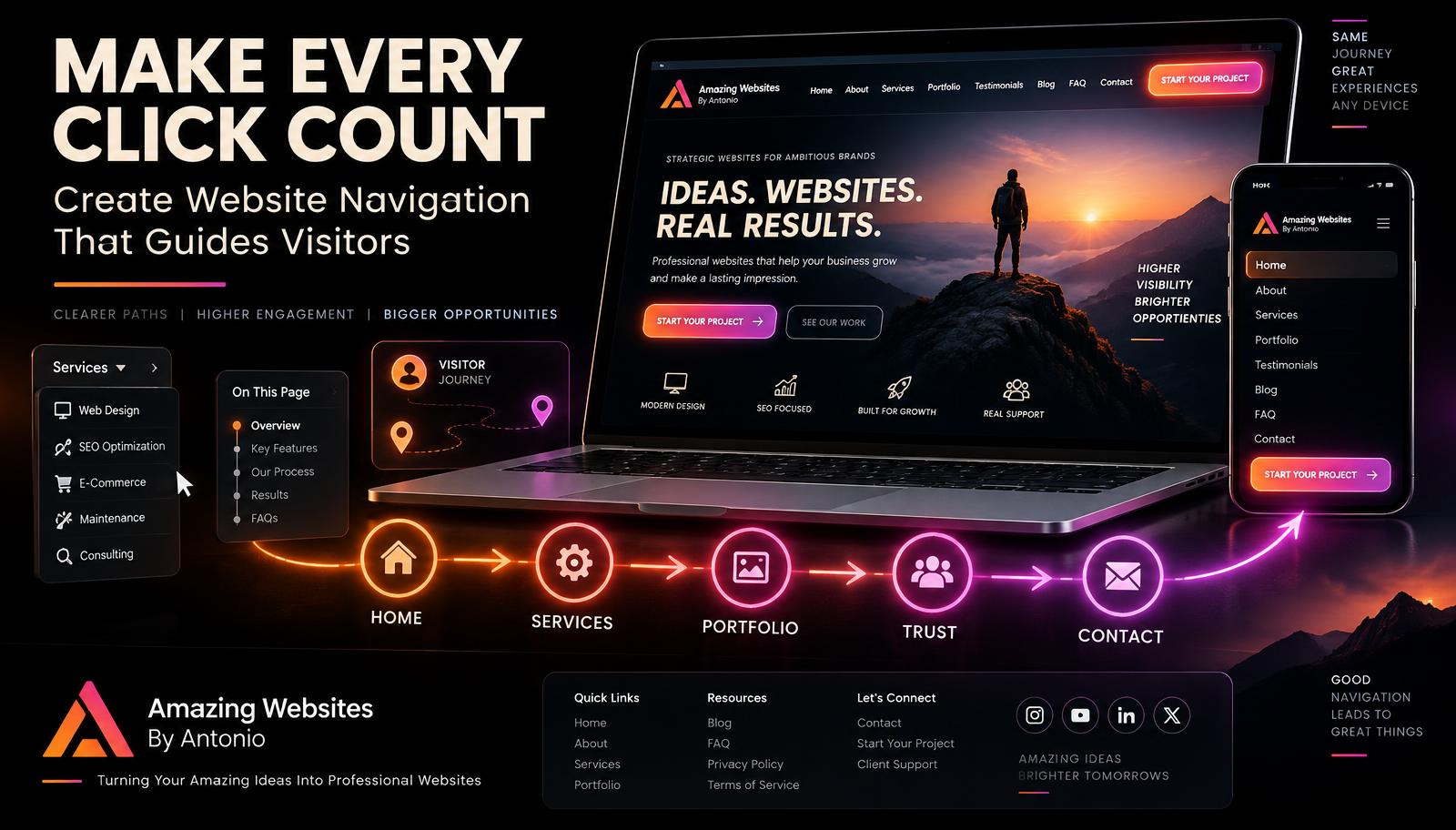
4. Test the Main Navigation
Click every main navigation item. Make sure:
- Links work
- Dropdowns work
- Pages open correctly
- Mobile navigation works
- Important pages remain easy to find
Your navigation should continue helping visitors move through the website.
5. Check for Broken Links
Websites change over time. External resources disappear. Page URLs change. Blog posts move. Old services get removed.
Check important internal and external links. Fix or replace broken destinations.
6. Test Your Contact Form
This deserves regular attention. Submit the form yourself and confirm:
- Required fields work
- Submission succeeds
- Confirmation appears
- Notification arrives
- Information goes to the correct destination
A beautiful contact form isn't useful if customer inquiries never reach you.
7. Test Other Important Forms
Depending on your website, test:
- Project intake forms
- Newsletter forms
- Quote requests
- Booking requests
- Testimonial forms
- Registration forms
- Feedback forms
Focus especially on forms that support important business actions.
8. Review Your Calls to Action
Look at buttons throughout the website. Are they still relevant? Are they easy to understand? Do they lead to the correct destination?
Examples might include:
- START YOUR PROJECT
- VIEW OUR WORK
- EXPLORE SERVICES
- CONTACT US
- BOOK NOW
- SHOP NOW
Calls to action should support what you want visitors to do today—not what you wanted them to do six months ago.
9. Check the Website on Mobile
Open your website on a real smartphone. Review:
- Menu
- Headlines
- Images
- Buttons
- Forms
- Popups
- Videos
- Footer
- Scrolling
Make sure nothing has become difficult to use after recent updates.
10. Check Other Screen Sizes When Practical
Review the website on desktop, laptop, tablet, and mobile when possible. New content can sometimes create responsive-layout issues.
11. Review Website Performance
Pay attention to how quickly important pages load. Look for:
- Oversized images
- Heavy videos
- Excessive animations
- Slow integrations
- Unnecessary scripts
- Features that no longer provide value
Performance should remain part of ongoing maintenance.
12. Optimize New Images
Have you uploaded new images this month? Make sure they're appropriately sized and optimized.
Avoid uploading unnecessarily huge files when a smaller optimized version provides the visual quality you need.
13. Review Your Blog
Check recently published posts. Look for:
- Formatting issues
- Broken links
- Missing featured images
- Incorrect categories
- Missing metadata
- Outdated information
Your blog is part of your website and deserves maintenance too.
14. Update Older Content When Needed
You don't need to rewrite every old article each month. Instead, identify content that may have become outdated. For example:
- Old pricing
- Old statistics
- Changed services
- Old links
- Outdated screenshots
- Changed processes
- Time-sensitive information
Update important content when necessary.
15. Review Your Portfolio
Ask:
- Have we completed something new?
- Is our strongest work represented?
- Are older examples still relevant?
- Could one project become a case study?
Your portfolio should evolve as your work evolves.
16. Review Testimonials
Have you received new customer feedback? If you have appropriate permission, consider adding new testimonials.
Also review existing testimonials to make sure they display correctly.
Never create fake testimonials to make a page look fuller.
17. Review Your FAQ
Customer questions change. Ask: What did people ask us this month?
If the same question appears repeatedly, consider adding or improving an FAQ answer. Your FAQ can grow alongside your customer experience.
18. Review Your Services
Businesses evolve. You may:
- Add a service
- Remove a service
- Rename a service
- Change a process
- Change what's included
Make sure your website accurately reflects what you currently offer.
19. Review Pricing When Displayed
If your website displays prices, verify that they're still accurate.
Outdated pricing can create confusion and damage trust.
20. Check Your Contact Page
Confirm:
- Phone number
- Form
- Business hours
- Location information
- Social links
- Calls to action
The Contact page should make reaching the business easy.
21. Review Your Footer
Because the footer may appear across the entire website, check it carefully. Review:
- Logo
- Business name
- Contact information
- Navigation
- Social links
- Legal links
- Copyright information
- Calls to action
One footer mistake can appear everywhere.
22. Check Social Media Links
Click each social icon. Make sure visitors reach the correct profile.
Remove links to accounts that are no longer being used when appropriate.
23. Review SEO Basics
Monthly maintenance can include checking important SEO elements such as:
- Page titles
- Meta descriptions
- Heading structure
- Internal links
- Page topics
- Image alternative text
- URLs
- Search visibility
You don't need to completely rewrite your SEO every month. Look for meaningful opportunities and problems.
24. Review Search Performance
If you're using a search-performance platform, review trends such as:
- Search queries
- Impressions
- Clicks
- Popular pages
Look for patterns over time rather than reacting to every daily change.
25. Review Analytics
Ask useful questions:
- Which pages attracted visitors?
- Which content was popular?
- Where did traffic come from?
- Did visitors complete important actions?
- Did any page behave differently than expected?
Analytics should help you ask better questions.
26. Don't Chase Vanity Numbers
More traffic isn't automatically better if it doesn't support your goals.
A smaller number of relevant visitors may be more useful than a large amount of unrelated traffic.
Connect measurement to business objectives.
27. Review Lead Activity
How many website inquiries did you receive? Where did they come from? Which services were people interested in? Were there repeated questions?
This can reveal opportunities to improve your website messaging.
28. Review Your Customer Journey
Walk through the website as a potential customer. Ask:
- Can I understand the business?
- Can I find the right service?
- Can I see examples of the work?
- Can I find proof?
- Can I get questions answered?
- Can I contact the business easily?
If the journey becomes confusing, simplify it.
29. Review Accessibility
Accessibility requires ongoing attention because websites change. Check new images, forms, videos, blog posts, buttons, and pages.
Review considerations such as:
- Alternative text
- Color contrast
- Keyboard access
- Form labels
- Heading structure
- Captions where appropriate
- Focus visibility
- Link clarity
Automated accessibility tools can help identify some issues, but manual review remains important.
30. Review Security
Security is an ongoing responsibility. Depending on your website platform, review:
- Software or platform updates
- Plugins and integrations
- User accounts
- Login security
- Multi-factor authentication where available
- Security alerts
- Unnecessary access
Use the security tools and practices appropriate for your platform.
31. Remove Access That Isn't Needed
People may receive website access during a project. If they no longer need it, consider removing or reducing that access.
Only give people the level of access they actually need.
32. Check Backups or Recovery Options
Confirm that your intended backup or recovery system is functioning. Depending on the platform, this may involve:
- Automatic backups
- Version history
- Restore points
- Manual backups
- Platform recovery tools
Know how recovery works before you need it.
33. Review Third-Party Integrations
Websites often connect with outside services. Examples include:
- Email marketing
- Payment processing
- Booking systems
- Analytics
- CRM
- Automation tools
- Social media
- Chat tools
Check important integrations periodically.
34. Test E-Commerce When Applicable
If your website sells products, review:
- Product availability
- Prices
- Variants
- Product images
- Cart
- Checkout
- Payment configuration
- Shipping
- Confirmation messages
Use appropriate safe testing methods for your platform.
35. Review Booking Systems When Applicable
Make sure:
- Availability is correct
- Hours are current
- Time zones behave correctly
- Confirmation works
- Calendar integration works
- Reminder settings remain appropriate
An outdated booking calendar can create real-world scheduling problems.
36. Review Privacy and Legal Information
Business practices and website features can change.
If you begin collecting different information or using new services, review whether your privacy disclosures or other policies need attention.
Applicable requirements vary by business and jurisdiction, so obtain appropriate professional guidance when needed.
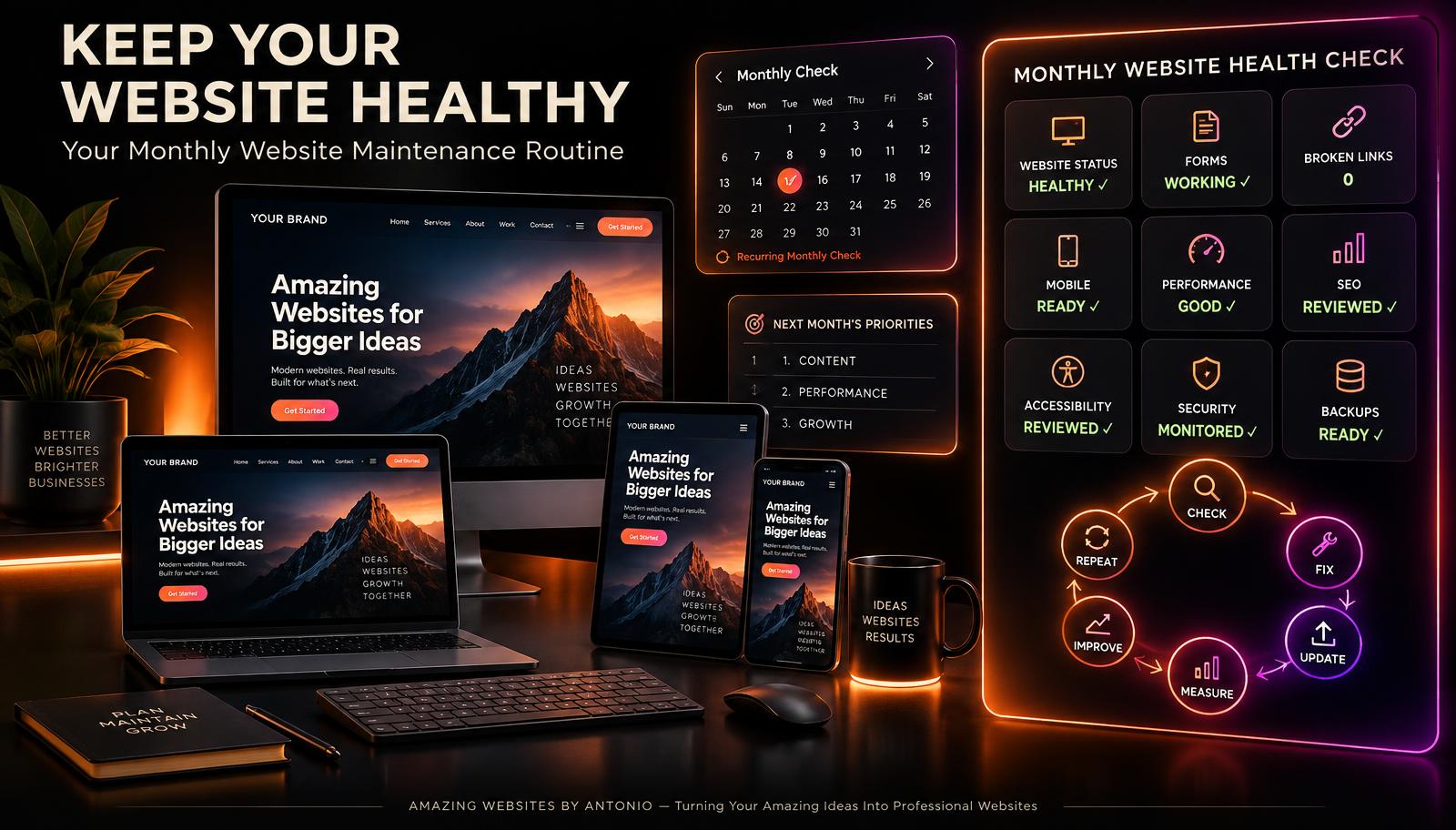
37. Create a Monthly Website Report
Your report doesn't need to be complicated. For example:
- Monthly Website Health Report
- Website status: Healthy / Needs Attention
- Forms: Working / Issue Found
- Broken links: 0
- New blogs: 4
- New testimonials: 2
- New portfolio projects: 1
- Top page: __________
- Top blog: __________
- Website inquiries: __________
- Issues fixed: __________
- Next month's priorities: __________
A simple record makes progress easier to see over time.
38. Keep an Improvement List
You will probably notice ideas that don't need immediate action. Create a list of website improvement ideas, such as:
- New case study
- New FAQ question
- Improve service page
- Add video testimonial
- Create new resource
- Improve automation
- Update portfolio
- New blog topic
Then prioritize them.
39. Choose Three Priorities for Next Month
Don't try to improve 50 things simultaneously. Choose three meaningful priorities. For example:
- Publish four helpful blogs.
- Add two new portfolio projects.
- Improve the Services page.
Focused progress can be more manageable than constant random changes.
40. Schedule Your Next Maintenance Check
Don't leave the next review to chance. Put it on your calendar.
Make website maintenance part of operating the business.
Monthly Website Maintenance Checklist
- Walk through website
- Review homepage
- Verify business information
- Test navigation
- Check broken links
- Test contact form
- Test important forms
- Review calls to action
- Check mobile experience
- Review performance
- Optimize new images
- Review blogs
- Update outdated content
- Review portfolio
- Review testimonials
- Update FAQ
- Review services
- Verify pricing
- Check contact page
- Check footer
- Check social links
- Review SEO
- Review search performance
- Review analytics
- Review leads
- Review customer journey
- Review accessibility
- Review security
- Review user access
- Check backups/recovery
- Review integrations
- Test store when applicable
- Test booking when applicable
- Review relevant policies
- Create monthly report
- Update improvement list
- Choose next month's priorities
- Schedule next maintenance review
Final Thoughts
Your website doesn't need constant redesigning. It needs consistent care.
A monthly maintenance routine can help you:
- Catch problems.
- Keep information accurate.
- Protect the customer experience.
- Learn from website activity.
- Keep content fresh.
- Identify opportunities.
- And make steady improvements.
Think of website maintenance as a cycle: CHECK → FIX → UPDATE → MEASURE → IMPROVE → REPEAT.
A healthy website isn't one that never changes. It's one that continues receiving the attention it needs as the business grows.
Don't simply launch your website. Take care of it. Learn from it. Improve it. And let it keep working for your business month after month.
Amazing Websites By Antonio
Turning Your Amazing Ideas Into Professional Websites