Amazing Websites By Antonio LogoAmazing Websites By Antonio
Home💌 Letter From Founder✨ Success Center📚 Smart Resource Center🚀 Business Growth Suite🤝 Community🌐 Ecosystem🔬 Innovation Lab🌍 Global Network🌟 V3.1🎯 Command Center🎓 Academy✨ Complete Vision🔭 Master Vision 2040📜 Charter✍️ Signature Line🛍️ Marketplace🎙️ Media Center🌈 Brand Experience🏆 Hall of Success🏛️ Legacy Center📖 Constitution📊 Impact Report🧭 Journey Center🏅 Excellence BlueprintDashboardSearchOur Mission🌟 Our VisionStart Here🎓 Learning JourneysWhere Should I Start?Resource FinderWebsite Health CheckVersion 2.0 Roadmap🗺️ 2030 RoadmapServices🎨 Brand Identity📢 ManifestoPortfolioSuccess StoriesTestimonialsCredentialsBlog🎨 Comic StudioFree ResourcesResource CenterAI Learning HubPrompt LibraryNewsletterContact
All articles
🎯 Website Strategy & Lead Generation

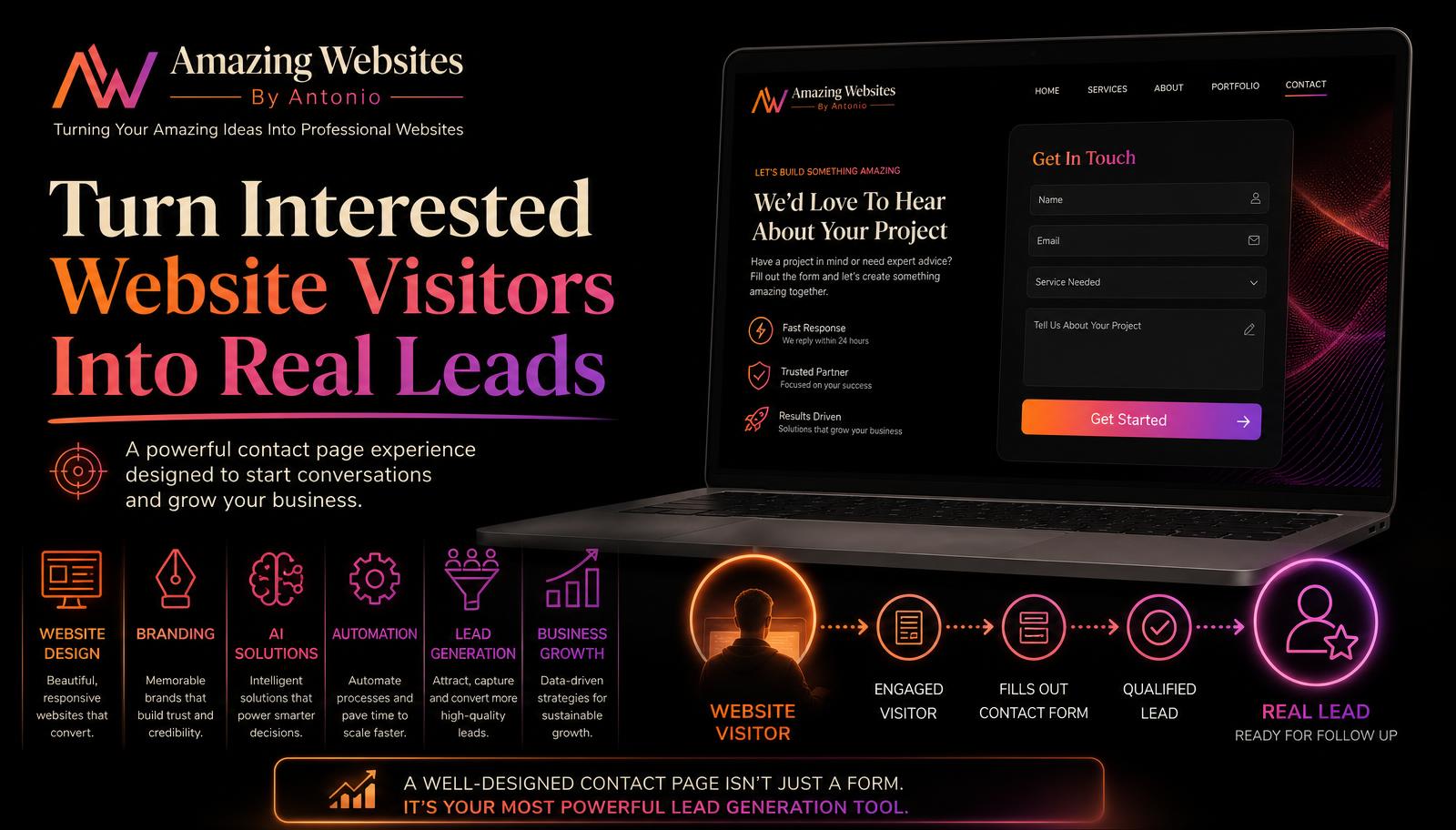
How to Create a Website Contact Page That Turns Interested Visitors Into Real Leads

A strong contact page is the bridge between interest and action. Learn how to design a contact page that builds trust, removes friction, and turns website visitors into real leads.

Antonio Humann Sep 6, 2026 7 min read Share on LinkedInShare on YouTube
How to Create a Website Contact Page That Turns Interested Visitors Into Real Leads

A visitor has explored your website.

They've learned about your business.

They've looked at your services.

They've read your FAQ.

They may even have compared your packages and pricing.

Now they're interested.

There's just one thing left to do: contact you.

This is where your contact page becomes extremely important.

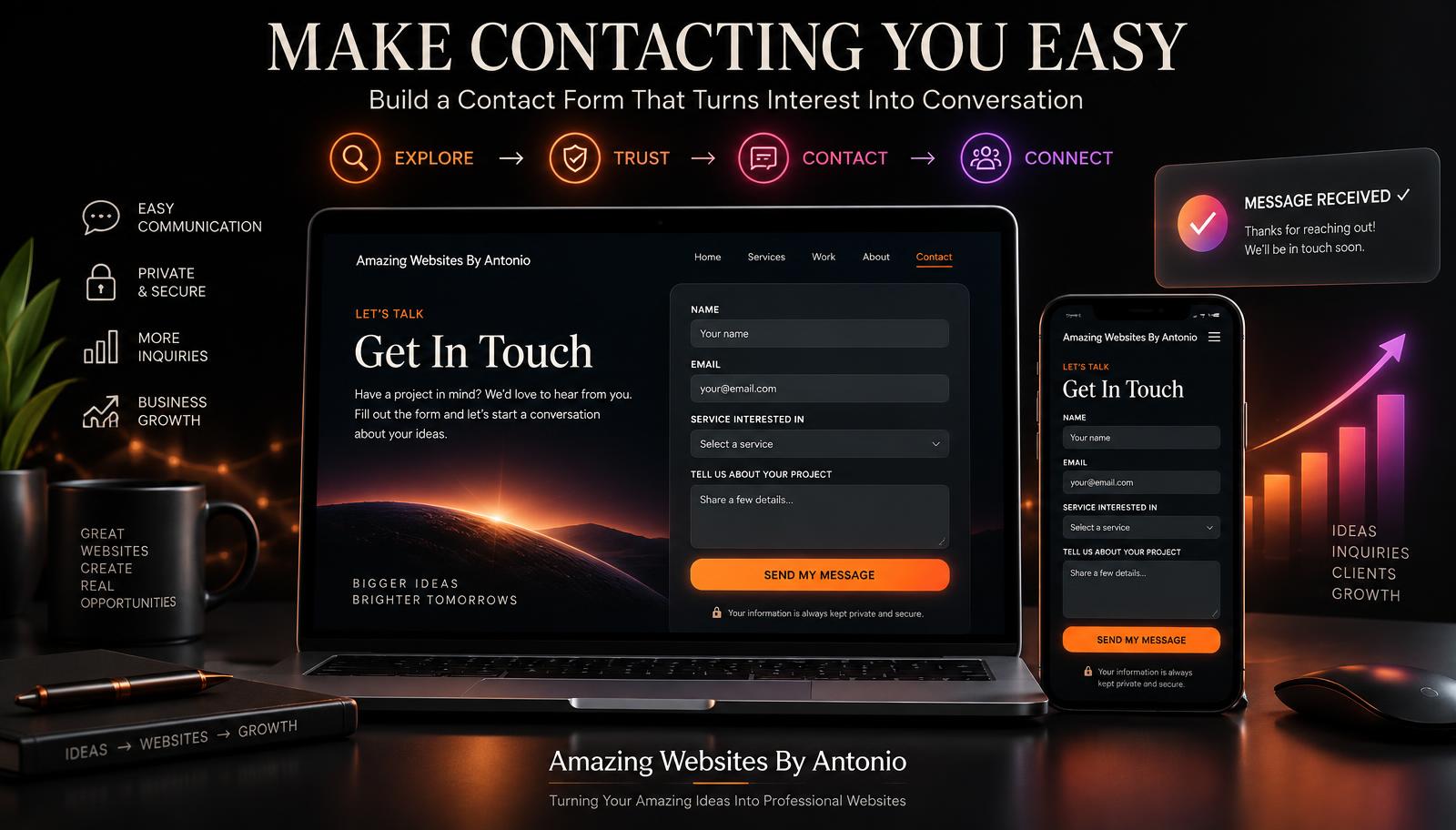
A contact page shouldn't simply display an email address and a form. It should make reaching your business feel easy, professional, welcoming, and trustworthy.

Here are some ways to create a contact page that turns interested website visitors into real leads.

1. Make Your Contact Page Easy to Find

Don't hide your Contact page. A visitor who's ready to reach out shouldn't have to search for it.

Consider including a clear Contact or Get Started button in your main navigation.

You can also place contact calls to action throughout your website. For example:

Ready to start your project?

The easier it is to reach you, the fewer unnecessary barriers you put between an interested visitor and your business.

2. Use a Strong Contact Page Headline

"Contact Us" works, but your page can say more.

Try a headline that reinforces what happens next:

  • Let's Talk About Your Project
  • Ready to Turn Your Idea Into Something Amazing?
  • Tell Us What You're Looking to Build
  • Let's Create Something for Your Business

Your headline should make reaching out feel like the beginning of a helpful conversation.

3. Explain What the Form Is For

Before asking visitors for information, tell them why you need it.

For example: "Tell Amazing Websites By Antonio a little about your business, what you're looking to create, and what you'd like help with. This information will help us better understand your project before we follow up."

Now the form has a purpose. The customer understands why they're completing it.

4. Don't Ask for Too Much Information

A contact form shouldn't feel like a job application. Only ask for information you actually need.

A simple form could include:

  • Name
  • Email
  • Business or organization name
  • Service you're interested in
  • Project description
  • Preferred contact method

You can always gather additional information later. The goal is to make the first step easy.

5. Let Customers Select the Service They Need

If your business offers several services, add a dropdown or selection field.

For Amazing Websites By Antonio, options might include:

  • Website Design
  • Website Redesign
  • Branding
  • AI Solutions
  • Automation
  • Digital Tools
  • Jingles or Audio Branding
  • Business Growth Solutions
  • Merchandise or Brand Products
  • Not Sure Yet
  • Something Else

The "Not Sure Yet" option is important. Customers shouldn't have to understand your entire service catalog before they're allowed to contact you.

6. Ask About Their Goal

One of the most valuable questions you can put on a contact form is: What are you trying to accomplish?

A customer might say:

  • "I need my first business website."
  • "My current website looks outdated."
  • "I need a logo and website that match."
  • "I want to automate part of my business."
  • "I don't know where to start with AI."

That information is often more useful than asking customers which technical solution they think they need.

7. Set Expectations About What Happens Next

Customers shouldn't submit a form and wonder whether it disappeared into the internet.

Tell them what happens afterward:

  1. Submit your project information.
  2. Amazing Websites By Antonio reviews your request.
  3. We'll follow up to discuss your needs and next steps.

That small explanation can make the process feel much more professional.

8. Create a Great Confirmation Message

After someone submits your form, don't simply show "Form submitted." Give them reassurance.

For example: "Thank you for reaching out! Your message has been received. Amazing Websites By Antonio will review the information you provided and follow up about the next steps for your project. Turning Your Amazing Ideas Into Professional Websites."

This tells the customer their submission worked.

9. Make Sure the Form Actually Works

A beautiful contact form is useless if submissions don't reach you. Test your form regularly.

Check:

  • Does the Submit button work?
  • Does the message reach the correct inbox?
  • Are all required fields working?
  • Does the customer receive the correct confirmation?
  • Does it work on a phone, tablet, and desktop?

Testing should be part of maintaining your website.

10. Make the Page Mobile-Friendly

Many potential customers will contact you from their phones. Form fields should be large enough to tap comfortably. Text should be easy to read. Dropdown menus should work properly. Buttons shouldn't be too small.

A mobile visitor should have the same easy experience as a desktop visitor.

11. Build Trust Around the Form

Customers may be sharing their name, email address, phone number, business information, or project ideas. Give them reasons to feel comfortable.

You could include:

  • A short privacy statement
  • Your business name and branding
  • Testimonials
  • Links to your portfolio
  • Professional contact information
  • A clear explanation of how submitted information will be used

Trust matters at the exact moment you're asking someone to share their information.

12. Give Customers Another Way to Contact You

Not everyone likes forms. Depending on your business, you may also offer:

  • Business email
  • Phone
  • Social media
  • Scheduled consultation
  • Live chat

You don't have to offer every communication method. Choose the ones you can reliably manage.

13. Don't Overload the Page

Your contact page has one primary purpose: help someone contact you. Avoid distracting visitors with too many unrelated sections, animations, promotions, or links.

Keep the path clear: Understand → Complete Form → Submit → Know What Happens Next.

Simplicity can be powerful.

14. Use AI to Qualify and Guide Leads

AI can make a contact experience even smarter. Imagine a website assistant asking, "What would you like help creating?"

The visitor says, "I just started a business and need everything." The AI assistant could ask a few additional questions about their website, branding, business goals, and timeline before guiding them toward the appropriate service or contact form.

AI shouldn't make reaching a human harder. It should help customers reach the right solution more efficiently.

15. Connect Your Contact Form to Your Business Workflow

A lead shouldn't disappear after someone presses Submit. Depending on your setup, a form submission could:

  • Send you an email notification
  • Add the lead to a customer-management system
  • Trigger a confirmation email
  • Create a follow-up task
  • Organize leads by service
  • Start an automated workflow

This is where your website can move beyond simply collecting information. It can become part of how your business operates.

16. Measure Whether Your Contact Page Is Working

Don't only measure website traffic. Ask:

  • How many people visit the contact page?
  • How many start the form?
  • How many complete it?
  • Which services generate the most inquiries?
  • Where are visitors coming from?

If many people reach your contact page but very few submit the form, something may be creating friction.

17. Give People a Reason to Take Action Now

A strong call to action can help an interested visitor make the decision to reach out.

Examples:

  • Let's Build Your Website
  • Start Your Project
  • Tell Us About Your Idea
  • Request a Quote
  • Let's Talk About Your Business
  • Get Started

Your call to action should feel like a natural next step—not pressure.

Your Contact Page Is a Bridge

Think of your website as a journey.

Your homepage creates the introduction. Your services explain what you offer. Your portfolio shows what you can do. Your blog demonstrates knowledge. Your FAQ answers questions. Your pricing provides clarity.

And your contact page creates the bridge between "I am interested" and "I am ready to talk."

That bridge should be simple to cross.

Pro Tip

Submit your own contact form from your phone today. Pretend you're a potential customer. Ask yourself:

  • Was the form easy to find?
  • Did I understand what information was required?
  • Was it easy to complete?
  • Did the Submit button work?
  • Did I receive a clear confirmation?
  • Did the business receive the message?
  • Did I know what would happen next?

If you find friction anywhere in that process, your customers may be experiencing it too.

Conclusion

A strong contact page doesn't just collect messages. It creates opportunities for conversations. And those conversations can become customers.

Amazing Websites By Antonio
Turning Your Amazing Ideas Into Professional Websites
Share this article
Facebook Twitter LinkedInYouTube
Previous
How to Create a Website FAQ Page That Answers Questions and Helps Customers Buy With Confidence
Next
How to Create a Website Thank-You Page That Keeps Customers Engaged After They Contact You
Continue your learning

Recommended for you

Smart picks based on this article's category, related topics, and what's trending on Amazing Websites By Antonio.

How to Create a Website Contact Form That People Actually Want to Fill Out
🎯 Website Strategy & Lead Generation

How to Create a Website Contact Form That People Actually Want to Fill Out

A visitor is ready to contact you — don't lose them at the form. Learn how to build a contact form that feels easy, clear, and welcoming so more visitors turn into real conversations.

Sep 22, 2026 7 min read
Continue reading
How to Create a Website Services Page That Turns Interest Into Action
📊 Website Strategy & Business Growth

How to Create a Website Services Page That Turns Interest Into Action

A great Services page does more than list what your business offers — it helps visitors understand what you do, why it matters, who it is for, and what to do next. Here are 18 ways to turn interest into action.

Sep 17, 2026 6 min read
Continue reading
The Benefits of Having a Professional Contact Page
🌐 Website Design

The Benefits of Having a Professional Contact Page

A professional contact page helps generate leads, build trust, and improve customer communication. Learn why every business website needs a well-designed contact page.

Jun 9, 2026 2 min read
Continue reading

Popular this week

Most read
The Future of Business Websites: What Every Entrepreneur Should Prepare For
Oct 10, 2026 · 10 min read
Recently updated
100 Ways to Make Your Business Website More Amazing
Oct 9, 2026 · 10 min read
Editor's pick
How to Turn Website Feedback Into a Customer Experience Improvement Plan
Oct 8, 2026 · 9 min read

Explore more categories

🤖AI for Business

AI, ChatGPT, automation, agents, prompts, and productivity for small businesses.

🧠Artificial Intelligence & Business Growth

How AI helps small businesses save time, reduce costs, improve productivity, and grow smarter.

🌐Website Design

Planning, homepages, landing pages, responsive design, UX, and best practices.

🧭Website Design & User Experience

Website design, user experience, accessibility, and creating websites that are intuitive and easy to use.

🎯Website Design & Conversion Strategy

Calls to action, landing pages, conversion optimization, and turning website visitors into customers.

⚡Website Performance & Business Growth

Website speed, performance optimization, conversions, and how a faster site drives business growth.

🌐Website Design & Business Growth

Website design, contact pages, landing pages, and business-focused web strategies that turn visitors into customers.

📊Website Strategy & Business Growth

Website analytics, strategy, planning, and data-informed decisions that help businesses grow online.

🚀Website Innovation & Business Growth

Future-ready websites, digital innovation, thoughtful AI, automation, and technology that supports business growth.

🎨Website Strategy & Branding

How website strategy, brand identity, and messaging work together to create a consistent customer experience.

🏆Website Strategy & Personal Branding

Building trust and credibility by showcasing expertise, experience, authentic stories, and professional value online.

🤝Website Strategy & Customer Experience

Building website trust, credibility, and customer confidence through strategic design, clear messaging, and thoughtful user experiences.

🤝Website Strategy & Client Experience

Client intake, onboarding, communication, and project processes that create a smooth, confident experience from first contact to launch.

🚀Client Experience & Business Growth

Client onboarding, welcome experiences, and building strong customer relationships that help businesses grow.

📋Client Experience & Project Management

Client communication, project updates, feedback, approvals, and keeping website projects organized from kickoff to launch.

🗂️Website Strategy & Project Management

Project planning, launch checklists, testing, approvals, and organizing website builds from start to launch.

🧰Website Strategy & Maintenance

Post-launch care, monitoring, backups, security, updates, and keeping a live website healthy and growing.

🧰Website Maintenance & Business Growth

Monthly maintenance routines, health checks, updates, monitoring, and ongoing care that keeps a website working for the business.

🧭Website Strategy & User Experience

Website engagement, user experience, navigation, and creating websites that guide visitors naturally without overwhelming them.

🎯Website Strategy & Lead Generation

Contact pages, lead capture, inquiry forms, and turning website visitors into qualified business leads.

🔍SEO & Digital Marketing

Search engine optimization, keyword strategy, and digital marketing foundations that help businesses get found online.

📊Website Analytics & Business Growth

Website metrics, analytics, conversions, and using data to make smarter business decisions and grow online.

🎨Branding

Brand identity, logos, colors, typography, strategy, and consistency.

🎨Branding & Business

Brand building, business identity, growth strategy, and customer experience for small businesses.

💎Branding & Business Growth

Brand messaging, value propositions, positioning, and differentiation that help businesses stand out and grow.

🎨Branding & Website Strategy

How brand storytelling, identity, and website strategy work together to create a memorable customer experience.

🤝Branding & Customer Connection

Founder stories, authentic messaging, and human-centered branding that help businesses build meaningful customer relationships.

📈Digital Marketing

Marketing, social, email, content, ads, and lead generation.

📈Digital Marketing & Business Growth

Digital marketing, social media, SEO, content strategy, and growth tactics that help businesses attract and convert customers.

🧲Lead Generation & Business Growth

Lead magnets, email capture, conversion strategy, and turning website visitors into loyal customers.

🤝Lead Generation & Customer Relationships

Lead follow-up, nurturing, communication, and building lasting customer relationships.

🚀Small Business Growth

Entrepreneurship, productivity, customer experience, and success stories.

🤝Customer Experience & Business Growth

Customer relationships, loyalty, communication, community building, and experiences that drive business growth.

🤝Customer Experience & Website Strategy

Customer feedback, usability, testing, and purposeful website improvements guided by customer needs and business goals.

🔒Website Security & Business Technology

Website security best practices, cybersecurity tips, technology safety, and protecting your business online.

📝Content Marketing & Business Growth

Content marketing strategy, blog writing, website copy, and valuable content that attracts, engages, and converts customers.

✍️Writing & Digital Content

Website copy, blog writing, content strategy, messaging, and storytelling that connects with your audience.

🛠️Resources & Guides

Tutorials, how-to's, checklists, beginner guides, and FAQs.

📚 Resource Center

Guides, templates, checklists, and tutorials for every stage.

Search another article

Looking for something specific? Search across every blog post and resource.

Get new articles by email

Subscribe for new blogs, AI resources, website tips, and platform updates.

Turning Your Amazing Ideas Into Professional Websites.

Keep exploring

Continue Your Learning

Learning doesn't stop with one article. Explore more resources, practical tools, and educational guides designed to help you build your skills, strengthen your business, and grow with confidence.

🤖 AI Learning Hub

Continue building your AI knowledge with beginner-friendly lessons, practical examples, and structured learning paths.

Explore the AI Learning Hub

💬 Prompt Library

Browse our growing collection of AI prompts for websites, marketing, branding, business, productivity, and content creation.

Open the Prompt Library

📚 Resource Center

Discover guides, templates, checklists, tutorials, and practical resources to support your digital journey.

Browse Resources

📝 Read Another Blog

  • How to Create a Website Contact Form That People Actually Want to Fill Out
    Sep 22, 2026 · 7 min read
View All Blog Articles

🛠️ Interactive Tools

Continue learning with hands-on tools: Website Health Check, Where Should I Start? Quiz, and the Interactive Resource Finder.

Try the Interactive Tools

🌐 Professional Services

Need personalized support? Learn how Amazing Websites By Antonio can help with website design, branding, AI guidance, SEO, and digital strategy.

View Services

Every Step Forward Matters

Whether you're learning about AI, improving your website, strengthening your brand, or exploring new digital tools, every article you read brings you one step closer to achieving your goals. Our mission is to make learning practical, approachable, and valuable for everyone.

Stay Connected

Receive updates whenever we publish new educational articles, learning resources, and platform improvements.

Thank you for learning with Amazing Websites By Antonio. We're committed to helping entrepreneurs, nonprofits, creators, and small businesses continue learning, building, and growing with confidence.

Turning Your Amazing Ideas Into Professional Websites.

Amazing Websites By Antonio Logo

Amazing Websites By Antonio

Creating Professional Websites, AI Solutions, and Digital Experiences That Help Businesses Thrive.

Turning Your Amazing Ideas Into Professional Websites
Amazing Websites By Antonio exists to empower entrepreneurs, creators, educators, students, nonprofits, and small business owners through practical education, innovative technology, professional website solutions, and a supportive learning community.

Our mission is to help people transform ideas into opportunities by providing the knowledge, tools, resources, and confidence they need to succeed in today’s digital world.

Whether you’re building your first website, exploring artificial intelligence, strengthening your brand, growing your business, or learning new digital skills, we’re here to support every step of your journey.

Together, we’re creating a future where learning is accessible, innovation serves people, and success is built through curiosity, creativity, collaboration, and continuous growth.

Explore

  • Academy
  • AI Learning Hub
  • Learning Journeys
  • Educational Blog
  • Prompt Library
  • Smart Resource Center
  • Business Growth Suite
  • Community Platform
  • Marketplace & Creator Hub
  • Innovation Lab

Professional Services

  • Website Design
  • Website Audits
  • Branding Strategy
  • SEO Guidance
  • AI Consulting
  • Prompt Engineering
  • Digital Content Creation
  • Business Growth Planning

Connect With Us

Follow our journey as we continue building new educational resources, innovative tools, and opportunities that empower people to learn, create, build, grow, and succeed.

antonio.humann@gmail.com605-212-7171Listen to "Your Vision Starts Here"
Send a Message
© 2026 Amazing Websites By Antonio. All Rights Reserved.Helping People Build Brighter Digital Futures.