A Practical Guide to Moving Website Features, Protecting Customer Records, Migrating AI Tools, Testing Automations, and Maintaining Business Continuity
Imagine you've been running your professional business website for a while.
You've created a beautiful homepage.
Added your services.
Built a Contact page.
Introduced an AI assistant.
Connected automations.
Created customer inquiry workflows.
And integrated different tools to help your business operate more efficiently.
Everything has been growing.
But as your business evolves, you discover a new platform or tool that could better support your needs.
Maybe you want to replace an outdated Contact form.
Move your AI assistant to a different service.
Upgrade an automation.
Transfer customer inquiry records.
Or migrate a feature to a more reliable system.
You're excited about the possibilities!
But here's an important question:
HOW DO YOU MOVE TO A BETTER TOOL WITHOUT LOSING IMPORTANT INFORMATION OR DISRUPTING YOUR WEBSITE?
What happens to your existing customer inquiries?
Will your automations continue working?
Can your AI assistant retain its approved knowledge?
Will customers still be able to contact your business?
What if the new platform organizes information differently?
And what happens if the migration doesn't work as expected?
These are important questions to answer before making changes.
That's where an AI website feature migration plan becomes valuable.
AN AI WEBSITE FEATURE MIGRATION PLAN IS A STRUCTURED PROCESS FOR MOVING WEBSITE FEATURES, CONFIGURATIONS, DATA, AND CONNECTED WORKFLOWS FROM ONE SYSTEM TO ANOTHER WHILE PROTECTING IMPORTANT INFORMATION AND MAINTAINING BUSINESS OPERATIONS.
It helps you move beyond simply copying information into a new tool.
Instead, you evaluate your current system.
Identify important dependencies.
Review the new platform.
Map your information.
Protect customer records.
Prepare integrations.
Test the new workflow.
Manage the transition.
And verify the results.
For AI-powered websites, migrations can involve:
- Contact forms
- Customer inquiry records
- AI assistants
- AI knowledge bases
- Automations
- Email notifications
- Scheduling tools
- Analytics integrations
- Website pages
- Customer databases
- Membership systems
- Payment-related integrations
- Third-party services
- Business workflow configurations
The good news?
YOU DON'T NEED A LARGE TECHNOLOGY TEAM TO CREATE A PROFESSIONAL FEATURE MIGRATION PLAN.
Even a solo entrepreneur can use a structured checklist, spreadsheet, and testing process to manage website migrations more carefully.
In Blog #137, we're exploring 50 practical strategies to help you move to better tools without losing important information.
PART 1: UNDERSTAND WEBSITE FEATURE MIGRATION
1. Know What Feature Migration Means
Feature migration is the process of transferring a website capability, its required information, and relevant workflows from one system to another.
2. Understand Why Migration Planning Matters
Moving a feature without preparation can cause missing information, broken integrations, or interrupted customer workflows.
3. Distinguish Migration From Retirement
Migration replaces or transfers functionality.
Retirement discontinues functionality that is no longer needed.
A migration may eventually include retiring the old system after the new one is verified.
4. Recognize Different Migration Types
Migrations can involve data, configurations, integrations, AI knowledge, user interfaces, or complete workflows.
5. Treat Migration as a Managed Change
Use appropriate planning, testing, approvals, documentation, and recovery procedures.
PART 2: ASSESS YOUR CURRENT SYSTEM
6. Document the Existing Feature
Describe what the current feature does and why it matters.
7. Identify Important Data
List customer records, settings, files, and other information associated with the feature.
8. Review Connected Integrations
Identify automations, notifications, APIs, and external services that depend on the existing system.
9. Evaluate Current Problems
Document why the current solution needs improvement or replacement.
10. Establish Migration Goals
Define what the new system must accomplish.
PART 3: EVALUATE THE NEW PLATFORM
11. Confirm Required Functionality
Make sure the destination system supports important business requirements.
12. Review Import and Export Capabilities
Determine which data formats and migration methods are supported.
13. Evaluate Security and Privacy
Review how the destination system handles access, sensitive information, and data protection.
14. Check Integration Compatibility
Confirm whether important connected workflows can be recreated or supported.
15. Consider Long-Term Costs
Evaluate subscriptions, implementation work, maintenance, and future support requirements.
PART 4: PREPARE YOUR DATA FOR MIGRATION
16. Create a Data Inventory
Document the records and information that may need to move.
17. Identify Required Data Fields
Determine which fields are essential to the new workflow.
18. Create a Data Mapping Document
Match fields from the original system to their corresponding destinations.
19. Review Data Quality
Identify duplicates, incomplete records, inconsistent formats, and outdated information.
20. Prepare a Secure Backup or Export
Preserve necessary information through supported, authorized methods before making significant changes.
PART 5: PROTECT CUSTOMER INFORMATION
21. Review Data Access Permissions
Limit migration access to authorized people and systems.
22. Identify Sensitive Information
Determine whether the migration involves personal information, credentials, or other protected records.
23. Apply Data Minimization
Transfer only information that is needed and authorized.
24. Review Retention and Deletion Requirements
Consider applicable legal, contractual, and privacy obligations.
25. Verify Data Protection Procedures
Confirm that information is handled appropriately during transfer, storage, and eventual disposal.
PART 6: PREPARE AI ASSISTANTS AND AUTOMATIONS
26. Inventory AI Knowledge Sources
Identify the approved information the assistant needs to provide accurate responses.
27. Review AI Configuration Requirements
Document relevant instructions, supported features, and human handoff behavior.
28. Map Automation Workflows
Identify triggers, actions, conditions, and connected systems.
29. Prepare New Integration Connections
Configure supported connections using appropriate access controls.
30. Test AI and Automation Behavior
Verify representative questions and workflow outcomes before switching production traffic.
PART 7: PLAN THE MIGRATION CUTOVER
31. Choose a Migration Strategy
Consider a staged transition, parallel operation, or scheduled cutover.
32. Establish a Migration Timeline
Set realistic preparation, testing, transition, and verification dates.
33. Define a Data Synchronization Plan
Determine how records created during the transition will be handled.
34. Prepare a Recovery Strategy
Document how to respond if the new system fails or the migration cannot be completed safely.
35. Communicate Important Changes
Notify affected users or stakeholders when appropriate.
PART 8: EXECUTE THE MIGRATION
36. Confirm Migration Approval
Verify that required preparations and approvals are complete.
37. Perform a Trial Migration
Use a safe test environment or appropriately protected sample data when possible.
38. Transfer Approved Information
Use supported methods to move the necessary data and configurations.
39. Activate the New Workflow
Switch the relevant functionality according to the approved cutover plan.
40. Record Migration Activities
Document important actions, results, problems, and decisions.
PART 9: VERIFY MIGRATION SUCCESS
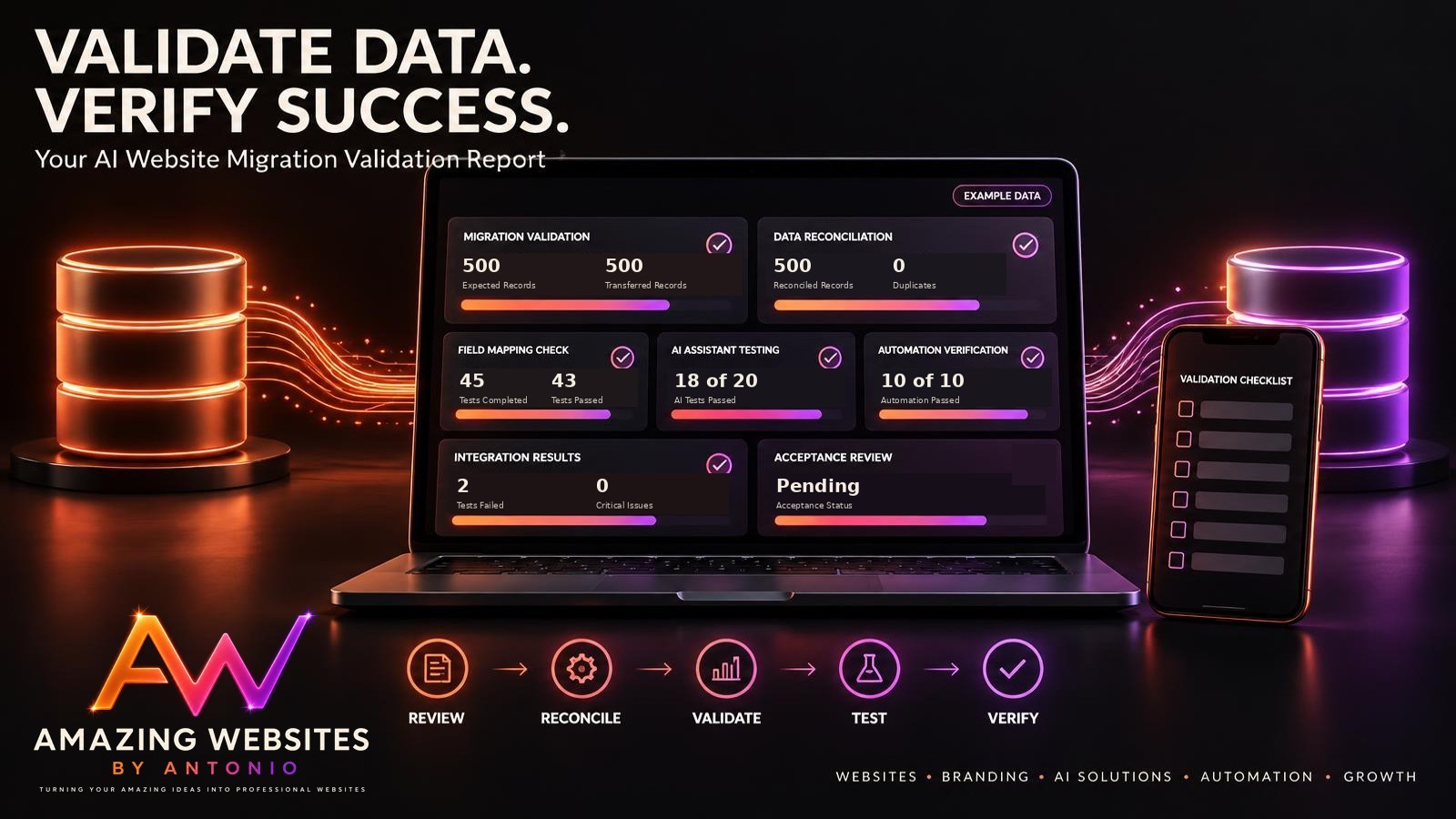
41. Compare Source and Destination Records
Check whether expected records were transferred correctly.
42. Test Important Website Features
Verify that affected pages and workflows function as intended.
43. Validate Customer Contact Processes
Confirm that customers can submit inquiries and that the business can receive them.
44. Verify AI and Automation Results
Test representative AI responses, integrations, and automated actions.
45. Monitor for Unexpected Problems
Review the new system during an appropriate stabilization period.
PART 10: COMPLETE THE MIGRATION AND IMPROVE
46. Resolve Outstanding Issues
Address missing records, broken workflows, and other problems.
47. Obtain Final Acceptance
Confirm that required migration success criteria have been met.
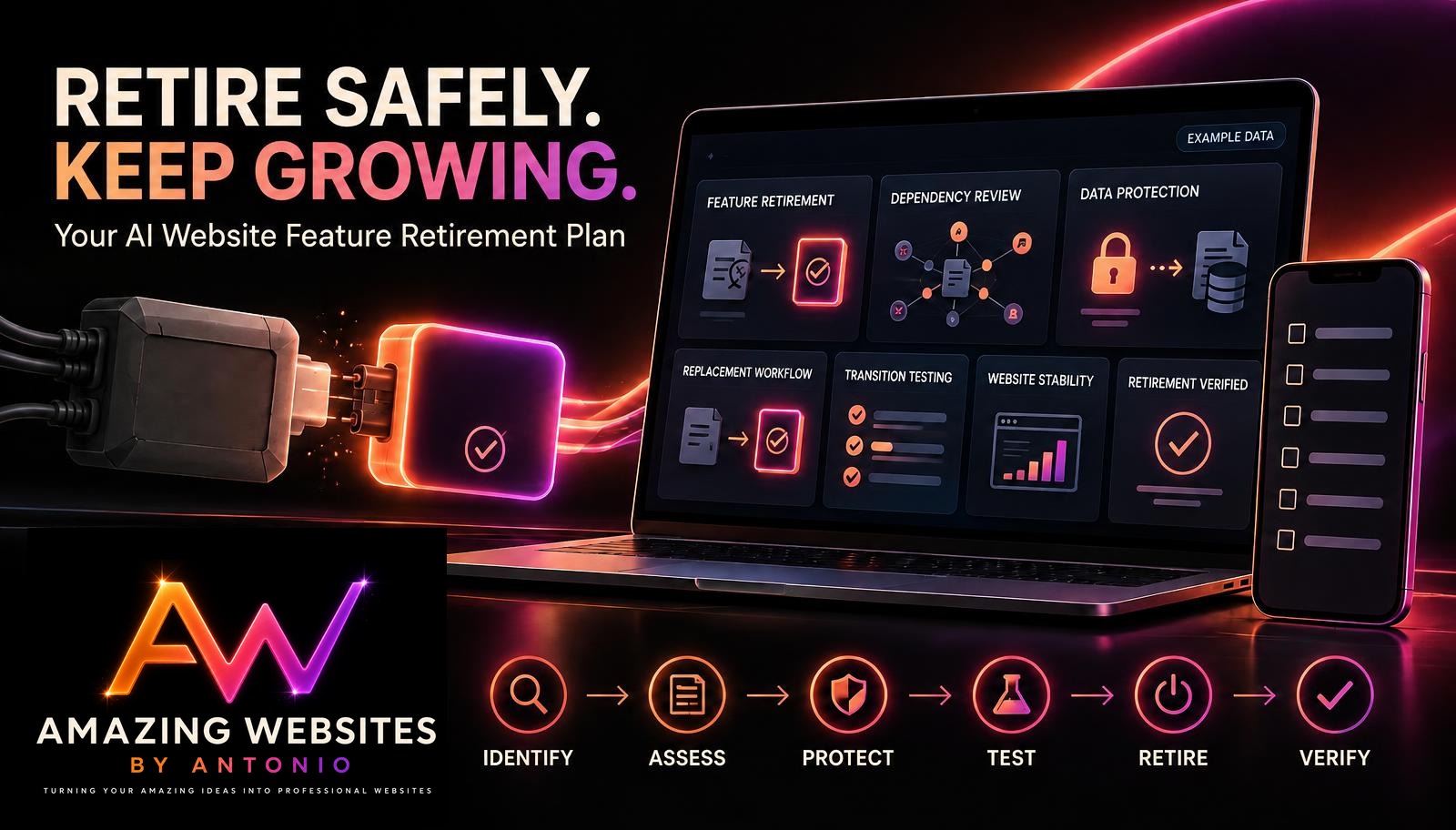
48. Retire the Old System Carefully
Follow an approved retirement process after confirming that important dependencies are resolved.
49. Document Lessons Learned
Identify what worked and what should improve in future migrations.
50. Update Website Management Records
Maintain accurate information about the new system, integrations, and support procedures.
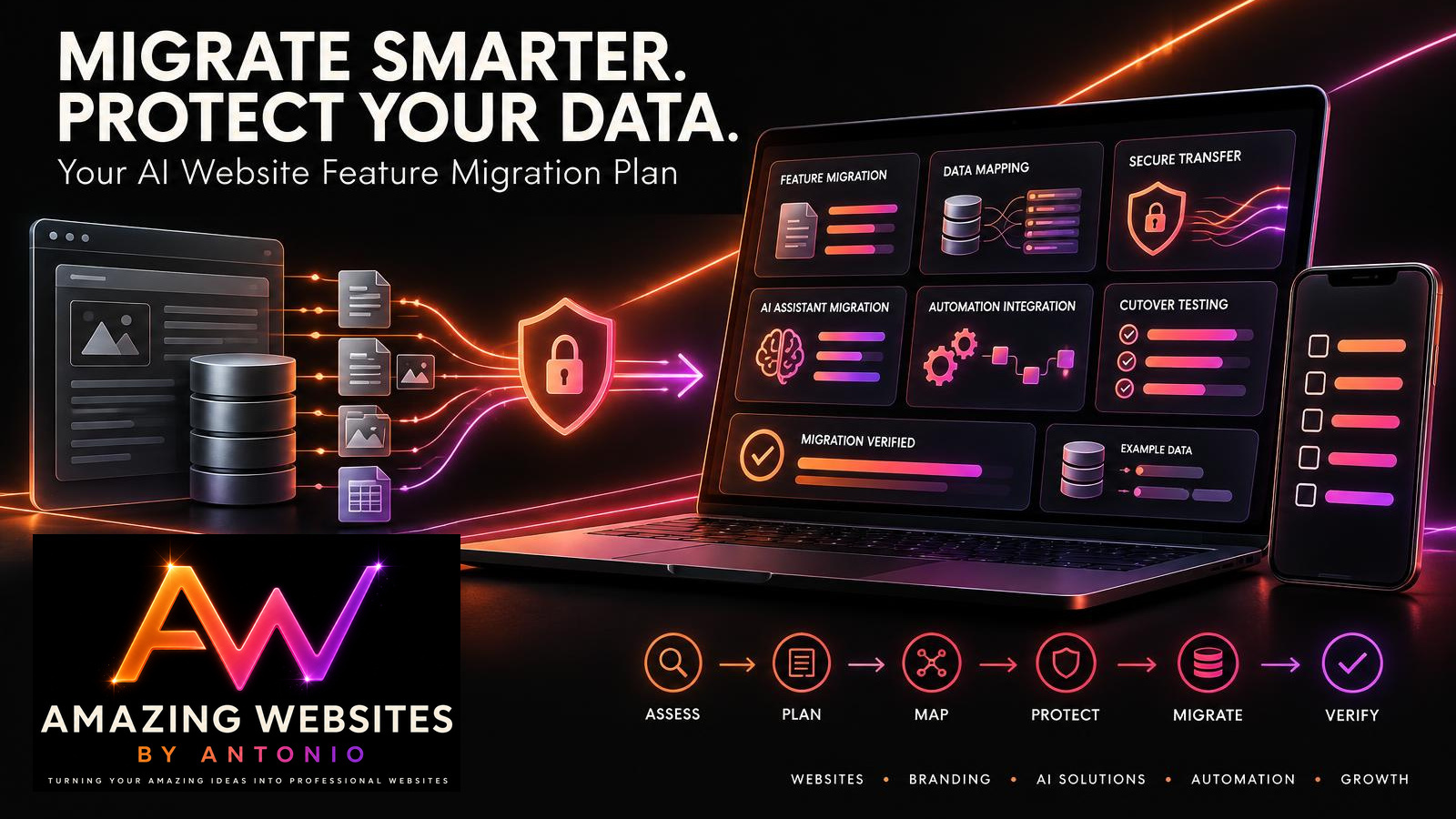
ASSESS → PLAN → MAP → PROTECT → TEST → MIGRATE → VERIFY → STABILIZE
WEBSITE FEATURE MIGRATION VS. FEATURE RETIREMENT
These processes are closely connected, but they have different purposes.
| Feature Migration | Feature Retirement |
|---|---|
| Transfers functionality to another system | Discontinues functionality |
| May involve data transfer | May involve data retention or disposal |
| Requires destination testing | Requires removal and dependency testing |
| Often introduces replacement workflows | May eliminate unnecessary workflows |
| Focuses on successful transition | Focuses on safe discontinuation |
A feature may be migrated first and retired from its original platform later.
IMPORTANT:
Never assume the old system can be removed immediately after the first successful test.
Confirm that the migration is complete and that important business requirements are satisfied.
YOUR WEBSITE DATA MAPPING EXAMPLE
Data mapping helps you understand where information belongs in the new system.
FICTIONAL CONTACT FORM MIGRATION
| Original Field | New Field | Required Action |
|---|---|---|
| Full Name | Customer Name | Transfer |
| Email Address | Contact Email | Transfer and validate |
| Business Name | Company | Transfer |
| Service Requested | Service Category | Map approved values |
| Customer Message | Inquiry Details | Transfer |
| Submission Date | Created Date | Preserve original timestamp where supported |
| Internal Notes | Private Notes | Transfer only if authorized and needed |
| Old Record ID | Legacy Reference ID | Preserve for reconciliation |
IMPORTANT:
A field name match does not guarantee that the data will transfer correctly.
Review field types, allowed values, date formats, required fields, and access permissions.
FIVE COMMON WEBSITE MIGRATION RISKS
1. MISSING DATA
Some records may not transfer successfully.
PREVENTION:
Reconcile source and destination records and investigate discrepancies.
2. BROKEN AUTOMATIONS
Connected workflows may continue pointing to the original system.
PREVENTION:
Inventory and test important integrations.
3. DUPLICATE RECORDS
Repeated imports may create multiple copies of the same information.
PREVENTION:
Use appropriate record identifiers and duplicate detection procedures.
4. CUSTOMER WORKFLOW INTERRUPTIONS
Visitors may be unable to complete important actions during the transition.
PREVENTION:
Prepare the replacement workflow and test the cutover.
5. PRIVACY OR SECURITY EXPOSURE
Sensitive information may be mishandled during migration.
PREVENTION:
Use approved transfer methods, appropriate permissions, and secure handling procedures.
CHOOSE THE RIGHT MIGRATION STRATEGY
| Strategy | Description | Important Consideration |
|---|---|---|
| Staged Migration | Move functionality in smaller phases | Requires coordination between phases |
| Parallel Operation | Run old and new workflows temporarily | Requires careful handling of duplicate or inconsistent records |
| Scheduled Cutover | Switch at a planned time | Requires strong preparation and recovery procedures |
| Pilot Migration | Test with a limited group or dataset | Pilot results may not represent every production condition |
Choose the approach that fits your business requirements, available capabilities, and acceptable level of disruption.
YOUR AI WEBSITE MIGRATION READINESS SCORECARD
Use the following illustrative scorecard to organize your preparation.
Assign:
- 2 points: Requirement satisfied
- 1 point: Partially satisfied
- 0 points: Requirement not satisfied
| Readiness Category | Maximum Points |
|---|---|
| Migration Goals Defined | 2 |
| Source System Documented | 2 |
| Destination Requirements Confirmed | 2 |
| Data Inventory Completed | 2 |
| Data Mapping Reviewed | 2 |
| Privacy and Security Reviewed | 2 |
| Integrations Identified | 2 |
| Trial Migration Completed | 2 |
| Recovery Plan Prepared | 2 |
| Cutover Approval Obtained | 2 |
| Total | 20 |
Illustrative Interpretation
| Score | Suggested Interpretation |
|---|---|
| 18–20 | Generally well prepared |
| 14–17 | Additional preparation recommended |
| 10–13 | Significant readiness gaps |
| 0–9 | Migration planning is incomplete |
IMPORTANT:
This scorecard is a planning aid, not a guarantee of migration success.
A high score must not override unresolved critical data protection, integration, recovery, or business continuity requirements.
YOUR AI WEBSITE FEATURE MIGRATION DASHBOARD
A migration dashboard can help you organize progress.
Consider tracking:
- Features scheduled for migration
- Source systems documented
- Destination systems prepared
- Data mappings completed
- Trial migrations completed
- Integration tests passed
- Cutovers scheduled
- Migrations completed
- Migrations awaiting verification
- Outstanding critical issues
FICTIONAL DASHBOARD EXAMPLE
| Metric | Example |
|---|---|
| Features Scheduled | 12 |
| Data Mappings Completed | 9 |
| Trial Migrations Completed | 7 |
| Integrations Tested | 8 |
| Cutovers Scheduled | 3 |
| Migrations Completed | 4 |
| Awaiting Verification | 2 |
| Critical Issues Open | 1 |
These figures are fictional and do not represent actual Amazing Websites By Antonio migration activity.
COMPLETE AI WEBSITE FEATURE MIGRATION CHECKLIST
SECTION 1 — MIGRATION ASSESSMENT
- Existing feature is documented.
- Migration reason is recorded.
- Important data is identified.
- Connected systems are reviewed.
- Migration goals are defined.
SECTION 2 — DESTINATION REVIEW
- Required functionality is supported.
- Import and export capabilities are confirmed.
- Privacy and security requirements are reviewed.
- Integration compatibility is evaluated.
- Long-term costs are considered.
SECTION 3 — DATA PREPARATION
- Data inventory is completed.
- Required fields are identified.
- Data mapping is documented.
- Data quality issues are reviewed.
- Necessary backups or exports are prepared.
SECTION 4 — CUSTOMER DATA PROTECTION
- Access permissions are reviewed.
- Sensitive information is identified.
- Unnecessary data is excluded.
- Retention requirements are considered.
- Secure transfer procedures are documented.
SECTION 5 — AI AND AUTOMATIONS
- Approved AI knowledge sources are identified.
- AI configuration requirements are documented.
- Automation workflows are mapped.
- New integrations are configured.
- Representative AI and automation tests are prepared.
SECTION 6 — CUTOVER PLANNING
- Migration strategy is selected.
- Timeline is established.
- Data synchronization requirements are defined.
- Recovery procedures are documented.
- Appropriate communication is prepared.
SECTION 7 — MIGRATION EXECUTION
- Required approval is obtained.
- Trial migration is completed where appropriate.
- Approved information is transferred.
- New workflows are activated.
- Migration actions are documented.
SECTION 8 — VERIFICATION
- Expected records are reconciled.
- Important website functionality is tested.
- Contact workflows are verified.
- AI assistant responses are reviewed.
- Automations and integrations are checked.
- Unexpected issues are investigated.
SECTION 9 — STABILIZATION AND CLOSURE
- Outstanding problems are addressed.
- Final acceptance criteria are reviewed.
- Old system retirement is planned appropriately.
- Lessons learned are documented.
- Website management records are updated.
COPY-READY AI WEBSITE FEATURE MIGRATION PLAN TEMPLATE
BUSINESS NAME:
[Enter Business Name]
WEBSITE:
[Enter Website Address]
MIGRATION PLAN ID:
[Enter Identifier]
DATE CREATED:
[Enter Date]
PREPARED BY:
[Enter Name]
SECTION 1 — MIGRATION OVERVIEW
FEATURE NAME:
[Enter Name]
CURRENT SYSTEM:
[Enter System]
DESTINATION SYSTEM:
[Enter System]
BUSINESS REASON FOR MIGRATION:
[Explain Reason]
EXPECTED BENEFITS:
[List Benefits]
TARGET MIGRATION DATE:
[Enter Date]
SECTION 2 — CURRENT SYSTEM ASSESSMENT
CURRENT FUNCTIONALITY:
[Describe Functionality]
IMPORTANT DATA:
[List Data]
CONNECTED AUTOMATIONS:
[List Automations]
THIRD-PARTY INTEGRATIONS:
[List Integrations]
KNOWN LIMITATIONS:
[List Limitations]
SECTION 3 — DESTINATION REQUIREMENTS
REQUIRED FEATURES:
[List Features]
SUPPORTED IMPORT METHODS:
[List Methods]
SUPPORTED EXPORT METHODS:
[List Methods]
SECURITY AND PRIVACY REQUIREMENTS:
[List Requirements]
ONGOING COSTS:
[Enter Costs]
SECTION 4 — DATA MAPPING
SOURCE FIELDS:
[List Fields]
DESTINATION FIELDS:
[List Fields]
REQUIRED TRANSFORMATIONS:
[List Transformations]
DUPLICATE HANDLING:
[Describe Method]
DATA QUALITY ISSUES:
[List Issues]
SECTION 5 — DATA PROTECTION
SENSITIVE INFORMATION INVOLVED:
Yes / No
AUTHORIZED DATA ACCESS:
[List Authorized Roles]
BACKUP OR EXPORT METHOD:
[Describe Method]
RETENTION REQUIREMENTS:
[Describe Requirements]
SECURE TRANSFER PROCEDURE:
[Describe Procedure]
SECTION 6 — AI AND AUTOMATION MIGRATION
AI KNOWLEDGE SOURCES:
[List Sources]
AI CONFIGURATION REQUIREMENTS:
[List Requirements]
AUTOMATION TRIGGERS:
[List Triggers]
AUTOMATION ACTIONS:
[List Actions]
INTEGRATION CONNECTIONS:
[List Connections]
TESTING REQUIREMENTS:
[List Tests]
SECTION 7 — CUTOVER PLAN
MIGRATION STRATEGY:
Staged / Parallel / Scheduled Cutover / Pilot
CUTOVER DATE:
[Enter Date]
CUTOVER OWNER:
[Enter Name]
DATA SYNCHRONIZATION PLAN:
[Describe Plan]
RECOVERY PROCEDURE:
[Describe Procedure]
CUSTOMER COMMUNICATION:
[Describe Communication]
SECTION 8 — MIGRATION EXECUTION
APPROVAL STATUS:
Pending / Approved / Rejected
TRIAL MIGRATION RESULT:
[Enter Result]
TRANSFER DATE:
[Enter Date]
RECORDS EXPECTED:
[Enter Number]
RECORDS TRANSFERRED:
[Enter Number]
MIGRATION ISSUES:
[List Issues]
SECTION 9 — VERIFICATION
DATA RECONCILIATION RESULT:
[Enter Result]
WEBSITE FUNCTIONALITY RESULT:
[Enter Result]
CONTACT WORKFLOW RESULT:
[Enter Result]
AI ASSISTANT RESULT:
[Enter Result]
AUTOMATION RESULT:
[Enter Result]
OUTSTANDING PROBLEMS:
[List Problems]
SECTION 10 — FINAL ACCEPTANCE
SUCCESS CRITERIA MET:
Yes / No / Partially / Not Verified
FINAL MIGRATION STATUS:
Planned / In Progress / Blocked / Verified / Failed
APPROVED BY:
[Enter Name]
ACCEPTANCE DATE:
[Enter Date]
OLD SYSTEM RETIREMENT STATUS:
Pending / Completed / Not Applicable
LESSONS LEARNED:
[List Lessons]
NEXT REVIEW DATE:
[Enter Date]
EXAMPLE AI WEBSITE FEATURE MIGRATION SCENARIO
The following scenario is fictional.
Situation: A Business Owner Migrates a Contact Form to a New Platform
A business owner has an existing Contact form connected to a third-party inquiry management service.
The owner discovers a new platform that better supports the business's workflow.
The goal is to move the Contact form and preserve necessary customer inquiry records.
Step 1 — Review the Current System
The owner documents the existing Contact form fields, inquiry storage, and email notification process.
Step 2 — Evaluate the New Platform
The owner confirms that the destination supports the required form fields, private inquiry storage, and notifications.
Step 3 — Create a Data Inventory
The owner identifies which historical inquiry records need to be retained.
Step 4 — Map the Data Fields
The owner maps customer names, email addresses, business names, messages, and submission dates.
Step 5 — Prepare a Secure Export
The owner exports authorized records using the source platform's supported procedures.
Step 6 — Configure the Replacement
The new Contact form and notification workflow are prepared.
Step 7 — Perform a Trial Migration
The owner tests the process using appropriately protected sample information.
Step 8 — Verify the Data
The owner compares expected records with imported records and investigates any differences.
Step 9 — Complete the Cutover
After approval, the owner switches the website to the new Contact form workflow and checks for submissions created during the transition.
Step 10 — Monitor and Close
The owner verifies customer inquiries, email notifications, and website functionality before considering retirement of the old system.
LESSON:
A successful migration is not simply about transferring information.
It's about preserving the important business processes that depend on that information.
YOUR 30-DAY AI WEBSITE FEATURE MIGRATION IMPLEMENTATION PLAN
WEEK 1 — ASSESS AND PLAN
- Identify the feature to migrate.
- Document the existing system.
- Review important dependencies.
- Evaluate destination requirements.
- Define migration success criteria.
GOAL: Understand the current workflow and what the replacement must accomplish.
WEEK 2 — MAP AND PROTECT DATA
- Create a data inventory.
- Map source and destination fields.
- Review data quality.
- Prepare necessary backups or exports.
- Establish secure transfer procedures.
GOAL: Prepare important information for an accurate and protected migration.
WEEK 3 — CONFIGURE AND TEST
- Configure the destination system.
- Prepare AI and automation connections.
- Perform a trial migration.
- Test customer workflows.
- Review recovery readiness.
GOAL: Confirm that the replacement is prepared before the final transition.
WEEK 4 — MIGRATE AND VERIFY
- Obtain required approval.
- Complete the planned cutover.
- Reconcile transferred information.
- Verify important website functions.
- Monitor the new workflow.
- Document outstanding issues and lessons learned.
GOAL: Complete a controlled migration and establish confidence in the new system.
THE AI WEBSITE FEATURE MIGRATION FRAMEWORK
ASSESS
Understand the existing feature and its dependencies.
↓
PLAN
Define migration goals, requirements, and responsibilities.
↓
MAP
Match source data and workflows with the destination.
↓
PROTECT
Preserve necessary information and address privacy requirements.
↓
TEST
Verify the replacement before the final transition.
↓
MIGRATE
Transfer approved data and activate the new workflow.
↓
VERIFY
Confirm that important information and functionality transferred correctly.
↓
STABILIZE
Monitor the new system and address remaining issues.
FINAL THOUGHTS
Creating a professional business website is an exciting accomplishment.
It represents your creativity.
Your services.
Your brand.
And your commitment to helping customers.
But as your business grows, your technology needs may change.
You may discover better platforms.
More reliable tools.
Improved AI capabilities.
New automation opportunities.
Or more efficient ways to organize customer information.
Making those improvements can help your website evolve.
But moving from one system to another requires careful planning.
That's why an AI website feature migration plan matters.
It helps you understand your existing system.
Identify important dependencies.
Protect customer records.
Prepare replacement workflows.
Test your integrations.
Manage the transition.
And verify that everything works as intended.
A SUCCESSFUL MIGRATION ISN'T JUST ABOUT MOVING TO SOMETHING NEW.
IT'S ABOUT PRESERVING WHAT MATTERS WHILE BUILDING SOMETHING BETTER.
Start with a clear goal.
Document your current system.
Map your information.
Protect important data.
Test the replacement.
And verify the results.
Because professional website management isn't just about adopting better technology.
IT'S ABOUT MAKING SURE THAT BETTER TECHNOLOGY CONTINUES TO SUPPORT YOUR CUSTOMERS AND BUSINESS.
PLAN YOUR MIGRATION.
PROTECT YOUR INFORMATION.
VERIFY YOUR RESULTS.
KEEP BUILDING BETTER WEBSITES.
Amazing Websites By Antonio
Turning Your Amazing Ideas Into Professional Websites