A Practical Guide to Reducing Website Risks, Strengthening AI Systems, and Protecting Your Digital Business Before Problems Become Serious
Imagine building a beautiful, professional website for your business.
You've created your homepage.
Added your services.
Designed your portfolio.
Connected your Contact forms.
Developed your AI website assistant.
And built automations to help your business operate more efficiently.
Your website represents your creativity, dedication, and professional work.
But as your digital business grows, new risks can appear.
A Contact form might stop saving inquiries.
An AI assistant might provide outdated information.
An important integration could disconnect.
A website update could affect mobile navigation.
Or an administrative account could become vulnerable to unauthorized access.
You may have already identified these possibilities through a risk assessment.
You may even have documented them in a risk register.
That's an excellent beginning!
But here's the next important question:
WHAT ARE YOU ACTUALLY GOING TO DO TO REDUCE THOSE RISKS?
That's where risk mitigation comes in.
RISK MITIGATION IS THE PROCESS OF CHOOSING AND IMPLEMENTING ACTIONS THAT REDUCE THE LIKELIHOOD OR IMPACT OF POTENTIAL PROBLEMS.
It helps you move from identifying risks to managing them.
Instead of simply writing down what could go wrong, you create practical safeguards.
You establish responsibilities.
You prioritize improvements.
You verify whether your actions work.
And you continue monitoring the risks that remain.
For AI-powered websites, this process is especially important because your business may depend on multiple connected technologies.
Your website platform.
Your AI assistant.
Your customer inquiry system.
Your email notifications.
Your payment integrations.
Your automation workflows.
And your domain and hosting services.
The good news?
YOU DON'T NEED A LARGE TECHNICAL TEAM TO START BUILDING A PRACTICAL RISK MITIGATION PLAN.
Even a solo entrepreneur can create a structured prevention strategy.
In Blog #123, we're exploring 50 practical strategies to help reduce website risks and strengthen your digital business.
PART 1: UNDERSTAND WEBSITE RISK MITIGATION
1. Know What Risk Mitigation Means
Risk mitigation involves taking steps to reduce the likelihood or consequences of potential problems.
2. Understand the Difference Between Assessment and Mitigation
Risk assessment identifies and evaluates possible problems.
Risk mitigation focuses on what actions should be taken.
3. Recognize That Not Every Risk Can Be Eliminated
Some risks can be reduced, transferred through appropriate arrangements, avoided, or accepted within defined limits.
4. Focus on Meaningful Improvements
A useful mitigation action should address a specific risk rather than simply create additional paperwork.
5. Make Risk Mitigation an Ongoing Process
Your safeguards should evolve as your website and business change.
PART 2: REVIEW YOUR EXISTING WEBSITE RISKS
6. Start With Your Risk Register
Review the potential problems you've already documented.
7. Identify Critical Business Functions
Determine which website features are most important to customers and business operations.
8. Review Risk Likelihood
Consider how plausible each risk is based on available evidence.
9. Review Potential Impact
Evaluate how the risk could affect customer trust, business operations, privacy, or security.
10. Identify Existing Safeguards
Determine which controls already help reduce the risk.
PART 3: CHOOSE YOUR RISK RESPONSE STRATEGY
11. Reduce the Risk
Implement safeguards that lower the likelihood or consequences of a problem.
12. Avoid the Risk
Consider removing an unnecessary feature or activity when its risks outweigh its benefits.
13. Transfer or Share Certain Risks
Appropriate insurance or contractual arrangements may shift some financial responsibility, but they do not eliminate your operational or legal obligations.
14. Accept Certain Risks
Some low-priority risks may be accepted after informed review and documentation.
15. Escalate Risks Beyond Your Expertise
Serious security, privacy, or technical concerns may require qualified professional assistance.
PART 4: REDUCE TECHNICAL WEBSITE RISKS
16. Strengthen Website Quality Assurance
Test important pages and functions before publishing significant changes.
17. Review Backup and Recovery Capabilities
Understand what your website platform can back up and restore.
18. Monitor Essential Website Functions
Check important navigation, Contact forms, and customer workflows.
19. Document Important Integrations
Keep records of which services your website depends on.
20. Prepare for Service Disruptions
Maintain appropriate alternative communication and recovery procedures.
PART 5: REDUCE AI ASSISTANT RISKS
21. Keep AI Knowledge Sources Current
Review approved business information regularly.
22. Reduce Incorrect AI Responses
Test representative customer questions and compare responses with approved information.
23. Prevent Unsupported Promises
Configure and test the assistant to avoid making unauthorized commitments about prices, results, or deadlines.
24. Protect Sensitive Information
Limit access to private data and avoid providing unnecessary confidential information to AI tools.
25. Maintain Human Handoff Options
Provide customers with a reliable way to contact the business when the assistant cannot help.
PART 6: REDUCE SECURITY AND PRIVACY RISKS
26. Protect Administrative Accounts
Use strong authentication and multifactor authentication where supported.
27. Review Access Permissions
Give connected accounts and services only the access they need.
28. Protect Customer Records
Use appropriate storage, access restrictions, and data retention practices.
29. Review Third-Party Security Responsibilities
Understand which safeguards are managed by providers and which remain your responsibility.
30. Prepare Security Incident Procedures
Document how to recognize, contain, and respond to suspected security problems.
PART 7: REDUCE CUSTOMER EXPERIENCE RISKS
31. Improve Website Navigation
Make essential information easy to find.
32. Test Mobile Functionality
Check important customer workflows on smaller screens.
33. Address Accessibility Barriers
Use appropriate accessibility practices and testing methods.
34. Keep Service Information Accurate
Review pricing, service descriptions, policies, and contact details after changes.
35. Verify Customer Inquiry Workflows
Test whether submissions are saved and notifications reach the intended destination.
PART 8: CREATE A RISK MITIGATION ACTION PLAN
36. Describe Each Preventive Action
Explain exactly what needs to be implemented.
37. Assign an Action Owner
Identify who is responsible for completing the work.
38. Establish Target Dates
Choose realistic completion dates based on risk severity and available resources.
39. Identify Required Resources
Consider time, tools, provider support, and budget.
40. Define Success Criteria
Specify how you'll know whether the safeguard has been implemented and works as intended.
PART 9: VERIFY RISK REDUCTION
41. Test Implemented Safeguards
Use appropriate tests to confirm that controls function correctly.
42. Record Verification Evidence
Document results without exposing private customer information or security secrets.
43. Review Remaining Risk
Determine whether the risk still requires additional safeguards.
44. Update Your Risk Register
Record new controls, verification results, and revised assessments.
45. Retest After Important Changes
Changes to your website, AI assistant, or integrations may affect existing safeguards.
PART 10: BUILD LONG-TERM RISK MITIGATION HABITS
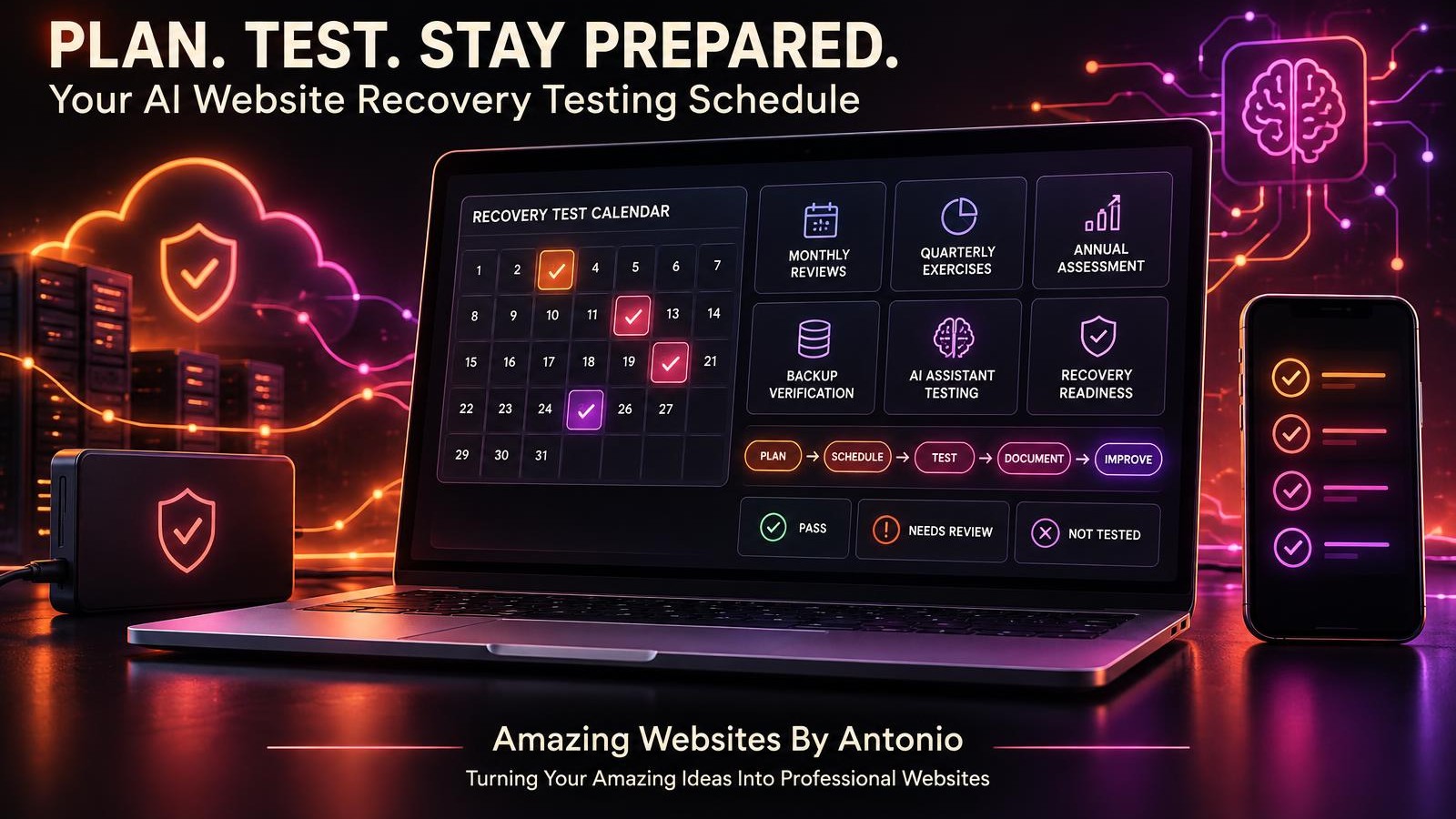
46. Schedule Regular Reviews
Review mitigation progress according to risk severity.
47. Track Overdue Actions
Follow up on important safeguards that have not been completed.
48. Learn From Actual Incidents
Use confirmed problems to improve preventive measures.
49. Improve Your Mitigation Strategy
Adjust controls when new evidence shows that existing safeguards are insufficient.
50. Make Prevention Part of Business Growth
Treat risk reduction as part of maintaining a dependable professional website.
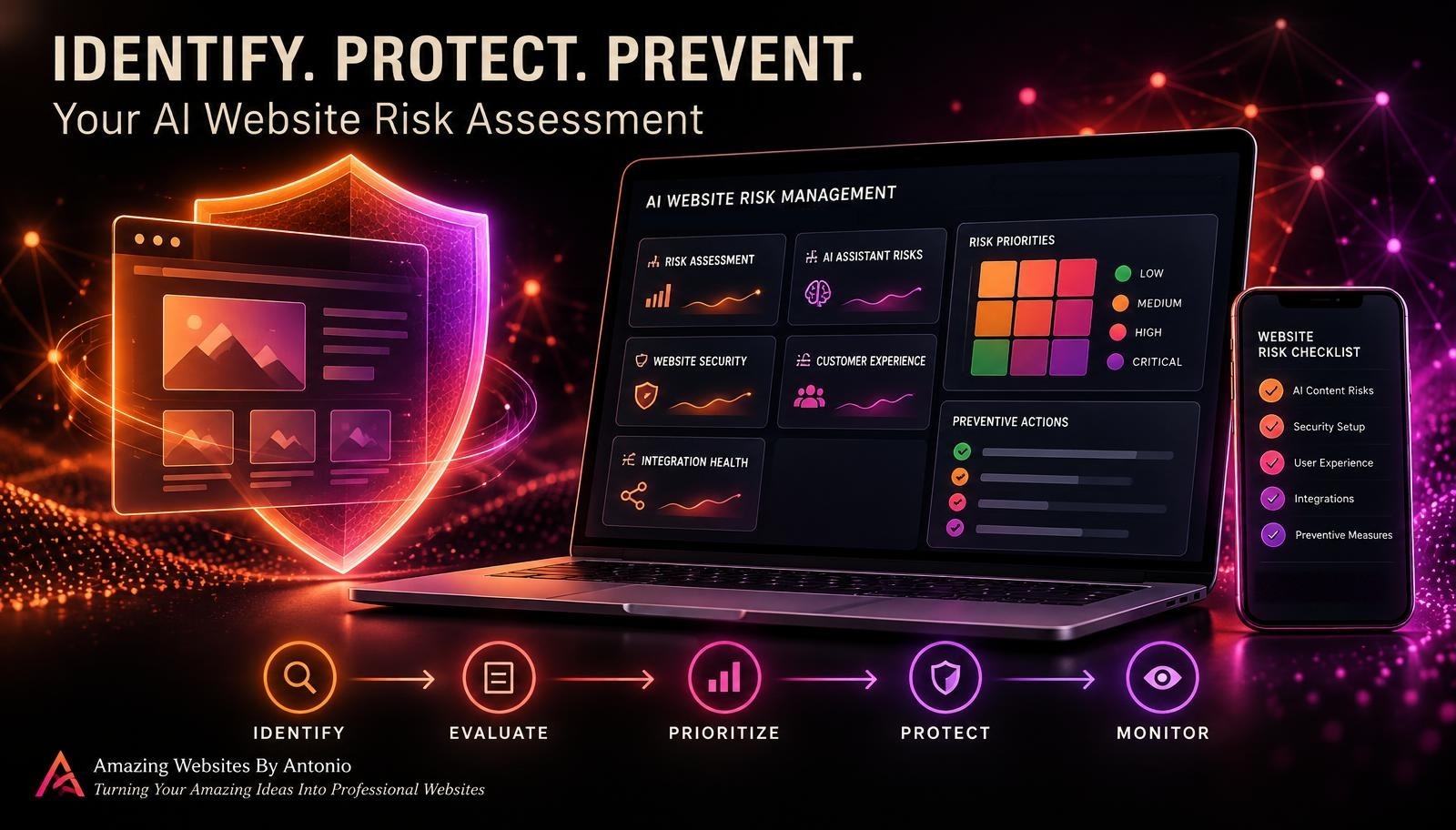
IDENTIFY → PRIORITIZE → PLAN → PROTECT → VERIFY → MONITOR → IMPROVE
UNDERSTANDING THE FOUR MAIN RISK RESPONSE OPTIONS
Different risks may require different approaches.
| Strategy | Meaning | Example |
|---|---|---|
| Mitigate | Reduce likelihood or impact | Add regular Contact form testing |
| Avoid | Stop the activity creating the risk | Remove an unnecessary high-risk integration |
| Transfer or Share | Shift some financial or contractual exposure | Consider suitable insurance coverage |
| Accept | Acknowledge and monitor a risk | Document a minor design limitation |
Important: Accepting a risk does not excuse violations of applicable laws, privacy requirements, or contractual obligations.
The appropriate response depends on the nature of the risk, available resources, and business responsibilities.
YOUR AI WEBSITE RISK MITIGATION PRIORITY MATRIX
The following example shows how preventive actions might be organized.
| Potential Risk | Priority | Example Mitigation |
|---|---|---|
| Unauthorized administrative access | Critical | Strengthen authentication and access controls |
| Exposure of private customer records | Critical | Review storage security and permissions |
| Contact form submissions fail | High | Add end-to-end testing and monitoring |
| AI assistant provides outdated pricing | High | Update approved sources and verify responses |
| Email integration disconnects | High | Check connection status and notifications |
| Important mobile button fails | Medium | Include mobile testing in quality assurance |
| Minor decorative spacing issue | Low | Address during routine maintenance |
These are illustrative priorities. Actual severity should be assessed using the business's circumstances and evidence.
CREATE A SIMPLE RISK MITIGATION TRACKER
Your mitigation tracker can be connected to your risk register.
| Field | Purpose |
|---|---|
| Risk ID | Links the action to a documented risk |
| Risk Description | Explains the potential problem |
| Current Priority | Shows relative urgency |
| Mitigation Strategy | Reduce, avoid, transfer/share, or accept |
| Preventive Action | Describes what needs to happen |
| Action Owner | Identifies responsibility |
| Target Date | Establishes expected completion |
| Status | Tracks progress |
| Verification Method | Explains how the control will be checked |
| Verification Result | Records evidence |
| Residual Risk | Documents remaining exposure |
| Next Review | Establishes follow-up |
A simple spreadsheet or secure project tracker may be sufficient for a small business.
COMPLETE AI WEBSITE RISK MITIGATION CHECKLIST
SECTION 1 — RISK REVIEW
- ☐ Important website risks are documented.
- ☐ Risk priorities are current.
- ☐ Critical business functions are identified.
- ☐ Existing safeguards are reviewed.
- ☐ Assessment uncertainty is documented.
SECTION 2 — MITIGATION STRATEGY
- ☐ Each important risk has an appropriate response strategy.
- ☐ Preventive actions are clearly described.
- ☐ Serious concerns receive appropriate attention.
- ☐ Professional assistance is considered where needed.
- ☐ Remaining risk is acknowledged.
SECTION 3 — TECHNICAL PROTECTION
- ☐ Important website functions are tested.
- ☐ Backup capabilities are understood.
- ☐ Recovery procedures are documented.
- ☐ External integrations are reviewed.
- ☐ Essential workflows are monitored.
SECTION 4 — AI ASSISTANT PROTECTION
- ☐ Approved knowledge sources are current.
- ☐ Important AI responses are tested.
- ☐ Unsupported promises are addressed.
- ☐ Privacy safeguards are reviewed.
- ☐ Human handoff options are available.
SECTION 5 — SECURITY AND PRIVACY
- ☐ Administrative accounts are protected.
- ☐ Access permissions are appropriate.
- ☐ Customer information is handled securely.
- ☐ Provider responsibilities are understood.
- ☐ Incident response procedures are documented.
SECTION 6 — CUSTOMER EXPERIENCE
- ☐ Important navigation works.
- ☐ Mobile workflows are reviewed.
- ☐ Accessibility concerns are assessed.
- ☐ Service information is accurate.
- ☐ Contact form submissions are verified.
SECTION 7 — ACTION MANAGEMENT
- ☐ Mitigation actions have owners.
- ☐ Target dates are established.
- ☐ Required resources are identified.
- ☐ Progress is documented.
- ☐ Overdue actions are reviewed.
SECTION 8 — VERIFICATION AND IMPROVEMENT
- ☐ Implemented safeguards are tested.
- ☐ Verification results are recorded.
- ☐ Residual risks are assessed.
- ☐ The risk register is updated.
- ☐ Future review dates are scheduled.
COPY-READY AI WEBSITE RISK MITIGATION PLAN TEMPLATE
BUSINESS NAME:
[Enter Business Name]
WEBSITE:
[Enter Website Address]
PLAN OWNER:
[Enter Name]
PLAN DATE:
[Enter Date]
NEXT REVIEW DATE:
[Enter Date]
SECTION 1 — RISK INFORMATION
RISK ID:
[Enter Identifier]
RISK TITLE:
[Enter Title]
RISK CATEGORY:
Technical / AI Assistant / Security / Privacy / Customer Experience / Integration / Other
RISK DESCRIPTION:
[Describe Potential Problem]
AFFECTED SYSTEMS:
[List Systems]
SECTION 2 — CURRENT RISK ASSESSMENT
LIKELIHOOD:
[Enter Rating]
IMPACT:
[Enter Rating]
CURRENT PRIORITY:
Low / Medium / High / Critical
EXISTING SAFEGUARDS:
[List Controls]
IMPORTANT ASSUMPTIONS:
[Enter Details]
SECTION 3 — MITIGATION STRATEGY
SELECTED RESPONSE:
Mitigate / Avoid / Transfer or Share / Accept
REASON FOR SELECTION:
[Explain Decision]
PLANNED ACTION:
[Describe Action]
EXPECTED BENEFIT:
[Describe Intended Risk Reduction]
SECTION 4 — IMPLEMENTATION
ACTION OWNER:
[Enter Name]
START DATE:
[Enter Date]
TARGET COMPLETION DATE:
[Enter Date]
REQUIRED RESOURCES:
[List Resources]
IMPLEMENTATION STATUS:
Not Started / In Progress / Implemented / Blocked
SECTION 5 — VERIFICATION
SUCCESS CRITERIA:
[Describe Measurable Acceptance Criteria]
VERIFICATION METHOD:
[Describe Test]
TEST DATE:
[Enter Date]
VERIFICATION RESULT:
Pass / Fail / Not Tested
EVIDENCE SUMMARY:
[Describe Findings Without Including Sensitive Information]
SECTION 6 — RESIDUAL RISK
REMAINING RISK:
[Describe Residual Risk]
REVISED LIKELIHOOD:
[Enter Rating or Unknown]
REVISED IMPACT:
[Enter Rating or Unknown]
ADDITIONAL ACTION REQUIRED:
Yes / No / Under Review
SECTION 7 — FINAL REVIEW
REVIEWED BY:
[Enter Name]
REVIEW DATE:
[Enter Date]
NEXT REVIEW DATE:
[Enter Date]
ADDITIONAL NOTES:
[Enter Details]
EXAMPLE AI WEBSITE RISK MITIGATION SCENARIO
The following scenario is fictional.
Situation: Contact Form Notifications Could Stop Working
A business owner uses a website Contact form to receive customer inquiries.
The form stores submissions privately and sends email notifications.
The owner identifies a potential risk:
An email integration could disconnect, causing notifications to stop arriving.
Step 1 — Identify the Risk
Risk: Customer inquiry notifications may fail.
Step 2 — Evaluate the Impact
The business owner might not notice important inquiries promptly.
Step 3 — Review Existing Safeguards
The owner checks whether submissions are stored independently of email notifications.
Step 4 — Choose Mitigation Actions
The owner establishes a regular test submission routine and a separate review of the private inquiry dashboard.
Step 5 — Assign Responsibility
The business owner is responsible for reviewing the test results.
Step 6 — Define Success Criteria
A test inquiry should be stored in the correct private location and trigger the expected notification.
Step 7 — Verify the Safeguard
The owner submits a safe test inquiry and checks both the stored record and notification.
Step 8 — Document the Results
The owner records whether the test passed and whether additional action is required.
Step 9 — Review Remaining Risk
The owner recognizes that future email disruptions remain possible.
The mitigation reduces the chance that a notification failure goes unnoticed, but does not guarantee uninterrupted email delivery.
LESSON:
Effective mitigation connects a specific risk with a practical safeguard, clear responsibility, and measurable verification.
YOUR 30-DAY AI WEBSITE RISK MITIGATION PLAN
WEEK 1 — REVIEW AND PRIORITIZE
- Review your risk register.
- Identify critical website functions.
- Assess current safeguards.
- Confirm risk priorities.
- Select the most important risks to address.
GOAL: Focus on meaningful preventive improvements.
WEEK 2 — DEVELOP MITIGATION ACTIONS
- Choose appropriate risk responses.
- Document preventive measures.
- Assign action owners.
- Establish target dates.
- Identify required resources.
GOAL: Create a practical action plan.
WEEK 3 — IMPLEMENT SAFEGUARDS
- Strengthen selected website workflows.
- Review AI assistant information.
- Improve appropriate security settings.
- Add relevant monitoring or testing.
- Document implementation progress.
GOAL: Put preventive measures into practice.
WEEK 4 — VERIFY AND IMPROVE
- Test implemented safeguards.
- Record verification results.
- Reassess remaining risks.
- Update the risk register.
- Schedule future reviews.
GOAL: Confirm progress and establish ongoing risk management.
THE AI WEBSITE RISK MITIGATION FRAMEWORK
IDENTIFY
Recognize potential problems.
↓
PRIORITIZE
Determine which risks matter most.
↓
PLAN
Choose appropriate mitigation strategies.
↓
PROTECT
Implement practical safeguards.
↓
VERIFY
Test whether safeguards work.
↓
MONITOR
Watch for changing conditions and remaining risks.
↓
IMPROVE
Update preventive measures as your business grows.
FINAL THOUGHTS
Creating a professional website is an exciting part of building a business.
It helps customers discover your services.
Explore your work.
Learn about your brand.
And connect with you.
But managing a website also means thinking about what could go wrong.
Technical problems.
AI assistant mistakes.
Security concerns.
Customer experience issues.
And integration failures.
You can't prevent every possible problem.
But you can take meaningful steps to reduce many risks.
That's why risk mitigation matters.
It helps you move beyond simply identifying potential problems.
You create preventive actions.
Assign responsibility.
Establish priorities.
Verify results.
And improve your website over time.
IDENTIFYING A RISK IS THE BEGINNING.
TAKING PRACTICAL ACTION IS WHAT MAKES RISK MANAGEMENT VALUABLE.
Start with your most important risks.
Choose safeguards that fit your business.
Test what you implement.
Document what remains unresolved.
And keep improving as your website grows.
Because building a dependable digital business isn't only about creating something beautiful.
IT'S ABOUT PROTECTING THE CUSTOMER EXPERIENCE AND THE WORK BEHIND IT.
IDENTIFY THE RISKS.
TAKE PREVENTIVE ACTION.
VERIFY YOUR IMPROVEMENTS.
KEEP BUILDING BETTER WEBSITES.
Amazing Websites By Antonio
Turning Your Amazing Ideas Into Professional Websites