A Practical Guide to Organizing Website Risks, Managing Preventive Actions, and Building a More Reliable AI-Powered Business
Imagine reviewing your business website and discovering several potential problems.
Your AI assistant might have outdated information.
Your Contact form could stop delivering notifications.
An important integration might disconnect.
A website update could affect mobile navigation.
And a security setting might need additional review.
You've identified these risks.
That's a great first step!
But here's an important question:
HOW WILL YOU KEEP TRACK OF ALL THESE RISKS AND MAKE SURE SOMETHING ACTUALLY GETS DONE ABOUT THEM?
It's easy to identify a potential problem and tell yourself:
"I'll fix that later."
But later becomes next week.
Next week becomes next month.
And before you know it, an important concern may have been forgotten.
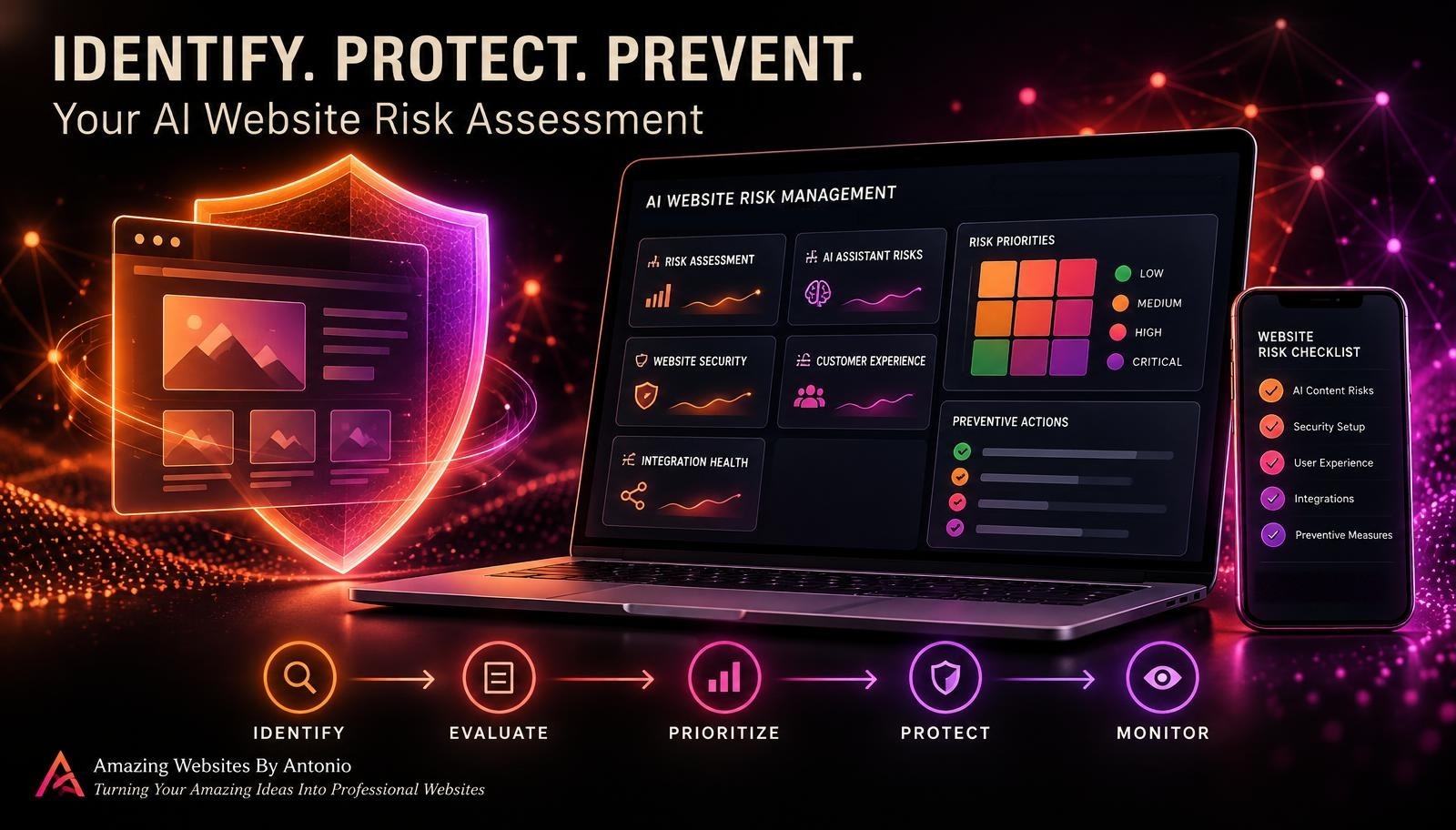
That's why an AI website risk register can be so valuable.
A RISK REGISTER IS AN ORGANIZED RECORD OF POTENTIAL PROBLEMS, THEIR PRIORITIES, RESPONSIBLE OWNERS, PREVENTIVE ACTIONS, AND REVIEW STATUS.
It helps turn a risk assessment into a practical management process.
Instead of keeping everything in your head, you create one place to track what matters.
For AI-powered websites, this may include risks involving:
- Website availability
- AI assistant accuracy
- Customer privacy
- Contact form reliability
- Payment integrations
- Automation failures
- Accessibility
- Mobile usability
- Website security
- Third-party service dependencies
And here's the good news:
YOU DON'T NEED EXPENSIVE RISK MANAGEMENT SOFTWARE TO GET STARTED.
A simple spreadsheet, secure project tracker, or appropriately configured database can work.
Even a solo entrepreneur can build an effective risk tracking routine.
In Blog #122, we're exploring 50 strategies to help you create, maintain, and improve an AI website risk register.
PART 1: UNDERSTAND THE PURPOSE OF A RISK REGISTER
1. Know What a Risk Register Is
A risk register is a structured record of potential events that could negatively affect your website or business.
2. Understand the Difference Between a Risk Assessment and a Risk Register
A risk assessment identifies and evaluates potential problems.
A risk register records those findings and tracks what happens next.
3. Recognize the Difference Between Risks and Incidents
A risk describes something that could happen.
An incident describes something that has already occurred.
4. Understand Why Tracking Matters
A risk register makes it easier to review unresolved concerns and follow up on preventive actions.
5. Keep the Register Practical
Your system should be simple enough to maintain consistently.
PART 2: DESIGN YOUR RISK REGISTER
6. Choose an Appropriate Tracking Tool
Use a spreadsheet, project management system, or another secure tool that fits your business.
7. Create a Unique Risk Identifier
Use identifiers such as RISK-001, RISK-002, and RISK-003.
8. Add a Risk Title
Give each risk a short, understandable name.
9. Include a Clear Description
Explain what could happen and why it matters.
10. Add a Risk Category
Organize risks by technical, AI, security, privacy, customer experience, or integration categories.
PART 3: RECORD IMPORTANT RISK DETAILS
11. Identify Affected Systems
List the website pages, features, or connected services involved.
12. Record Potential Causes
Describe conditions that might contribute to the problem.
13. Identify Potential Consequences
Explain how the risk could affect customers or business operations.
14. Record Existing Safeguards
Document controls already in place to reduce the risk.
15. Identify Evidence and Uncertainty
Record whether your assessment is based on testing, past incidents, provider guidance, or assumptions.
PART 4: PRIORITIZE YOUR RISKS
16. Rate Likelihood
Estimate how plausible the risk is based on available evidence.
17. Rate Impact
Consider the potential effect on customers, security, privacy, and business operations.
18. Calculate a Risk Score
A simple scoring method can help compare ordinary operational risks.
19. Assign a Priority
Use categories such as Low, Medium, High, and Critical.
20. Apply Professional Judgment
Do not allow a simple numerical score to override urgent security, privacy, legal, or safety concerns.
PART 5: ASSIGN OWNERSHIP AND RESPONSIBILITY
21. Assign a Risk Owner
Identify who is responsible for monitoring the risk.
22. Assign an Action Owner
Determine who will implement the preventive measures.
23. Set Target Dates
Establish realistic deadlines for important actions.
24. Identify Required Resources
Consider time, technical support, budget, and provider assistance.
25. Document Escalation Needs
Identify situations that require urgent attention or outside expertise.
For a solo entrepreneur, the owner may handle several responsibilities while seeking specialist assistance when needed.
PART 6: TRACK PREVENTIVE ACTIONS
26. Create an Action Plan
Describe the steps intended to reduce the risk.
27. Prioritize Practical Safeguards
Focus on measures that meaningfully reduce likelihood or impact.
28. Record Action Status
Track whether each action is planned, underway, implemented, or blocked.
29. Verify Completed Actions
Test whether the safeguard actually works as intended.
30. Record Remaining Risk
Even after improvements, some level of risk may remain.
PART 7: MANAGE AI-SPECIFIC RISKS
31. Track Incorrect AI Responses
Record risks involving inaccurate service information or unsupported claims.
32. Monitor Outdated Knowledge Sources
Identify information that requires periodic review.
33. Track AI Privacy Concerns
Review the possibility of inappropriate disclosure or handling of sensitive information.
34. Review Human Handoff Failures
Consider whether customers can reach appropriate support when the AI assistant cannot help.
35. Monitor External AI Dependencies
Document risks related to unavailable AI providers, model changes, and connected services.
PART 8: MONITOR TECHNICAL AND CUSTOMER EXPERIENCE RISKS
36. Track Website Availability Risks
Record important hosting and platform dependencies.
37. Track Contact Form Risks
Monitor potential failures involving submissions, storage, and notifications.
38. Track Mobile Usability Risks
Review important workflows across different screen sizes.
39. Track Accessibility Risks
Document barriers that could prevent customers from using essential website features.
40. Track Integration Risks
Review dependencies involving email, payments, automations, and other external systems.
PART 9: CREATE A RISK REVIEW ROUTINE
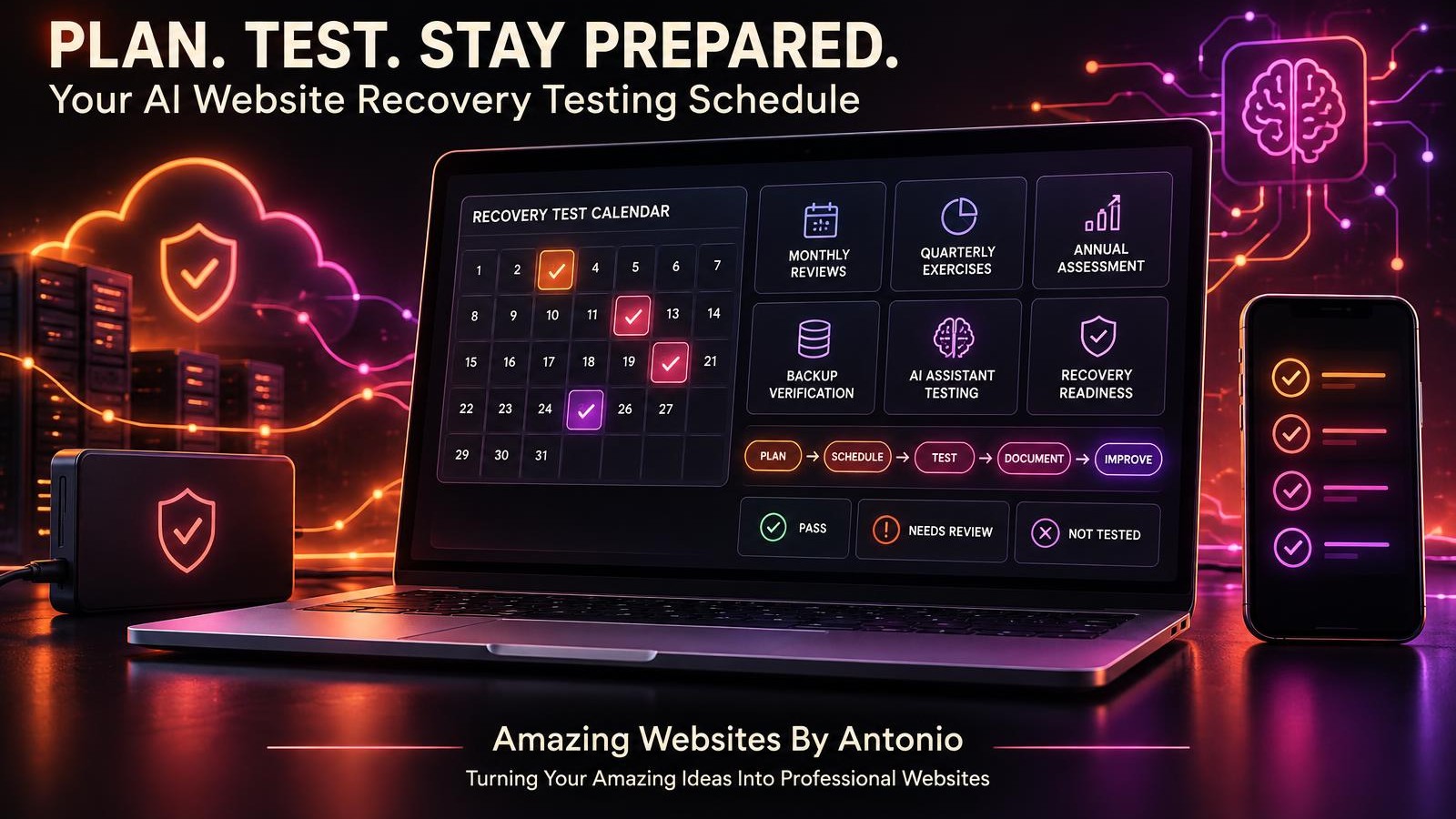
41. Schedule Regular Reviews
Choose a review frequency appropriate to your business and risk exposure.
42. Review Critical Risks First
High-impact concerns may require immediate or more frequent attention.
43. Update Risk Status
Record progress, delays, and newly discovered information.
44. Reassess Likelihood and Impact
Update ratings when circumstances or evidence change.
45. Review Overdue Actions
Follow up on preventive measures that have missed their target dates.
PART 10: IMPROVE YOUR RISK REGISTER OVER TIME
46. Review Risks After Major Website Updates
New features and integrations may create additional risks.
47. Learn From Confirmed Incidents
Use actual problems to improve future risk assessments.
48. Archive Risks Carefully
Retain appropriate historical records when risks are no longer active.
49. Measure Risk Reduction Progress
Review whether important safeguards have been implemented and verified.
50. Make Risk Tracking Part of Website Management
Use your risk register as an ongoing tool for building a more dependable digital business.
IDENTIFY → RECORD → PRIORITIZE → ASSIGN → ACT → VERIFY → REVIEW → IMPROVE
THE ESSENTIAL COLUMNS FOR YOUR AI WEBSITE RISK REGISTER
A useful risk register should provide enough information to support action without becoming unnecessarily complicated.
| Column | Purpose |
|---|---|
| Risk ID | Unique identifier |
| Risk Title | Short description |
| Category | Type of risk |
| Affected System | Website feature or service involved |
| Likelihood | Estimated chance of occurrence |
| Impact | Potential consequences |
| Risk Score | Comparative planning value |
| Priority | Low, Medium, High, or Critical |
| Risk Owner | Person responsible for oversight |
| Preventive Action | Planned safeguard |
| Action Status | Progress toward implementation |
| Target Date | Expected completion |
| Verification | Evidence that safeguards work |
| Residual Risk | Remaining risk after controls |
| Next Review | Date for reassessment |
IMPORTANT: Avoid storing passwords, API keys, private customer messages, or unnecessary sensitive information in the risk register.
YOUR SIMPLE RISK SCORING SYSTEM
You can use a five-point scale for likelihood and impact.
Likelihood
1 — Very Unlikely
2 — Unlikely
3 — Possible
4 — Likely
5 — Very Likely
Impact
1 — Minimal
2 — Minor
3 — Moderate
4 — Major
5 — Severe
Risk Score Formula
Risk Score = Likelihood × Impact
For example:
Likelihood: 4
Impact: 5
Risk Score: 20
Example Priority Ranges
| Score | Priority |
|---|---|
| 1–4 | Low |
| 5–9 | Medium |
| 10–16 | High |
| 17–25 | Critical |
These ranges are illustrative and can be adjusted.
A numerical score is not a precise probability measurement. It should support informed judgment rather than replace it.
EXAMPLE AI WEBSITE RISK REGISTER
The following entries are fictional and do not describe confirmed problems at Amazing Websites By Antonio.
| Risk ID | Risk | Score | Priority | Status |
|---|---|---|---|---|
| RISK-001 | Contact form submissions may fail | 15 | High | In Progress |
| RISK-002 | AI assistant may provide outdated pricing | 16 | High | Planned |
| RISK-003 | Important mobile navigation may break | 9 | Medium | Monitoring |
| RISK-004 | Email integration may disconnect | 12 | High | In Progress |
| RISK-005 | Minor decorative spacing may change | 4 | Low | Monitoring |
The next step is to identify suitable safeguards and track their implementation.
For example:
RISK-001
Preventive Action: Establish regular Contact form testing and review submission storage.
RISK-002
Preventive Action: Review approved AI pricing information after service changes.
RISK-003
Preventive Action: Include mobile navigation in the website quality assurance checklist.
RISK-004
Preventive Action: Verify email integration status and important notifications.
RISK-005
Preventive Action: Review during routine website maintenance.
THE GOAL ISN'T TO COLLECT RISKS.
THE GOAL IS TO MANAGE THEM.
CREATE A WEBSITE RISK TRACKING DASHBOARD
A simple dashboard can summarize important risk information.
Consider tracking:
- Total active risks
- Critical risks
- High-priority risks
- Risks awaiting review
- Overdue preventive actions
- Implemented safeguards awaiting verification
- Risks requiring provider assistance
- Risks closed during the reporting period
Fictional Dashboard Example
| Metric | Example |
|---|---|
| Active Risks | 12 |
| Critical Risks | 1 |
| High-Priority Risks | 4 |
| Medium-Priority Risks | 5 |
| Low-Priority Risks | 2 |
| Overdue Actions | 2 |
| Safeguards Awaiting Verification | 3 |
These figures are illustrative.
A dashboard should help you identify what requires attention—not create a false impression that every risk has been eliminated.
COMPLETE AI WEBSITE RISK REGISTER CHECKLIST
SECTION 1 — REGISTER SETUP
- ☐ A suitable tracking tool has been selected.
- ☐ Risk identifiers are standardized.
- ☐ Risk categories are defined.
- ☐ Required columns are established.
- ☐ Access permissions are appropriate.
SECTION 2 — RISK IDENTIFICATION
- ☐ Technical risks are documented.
- ☐ AI assistant risks are documented.
- ☐ Security and privacy risks are reviewed.
- ☐ Customer experience risks are included.
- ☐ External service dependencies are considered.
SECTION 3 — RISK EVALUATION
- ☐ Likelihood is assessed.
- ☐ Impact is assessed.
- ☐ Existing safeguards are documented.
- ☐ Priority is assigned.
- ☐ Important assumptions and uncertainties are recorded.
SECTION 4 — ACTION MANAGEMENT
- ☐ Risk owners are assigned.
- ☐ Preventive actions are documented.
- ☐ Action owners are identified.
- ☐ Target dates are established.
- ☐ Required resources are considered.
SECTION 5 — SAFEGUARD VERIFICATION
- ☐ Implemented safeguards are tested.
- ☐ Failed verification checks are recorded.
- ☐ Residual risks are assessed.
- ☐ Unresolved concerns remain visible.
- ☐ Important evidence is documented.
SECTION 6 — ONGOING REVIEW
- ☐ Regular review dates are scheduled.
- ☐ Critical risks receive appropriate attention.
- ☐ Overdue actions are reviewed.
- ☐ Risk ratings are updated when justified.
- ☐ New risks are added after important changes.
SECTION 7 — FINAL MANAGEMENT REVIEW
- ☐ The risk register is current.
- ☐ Important risks have clear ownership.
- ☐ Corrective actions are tracked.
- ☐ Completed actions are verified.
- ☐ The next review date is recorded.
COPY-READY AI WEBSITE RISK REGISTER REVIEW TEMPLATE
BUSINESS NAME:
[Enter Business Name]
WEBSITE:
[Enter Website Address]
REVIEW DATE:
[Enter Date]
PREPARED BY:
[Enter Name]
NEXT REVIEW DATE:
[Enter Date]
SECTION 1 — RISK SUMMARY
Total Active Risks:
[Enter Number]
Critical Risks:
[Enter Number]
High-Priority Risks:
[Enter Number]
Medium-Priority Risks:
[Enter Number]
Low-Priority Risks:
[Enter Number]
SECTION 2 — NEW RISKS
Risk ID:
[Enter Identifier]
Risk Title:
[Enter Title]
Category:
[Enter Category]
Affected System:
[Enter System]
Risk Description:
[Describe Potential Problem]
SECTION 3 — RISK EVALUATION
Likelihood Rating:
[1–5]
Impact Rating:
[1–5]
Risk Score:
[Likelihood × Impact]
Priority:
Low / Medium / High / Critical
Assessment Confidence:
High / Medium / Low
SECTION 4 — ACTION TRACKING
Risk Owner:
[Enter Name]
Preventive Action:
[Describe Action]
Action Owner:
[Enter Name]
Target Date:
[Enter Date]
Status:
Planned / In Progress / Implemented / Blocked / Closed
SECTION 5 — VERIFICATION
Safeguard Implemented:
Yes / No / Partially
Verification Method:
[Describe Test]
Verification Result:
Pass / Fail / Not Tested
Remaining Risk:
[Describe Residual Risk]
SECTION 6 — OVERDUE ACTIONS
Overdue Risk IDs:
[List Identifiers]
Reason for Delay:
[Enter Details]
Revised Target Date:
[Enter Date]
Escalation Required:
Yes / No
SECTION 7 — COMPLETED RISKS
Risk ID:
[Enter Identifier]
Closure Reason:
Risk Eliminated / Risk Accepted / No Longer Applicable / Other
Evidence:
[Describe Supporting Information]
Closure Approved By:
[Enter Name]
SECTION 8 — FINAL REVIEW
Important Findings:
[List Findings]
Priority Actions:
[List Actions]
Unresolved Concerns:
[List Concerns]
Next Review Date:
[Enter Date]
EXAMPLE AI WEBSITE RISK REGISTER SCENARIO
The following scenario is fictional.
Situation: A Business Owner Wants to Track AI Assistant Pricing Accuracy
A business owner uses an AI assistant to answer customer questions about website services.
The owner occasionally updates service packages and pricing.
The potential risk is that the assistant could provide outdated information.
Step 1 — Create a Risk Entry
Risk ID: RISK-002
Title: AI Assistant May Provide Outdated Pricing
Step 2 — Identify the Impact
Customers might receive inaccurate expectations about service costs.
Step 3 — Assign a Priority
The owner evaluates likelihood and impact using the business's risk assessment method.
Step 4 — Create a Preventive Action
Review approved pricing information whenever service packages change.
Step 5 — Assign Responsibility
The business owner takes responsibility for maintaining the approved information.
Step 6 — Set a Review Trigger
The risk must be reviewed whenever pricing or service packages change.
Step 7 — Verify the Safeguard
The owner tests representative customer pricing questions.
Step 8 — Record the Results
The risk register is updated with the verification outcome and any remaining concerns.
LESSON:
A risk register helps connect potential problems with clear responsibilities and practical preventive actions.
YOUR 30-DAY AI WEBSITE RISK REGISTER IMPLEMENTATION PLAN
WEEK 1 — CREATE THE REGISTER
- Choose a tracking tool.
- Create standard columns.
- Define risk categories.
- Establish priority levels.
- Add known potential risks.
GOAL: Build an organized risk tracking system.
WEEK 2 — EVALUATE AND PRIORITIZE
- Assess likelihood.
- Assess impact.
- Review existing safeguards.
- Identify high-priority concerns.
- Document assumptions.
GOAL: Understand which risks deserve attention first.
WEEK 3 — ASSIGN AND ACT
- Assign risk owners.
- Define preventive actions.
- Establish target dates.
- Begin appropriate improvements.
- Track implementation progress.
GOAL: Turn risk information into action.
WEEK 4 — VERIFY AND REVIEW
- Test implemented safeguards.
- Review overdue actions.
- Document residual risks.
- Update the dashboard.
- Schedule future reviews.
GOAL: Establish a sustainable risk management routine.
THE AI WEBSITE RISK REGISTER FRAMEWORK
IDENTIFY
Recognize potential website and AI-related problems.
↓
RECORD
Document each risk in a consistent format.
↓
PRIORITIZE
Evaluate likelihood, impact, and business significance.
↓
ASSIGN
Establish ownership and responsibilities.
↓
ACT
Implement appropriate preventive safeguards.
↓
VERIFY
Check whether safeguards work as intended.
↓
MONITOR
Track unresolved risks and changing conditions.
↓
IMPROVE
Use new evidence to strengthen your website.
FINAL THOUGHTS
Building a professional website is an exciting accomplishment.
It helps customers discover your services.
Learn about your business.
Explore your work.
And connect with your brand.
But managing a website also means paying attention to potential problems.
Technical risks.
AI assistant risks.
Security concerns.
Customer experience issues.
And integration dependencies.
Identifying those risks is important.
But identification is only the beginning.
You also need a way to organize them.
Prioritize them.
Assign responsibility.
Track preventive actions.
And verify improvements.
A RISK REGISTER HELPS TURN WEBSITE CONCERNS INTO MANAGEABLE ACTIONS.
It doesn't need to be complicated.
Start with a simple tracking system.
Document your most important risks.
Focus on practical safeguards.
Review your progress.
And keep improving as your business grows.
Because a dependable website isn't just built once.
IT'S MANAGED, PROTECTED, AND IMPROVED OVER TIME.
IDENTIFY THE RISKS.
TRACK WHAT MATTERS.
TAKE MEANINGFUL ACTION.
KEEP BUILDING BETTER WEBSITES.
Amazing Websites By Antonio
Turning Your Amazing Ideas Into Professional Websites