A Practical Guide to Checking Website Backups, Testing Restoration Procedures, and Protecting Your Digital Business
Imagine spending months building your business website.
You've created beautiful pages.
Added your services.
Developed your brand identity.
Connected your Contact forms.
Built your AI website assistant.
And created automated workflows to help your business operate more efficiently.
You know how important all that work is.
So you decide to protect your website by making sure backups are available.
That's a smart decision!
But here's an important question:
HOW DO YOU KNOW WHETHER YOUR BACKUPS WILL ACTUALLY WORK WHEN YOU NEED THEM?
Just because a website platform displays a saved version doesn't necessarily mean every part of your business can be restored.
Your website pages might be included.
But what about your customer inquiries?
Your AI assistant instructions?
Your connected payment services?
Your email notifications?
Your domain settings?
Or your automation workflows?
That's why backup verification matters.
BACKUP VERIFICATION IS THE PROCESS OF CHECKING WHETHER IMPORTANT INFORMATION HAS BEEN PROTECTED AND WHETHER IT CAN BE RECOVERED AS EXPECTED.
It helps you identify gaps before a serious technical problem occurs.
For AI-powered websites, backup verification is especially valuable because your business may depend on several different platforms.
In Blog #119, we're exploring 50 practical strategies for creating a repeatable backup verification routine that supports website reliability and disaster recovery preparation.
PART 1: UNDERSTAND BACKUP VERIFICATION
1. Know What Backup Verification Means
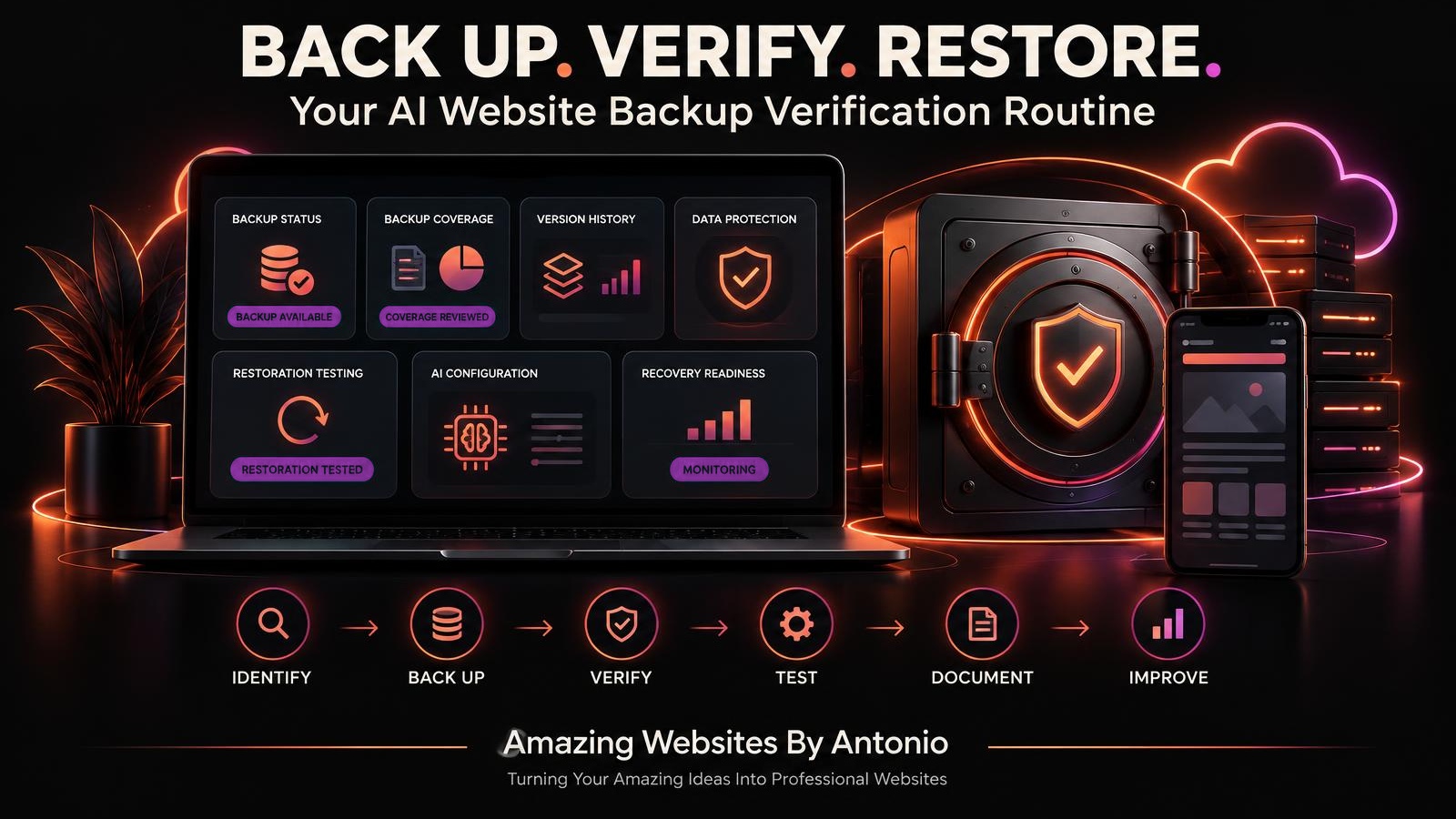
Backup verification involves checking backup existence, coverage, integrity, accessibility, and recoverability.
2. Understand That a Backup Isn't Automatically a Complete Recovery Solution
A saved website version may not include every connected service or record.
3. Recognize the Difference Between Backup and Restoration
A backup preserves recoverable information.
Restoration uses that information to recover affected systems or data.
4. Make Verification Part of Your Maintenance Routine
Review backups regularly instead of waiting until an emergency.
5. Keep the Process Appropriate to Your Business
A simple website and a complex AI-powered business platform may require different verification procedures.
PART 2: IDENTIFY WHAT NEEDS BACKING UP
6. Review Your Website Pages
Identify important content, design elements, and page configurations.
7. Review Your Business Information
Protect approved service descriptions, branding materials, and important business documents.
8. Identify AI Assistant Configurations
Document important AI instructions, approved knowledge sources, and supported configuration settings.
9. Identify Customer Inquiry Records
Determine where private submissions are stored and which recovery options are available.
10. Review Connected Integrations
Identify email, payment, automation, and other external services that may need separate recovery procedures.
PART 3: UNDERSTAND YOUR PLATFORM'S BACKUP CAPABILITIES
11. Review Available Backup Features
Check your website platform's documentation for supported backup and restoration options.
12. Check Version History
Determine whether previous website versions can be accessed or restored.
13. Identify What Backups Include
Understand which website components are protected.
14. Identify What Backups Exclude
Document anything that requires a separate backup or recovery process.
15. Avoid Assuming Every Platform Works the Same Way
Backup capabilities differ across website builders, hosting providers, and connected services.
PART 4: CHECK BACKUP COMPLETENESS
16. Confirm Backup Availability
Verify that expected backups or saved versions exist.
17. Review Backup Dates
Check when each backup was created.
18. Review Protected Components
Compare backup coverage with your list of important digital assets.
19. Check for Missing Information
Identify records, settings, or files that may not be protected.
20. Document Backup Gaps
Record limitations and determine whether additional safeguards are needed.
PART 5: PROTECT BACKUP INFORMATION
21. Secure Backup Access
Use appropriate account security and access permissions.
22. Protect Sensitive Records
Customer information should remain private during backup storage and testing.
23. Consider Independent Backup Storage
Where supported and appropriate, avoid depending entirely on one account or service.
24. Review Backup Retention
Establish appropriate retention periods based on business requirements and applicable obligations.
25. Protect Recovery Credentials
Store account recovery information securely without placing passwords or secret keys in ordinary checklists.
PART 6: TEST RESTORATION SAFELY
26. Understand the Restoration Process
Review documented recovery procedures before testing.
27. Use a Safe Test Environment
When supported, test restoration in a staging or isolated environment rather than overwriting your live website.
28. Verify Restored Website Content
Check that important pages and approved content appear correctly.
29. Test Restored Functionality
Review navigation, forms, and other essential features using appropriate test data.
30. Record Restoration Results
Document what worked, what failed, and what could not be tested.
PART 7: VERIFY AI WEBSITE COMPONENTS
31. Review AI Assistant Availability
Determine whether the assistant can be restored or reconfigured through documented procedures.
32. Verify Knowledge Base Information
Confirm that restored knowledge sources are current and approved.
33. Check AI Instructions
Review important assistant behavior rules and business-specific guidance.
34. Test Representative Questions
Check common questions, uncertain situations, and human handoff responses.
35. Review AI Integration Dependencies
Determine whether external AI services require separate configuration or reconnection.
PART 8: VERIFY CUSTOMER AND BUSINESS WORKFLOWS
36. Check Contact Form Functionality
Use safe test submissions to verify the form workflow.
37. Verify Private Inquiry Storage
Confirm that test inquiries reach the appropriate private destination.
38. Review Email Notifications
Check whether notifications are delivered as expected.
39. Review Payment Integrations
Where applicable, use supported testing methods rather than unnecessary live transactions.
40. Check Automation Behavior
Confirm that restored workflows do not create unintended duplicate messages or actions.
PART 9: CREATE A REPEATABLE VERIFICATION ROUTINE
41. Choose a Review Schedule
Set a frequency that reflects how often important website information changes.
42. Define Verification Responsibilities
Identify who reviews backup status and records findings.
43. Create a Standard Checklist
Use the same core checks each time.
44. Track Failed Verification Checks
Document problems and assign corrective actions.
45. Review After Major Website Changes
Important changes may require an additional backup and recovery readiness review.
PART 10: IMPROVE LONG-TERM BACKUP READINESS
46. Compare Results Over Time
Look for recurring backup failures or incomplete coverage.
47. Review Recovery Objectives
Check whether your backup approach supports your desired recovery time and acceptable data-loss targets.
48. Update Your Disaster Recovery Plan
Document verified recovery procedures and remaining limitations.
49. Practice Periodically
Conduct safe restoration tests or tabletop exercises appropriate to your platform.
50. Keep Improving Your Backup Strategy
As your website grows, reassess what needs protection and how it can be recovered.
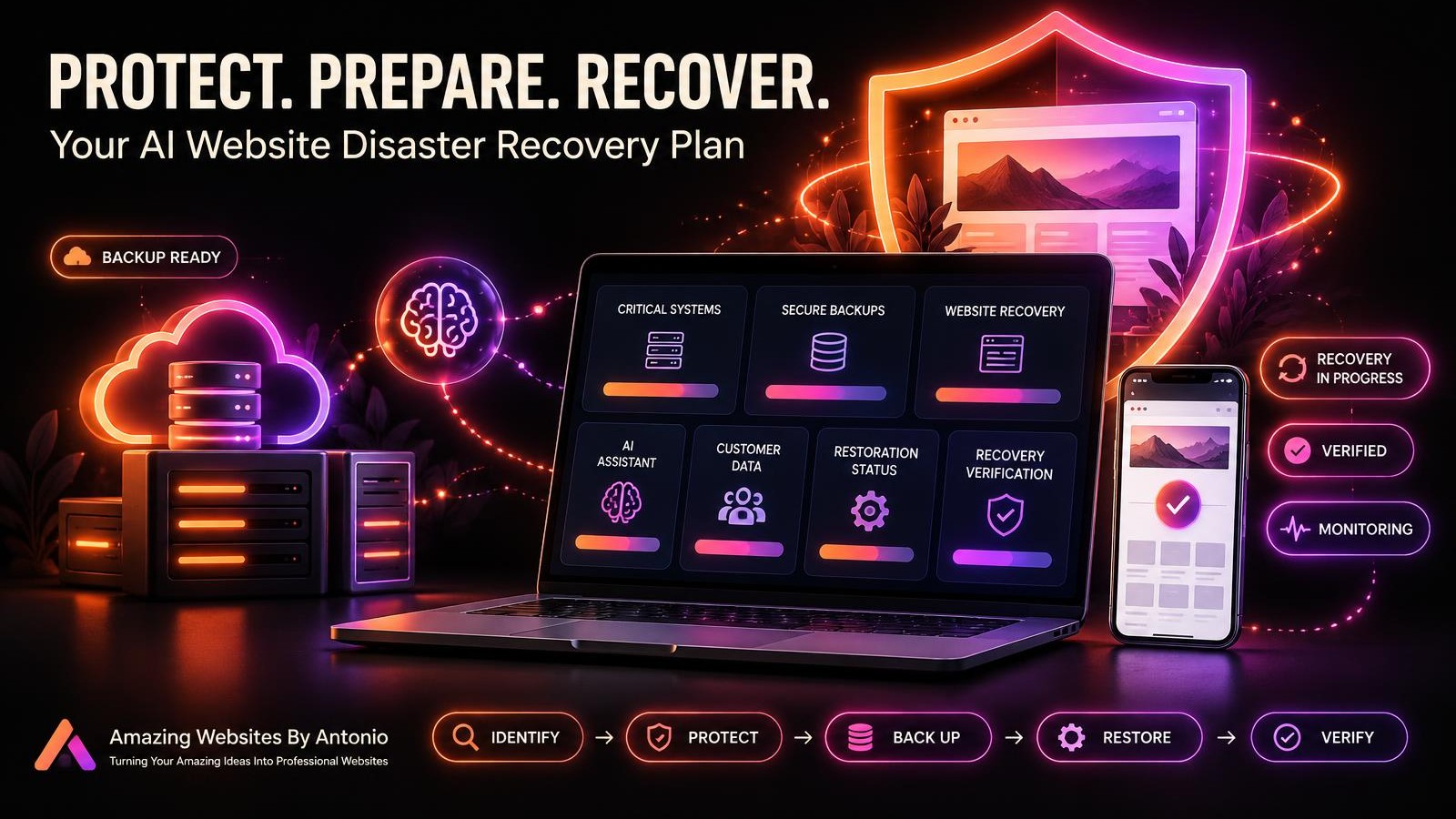
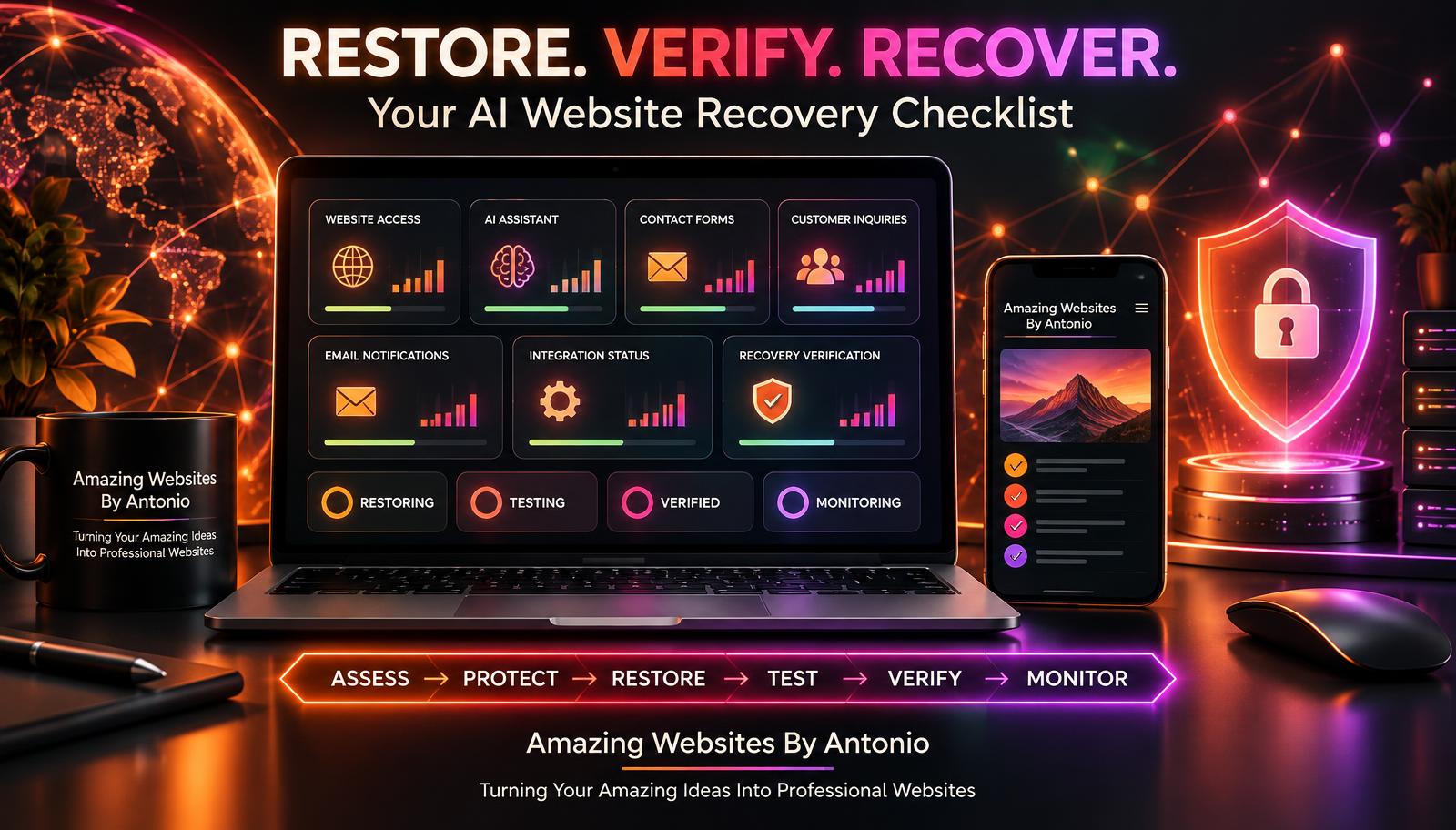
IDENTIFY → BACK UP → VERIFY → TEST → DOCUMENT → IMPROVE
BACKUP VERIFICATION VS. RESTORATION TESTING
These two activities are closely related, but they serve different purposes.
| Backup Verification | Restoration Testing |
|---|---|
| Confirms backups exist | Attempts to recover information |
| Reviews backup dates | Tests the recovery procedure |
| Checks expected coverage | Checks restored content and functionality |
| Reviews storage and access | Verifies the restored environment |
| Identifies missing protection | Reveals recovery problems |
A successful backup status does not, by itself, prove that complete restoration will succeed.
Both types of checks contribute to recovery readiness.
YOUR AI WEBSITE BACKUP VERIFICATION SCHEDULE
The following is an illustrative schedule, not a universal requirement.
| Frequency | Suggested Activity |
|---|---|
| After important changes | Review backup coverage and recovery readiness |
| Weekly | Check available backup status and recent failures |
| Monthly | Review critical data coverage and backup access |
| Quarterly | Conduct a safe restoration test where supported |
| Annually | Review the overall backup and disaster recovery strategy |
Businesses with frequent data changes or higher recovery requirements may need more frequent checks.
COMPLETE AI WEBSITE BACKUP VERIFICATION CHECKLIST
SECTION 1 — BACKUP INVENTORY
- ☐ Important website components are identified.
- ☐ Critical business records are documented.
- ☐ AI assistant configurations are reviewed.
- ☐ Important integrations are listed.
- ☐ Backup responsibilities are assigned.
SECTION 2 — BACKUP AVAILABILITY
- ☐ Expected backups or saved versions exist.
- ☐ Backup dates have been reviewed.
- ☐ Available backup history is understood.
- ☐ Missing backups have been investigated.
- ☐ Backup status has been documented.
SECTION 3 — BACKUP COVERAGE
- ☐ Website pages are included where supported.
- ☐ Important business content is protected.
- ☐ AI configurations are documented or backed up where possible.
- ☐ Customer records have an appropriate protection strategy.
- ☐ External integrations have separate recovery procedures when needed.
- ☐ Known coverage gaps are documented.
SECTION 4 — BACKUP SECURITY
- ☐ Backup access is appropriately restricted.
- ☐ Important accounts are protected.
- ☐ Sensitive customer information is handled securely.
- ☐ Backup retention rules are reviewed.
- ☐ Recovery credentials are stored securely.
SECTION 5 — RESTORATION READINESS
- ☐ Restoration procedures are documented.
- ☐ A safe testing method has been identified.
- ☐ Restoration tests have been completed where feasible.
- ☐ Restored content has been reviewed.
- ☐ Important functionality has been tested.
- ☐ Failed tests have been documented.
SECTION 6 — AI AND INTEGRATION VERIFICATION
- ☐ AI assistant configuration requirements are understood.
- ☐ Approved knowledge sources are available.
- ☐ Human handoff behavior can be verified.
- ☐ Contact form recovery requirements are documented.
- ☐ Email integration recovery is understood.
- ☐ Payment integration recovery is understood where applicable.
- ☐ Automation recovery procedures are documented.
SECTION 7 — FINAL REVIEW
- ☐ Verification results are recorded.
- ☐ Unresolved issues are identified.
- ☐ Recovery limitations are documented.
- ☐ Corrective actions are assigned.
- ☐ The next review date is scheduled.
COPY-READY AI WEBSITE BACKUP VERIFICATION REPORT
BUSINESS NAME:
[Enter Business Name]
WEBSITE:
[Enter Website Address]
VERIFICATION DATE:
[Enter Date]
PREPARED BY:
[Enter Name]
BACKUP OR VERSION IDENTIFIER:
[Enter Identifier]
SECTION 1 — BACKUP INFORMATION
Backup Provider:
[Enter Provider]
Backup Type:
[Enter Type]
Backup Creation Date:
[Enter Date]
Backup Location:
[Enter Secure Location Description]
Backup Status:
Available / Missing / Failed / Not Verified
SECTION 2 — BACKUP COVERAGE
Website Pages:
Included / Excluded / Unknown
Business Content:
Included / Excluded / Unknown
AI Assistant Configuration:
Included / Excluded / Unknown
Customer Inquiry Records:
Included / Excluded / Unknown
External Integration Settings:
Included / Excluded / Unknown
Other Important Data:
[Enter Details]
SECTION 3 — SECURITY REVIEW
Access Permissions Reviewed:
Yes / No
Sensitive Data Protected:
Yes / No / Not Verified
Retention Requirements Reviewed:
Yes / No
Known Security Concerns:
[Enter Details Without Including Secrets]
SECTION 4 — RESTORATION TEST
Restoration Test Performed:
Yes / No
Test Environment:
[Enter Description]
Restoration Method:
[Describe Method]
Content Verification:
Pass / Fail / Not Tested
Functionality Verification:
Pass / Fail / Not Tested
AI Assistant Verification:
Pass / Fail / Not Applicable / Not Tested
Integration Verification:
Pass / Fail / Not Applicable / Not Tested
SECTION 5 — FINDINGS
Successful Checks:
[List Results]
Failed Checks:
[List Results]
Coverage Gaps:
[List Gaps]
Known Recovery Limitations:
[List Limitations]
SECTION 6 — CORRECTIVE ACTIONS
Action Required:
[Describe Action]
Priority:
Critical / High / Medium / Low
Responsible Person:
[Enter Name]
Target Completion Date:
[Enter Date]
SECTION 7 — FINAL VERIFICATION STATUS
Overall Status:
Verified / Partially Verified / Not Verified
Recovery Readiness:
Ready for Documented Scope / Additional Work Required / Unknown
Next Verification Date:
[Enter Date]
Reviewed By:
[Enter Name]
EXAMPLE BACKUP VERIFICATION SCENARIO
The following scenario is fictional.
Situation: A Website Owner Reviews Their Recovery Preparation
A business owner checks the website platform's saved version history.
Several previous website versions are available.
At first, everything looks fine.
But the owner decides to verify what those saved versions actually include.
Step 1 — Review Backup Coverage
The owner checks whether saved versions include website pages, design changes, and important configurations.
Step 2 — Identify Missing Components
The owner discovers that external customer inquiry records and certain integrations are not covered by the website version history.
Step 3 — Document the Gaps
The owner records which systems require separate recovery procedures.
Step 4 — Review Supported Recovery Options
The owner checks provider documentation for restoration and export capabilities.
Step 5 — Perform Safe Testing
Where supported, the owner tests restoring an earlier version in an isolated environment.
Step 6 — Verify the Results
The owner checks that important pages and functionality have been restored.
Step 7 — Update the Disaster Recovery Plan
The owner documents verified procedures and remaining limitations.
LESSON:
A backup can be useful without being complete.
Understanding what it protects is essential.
YOUR 30-DAY BACKUP VERIFICATION IMPLEMENTATION PLAN
WEEK 1 — IDENTIFY AND INVENTORY
- List important website components.
- Identify critical business records.
- Review AI assistant dependencies.
- Document external integrations.
- Identify existing backup options.
GOAL: Understand what needs protection.
WEEK 2 — REVIEW BACKUP COVERAGE
- Check available backups.
- Review backup dates.
- Identify included components.
- Document excluded systems.
- Review backup access and security.
GOAL: Understand what your current backups actually protect.
WEEK 3 — TEST RECOVERY READINESS
- Review supported restoration procedures.
- Identify a safe testing method.
- Conduct a restoration test where feasible.
- Record results.
- Investigate failed or incomplete checks.
GOAL: Verify recovery capabilities without disrupting live operations.
WEEK 4 — DOCUMENT AND IMPROVE
- Complete the verification report.
- Update the disaster recovery plan.
- Assign corrective actions.
- Set a recurring verification schedule.
- Review remaining limitations.
GOAL: Establish a sustainable backup verification routine.
THE AI WEBSITE BACKUP VERIFICATION FRAMEWORK
IDENTIFY
List important website systems and information.
↓
BACK UP
Use appropriate supported backup methods.
↓
VERIFY
Check backup availability, dates, coverage, and security.
↓
TEST
Safely test restoration procedures where possible.
↓
DOCUMENT
Record successful checks, failures, and limitations.
↓
CORRECT
Address identified gaps.
↓
REPEAT
Review backup readiness regularly.
FINAL THOUGHTS
Creating a professional business website takes time.
Creativity.
Planning.
Technical knowledge.
And dedication.
You've invested effort into building something that represents your business.
But protecting that work requires more than assuming everything has been saved.
Backups are important.
Yet backups are only part of recovery preparation.
You also need to understand what they include.
Where they're stored.
How they're protected.
Whether they can be restored.
And what limitations may exist.
A BACKUP YOU'VE NEVER VERIFIED MAY NOT PROVIDE THE PROTECTION YOU EXPECT.
That's why a backup verification routine matters.
It helps you discover missing coverage.
Understand recovery capabilities.
Protect important information.
And prepare for unexpected technical problems.
You don't have to build a complicated system overnight.
Start by identifying your critical website components.
Review your platform's backup features.
Document limitations.
Test safely when possible.
And improve your process over time.
Because protecting your website isn't just about saving yesterday's work.
IT'S ABOUT PREPARING TO KEEP YOUR BUSINESS MOVING FORWARD TOMORROW.
BACK UP WHAT MATTERS.
VERIFY WHAT'S PROTECTED.
TEST WHAT CAN BE RESTORED.
KEEP BUILDING BETTER WEBSITES.
Amazing Websites By Antonio
Turning Your Amazing Ideas Into Professional Websites