Amazing Websites By Antonio LogoAmazing Websites By Antonio
Home💌 Letter From Founder✨ Success Center📚 Smart Resource Center🚀 Business Growth Suite🤝 Community🌐 Ecosystem🔬 Innovation Lab🌍 Global Network🌟 V3.1🎯 Command Center🎓 Academy✨ Complete Vision🔭 Master Vision 2040📜 Charter✍️ Signature Line🛍️ Marketplace🎙️ Media Center🌈 Brand Experience🏆 Hall of Success🏛️ Legacy Center📖 Constitution📊 Impact Report🧭 Journey Center🏅 Excellence BlueprintDashboardSearchOur Mission🌟 Our VisionStart Here🎓 Learning JourneysWhere Should I Start?Resource FinderWebsite Health CheckVersion 2.0 Roadmap🗺️ 2030 RoadmapServices🎨 Brand Identity📢 ManifestoPortfolioSuccess StoriesTestimonialsCredentialsBlog🎨 Comic StudioFree ResourcesResource CenterAI Learning HubPrompt LibraryNewsletterContact
All articles
📊 Website Strategy & Business Growth

How to Use Case Studies on Your Website to Turn Your Work Into Proof

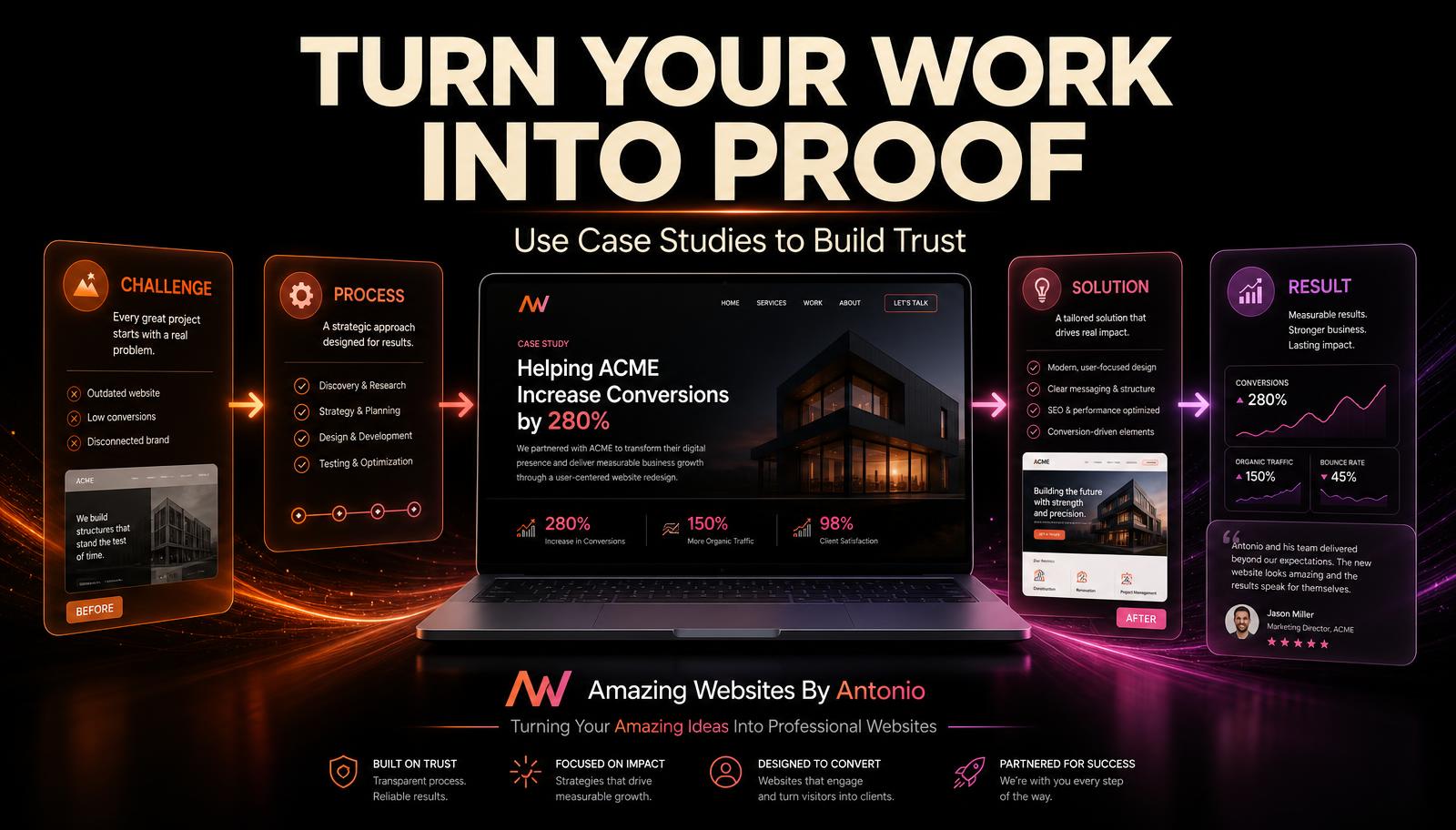
A portfolio shows what you made. A case study shows the challenge, your process, the solution, and the result — turning your work into real evidence customers can trust.

Antonio Humann Sep 15, 2026 5 min read Share on LinkedInShare on YouTube
How to Use Case Studies on Your Website to Turn Your Work Into Proof

Potential customers can read about your services.

They can look through your portfolio.

They can read your About page.

They can even explore your testimonials.

But sometimes they still have one important question:

“Can this business actually do what it says it can do?”

That is where a strong case study can help.

A case study takes a real project and tells the story behind it.

Instead of simply saying, “We create professional websites,” a case study allows you to show visitors:

  • Here was the challenge.
  • Here was our approach.
  • Here is what we created.
  • Here is the finished result.

That turns a claim into evidence.

Here are some ways to create powerful case studies for your website.

1. Start With a Real Project

Choose a project that represents the type of work you want customers to hire you for. It might be:

  • A website
  • A branding project
  • A logo
  • An AI-powered tool
  • An automation
  • A digital product
  • A marketing project
  • A business solution

The project does not necessarily have to be your biggest project. It should be a project that allows you to clearly demonstrate your abilities.

2. Give the Case Study a Strong Title

Avoid titles that simply say “Client Project #3.” Instead, create a title that tells visitors what the project was about. For example:

  • “Creating a Professional Digital Presence for a Growing Small Business”
  • “Transforming a Business Idea Into a Modern Website”

The title should make visitors want to learn more.

3. Introduce the Project

Give visitors enough background to understand the situation. Explain:

  • What the business or project was
  • What needed to be created
  • What the customer wanted to accomplish
  • What services were involved

Keep this section simple and focused.

4. Explain the Challenge

Every strong case study needs a challenge. What problem needed to be solved? Maybe the customer:

  • Did not have a website
  • Had an outdated website
  • Needed stronger branding
  • Needed a clearer customer experience
  • Wanted to automate part of the business
  • Needed a professional digital presence
  • Had an idea but did not know how to bring it to life

The challenge gives the project context.

5. Explain Your Approach

Now explain how you approached the problem. This is where your expertise begins to show. You might discuss research, planning, website structure, brand strategy, design decisions, AI tools, automation, content development, testing, and customer feedback.

You do not have to reveal every technical detail. Give visitors enough information to understand that there was thought and strategy behind the work.

6. Show the Solution

This is the heart of the case study. Explain what you created. For a website project, that might include the homepage, About page, services, contact page, testimonials, blog, forms, mobile optimization, branding, calls to action, and AI-powered features.

Use screenshots, mockups, images, or videos whenever possible. Let visitors actually see the work.

7. Show Before and After When Possible

Before-and-after examples can be powerful. Maybe the business went from:

  • No website → Professional website
  • Outdated branding → Modern brand identity
  • Confusing navigation → Simple customer journey
  • Manual process → Automated workflow

The transformation helps visitors understand the value of the work.

8. Explain the Result

What happened after the solution was created? Results do not always need to be dramatic numbers. A result might be a professional online presence, easier navigation, better organization, stronger branding, a clearer customer journey, a faster process, a more polished customer experience, or a system that saves time.

If you have measurable results, use them. But never invent numbers or results. Authenticity matters more than impressive-looking statistics.

9. Include the Customer’s Voice

If the customer has given you permission, include a testimonial within the case study. This adds another perspective. Instead of the entire case study being written from the business owner’s point of view, visitors can also hear directly from the person who experienced the service.

10. Explain What Services Were Used

At the bottom or side of the case study, include a simple list such as:

Services Provided:

  • Website Design
  • Branding
  • AI Solutions
  • Automation
  • Content Strategy

This helps visitors connect the finished project with the services you offer.

11. Include a Call to Action

A case study should not simply end. After visitors see what you accomplished, tell them what they can do next. For example:

  • “Have an amazing idea of your own?”
  • “Ready to build your professional website?”
  • “Let’s turn your idea into something real.”

Then provide a clear button: Start Your Project.

12. Make Case Studies Easy to Find

Do not hide your best work. Case studies can appear in several places: your portfolio, homepage, services pages, blog, customer success section, or a dedicated Case Studies page. You can also link related case studies directly from individual service pages.

13. Use Visual Storytelling

A case study should not feel like a giant wall of text. Break it into sections. Use headlines, screenshots, project images, mockups, quotes, short paragraphs, before-and-after visuals, results, and calls to action. Make the story easy to follow.

14. Keep Your Case Studies Honest

Never exaggerate what happened. Never invent customer quotes. Never create fake results. Never take credit for work you did not perform.

A smaller authentic success story is more valuable than a dramatic story that cannot be supported.

15. Turn Your Portfolio Into Proof

A portfolio says, “Here is something I created.”

A case study goes further and says, “Here is why it was created, how I approached it, what I built, and what happened as a result.”

That additional context can help potential customers understand your value.

16. Build a Library Over Time

You do not need 20 case studies immediately. Start with one strong project. Then add another. And another.

Over time, your website can develop a library of real examples showing different services, industries, challenges, and solutions. Each case study becomes another piece of evidence supporting your expertise.

Final Thoughts

Customers do not only want promises. They want reasons to believe those promises.

Case studies can provide those reasons. They allow you to demonstrate your thinking, creativity, problem-solving, process, and results through real work.

Instead of telling visitors “Trust me,” you are showing them “Here is what I have done.”

That is one of the most powerful forms of credibility a business website can provide.

Show the challenge. Explain the process. Present the solution. Share the result.

Let your work become the proof.

Amazing Websites By Antonio
Turning Your Amazing Ideas Into Professional Websites
Share this article
Facebook Twitter LinkedInYouTube
Previous
How to Build a Website That Shows Your Expertise Without Bragging
Next
How to Create a Portfolio Page That Makes Your Best Work Impossible to Ignore
Continue your learning

Recommended for you

Smart picks based on this article's category, related topics, and what's trending on Amazing Websites By Antonio.

100 Ways to Make Your Business Website More Amazing
📊 Website Strategy & Business Growth

100 Ways to Make Your Business Website More Amazing

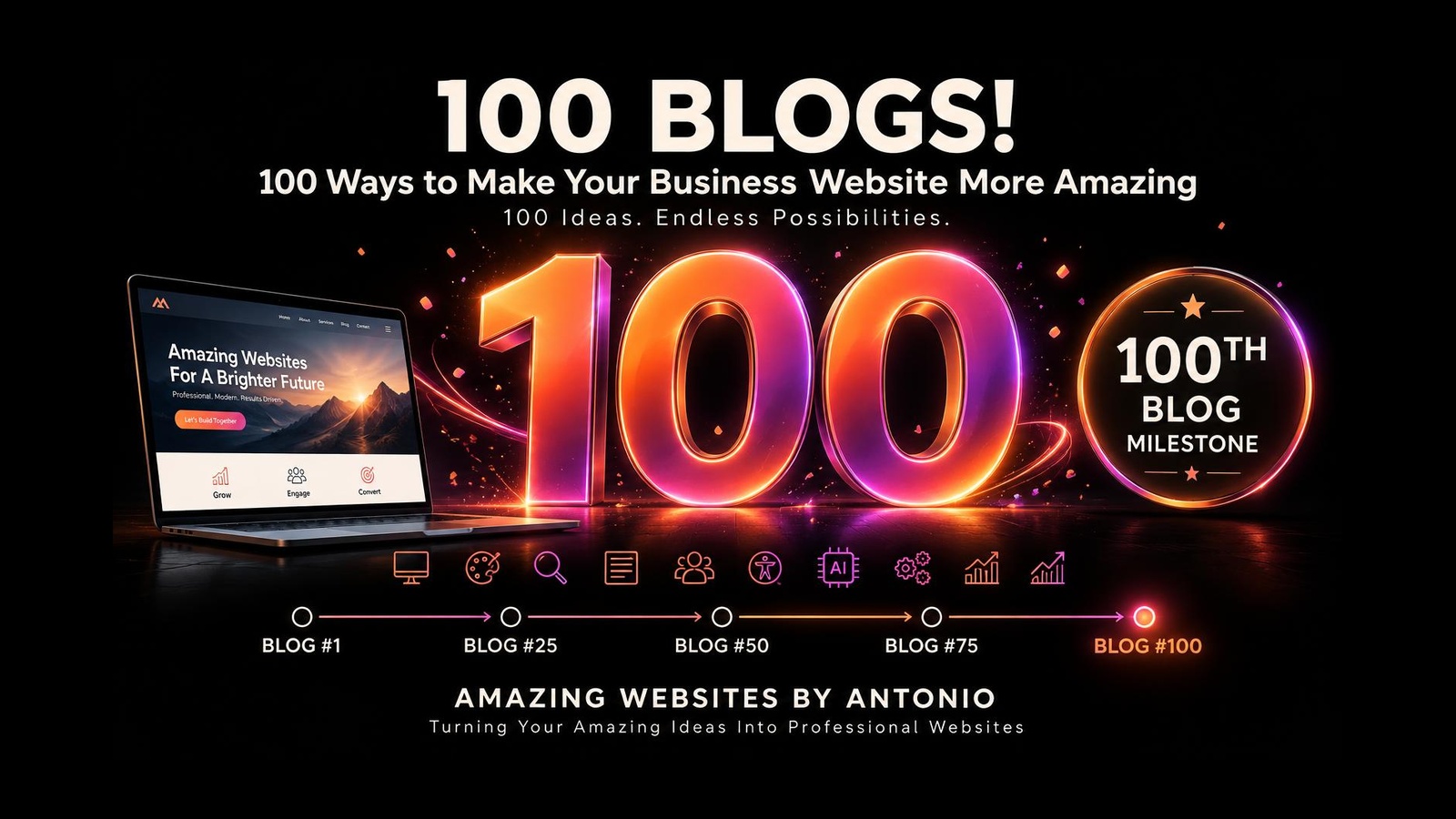
A Special 100th Blog Milestone Celebration. 100 Blogs. 100 Ideas. Endless Possibilities. Explore 100 practical ways to strengthen your website, serve your customers, and grow your business.

Oct 9, 2026 10 min read
Continue reading
How to Create a Website Improvement Roadmap Without Trying to Fix Everything at Once
📊 Website Strategy & Business Growth

How to Create a Website Improvement Roadmap Without Trying to Fix Everything at Once

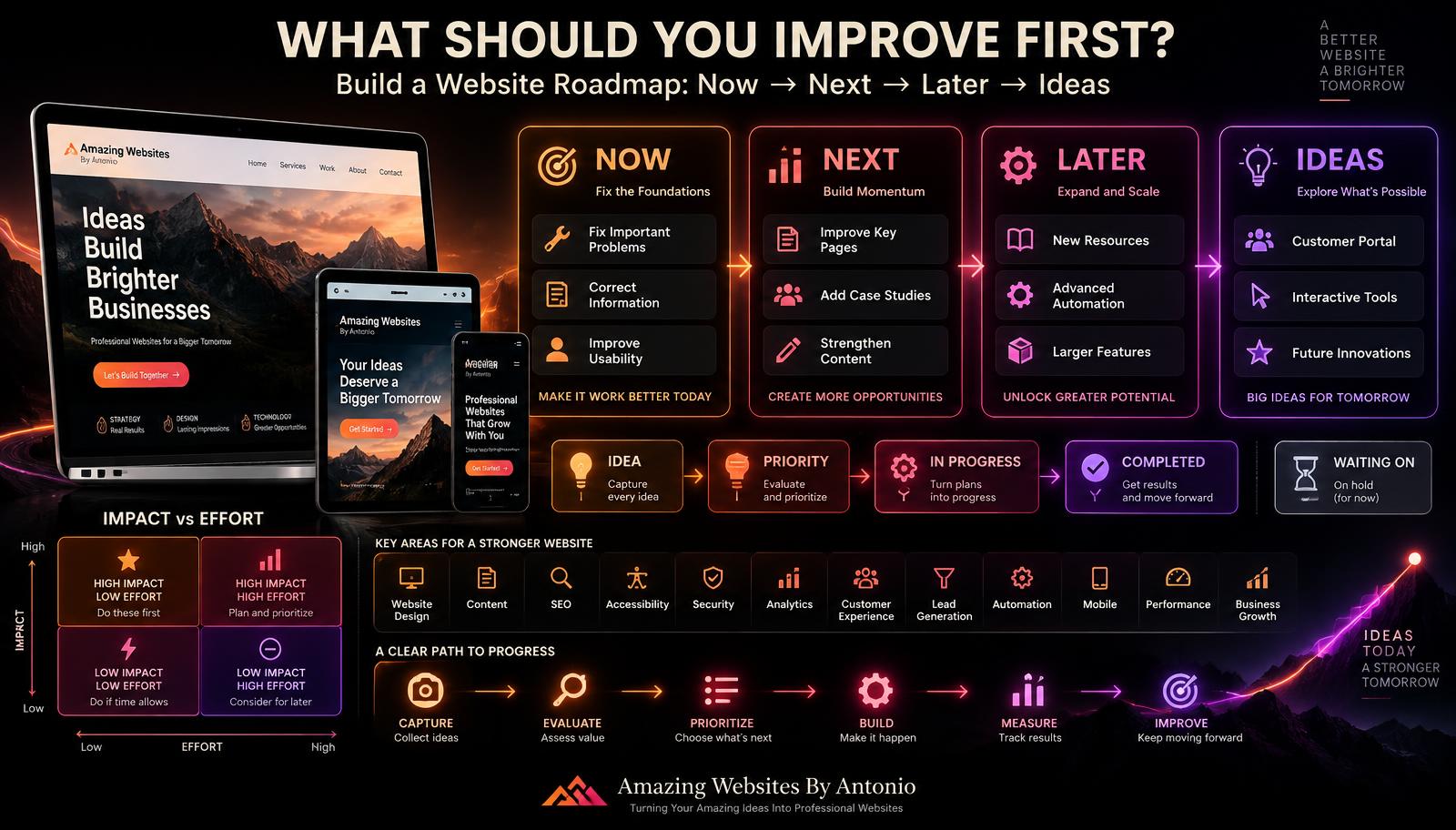
Your website improvement list can start to feel like an entirely new project. Learn how to build a simple roadmap — Now, Next, Later, Ideas — so you fix the right things in the right order and make steady, intentional progress.

Oct 2, 2026 11 min read
Continue reading
How to Create a 90-Day Website Growth Plan After Launch
📊 Website Strategy & Business Growth

How to Create a 90-Day Website Growth Plan After Launch

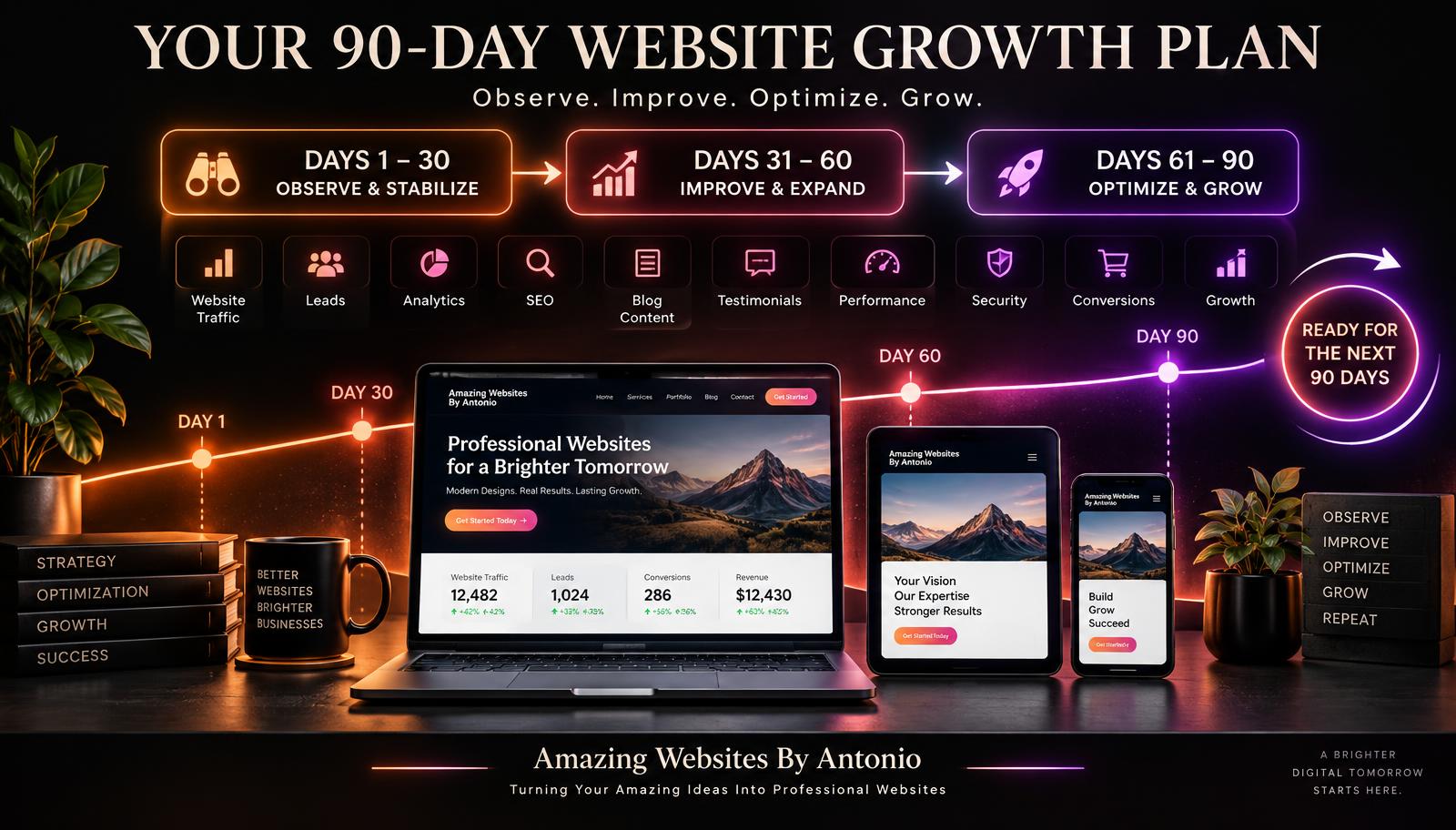
Your website is live — now what? Learn how to organize your first 90 days after launch into three stages: Observe & Stabilize, Improve & Expand, and Optimize & Grow.

Sep 30, 2026 10 min read
Continue reading

Suggested learning path

A guided sequence through Website Strategy & Business Growth.

  1. 1Step 1
    Website Analytics Made Simple: Understanding What Your Visitors Are Telling You
  2. 2Step 2
    How to Turn Your Website Into a 24/7 Salesperson for Your Business
  3. 3Step 3
    How to Measure Whether Your Website Is Actually Working for Your Business
  4. 4Step 4
    How to Create Website Service Packages That Make Buying Easier for Customers

Popular this week

Most read
The Future of Business Websites: What Every Entrepreneur Should Prepare For
Oct 10, 2026 · 10 min read
Recently updated
100 Ways to Make Your Business Website More Amazing
Oct 9, 2026 · 10 min read
Editor's pick
How to Turn Website Feedback Into a Customer Experience Improvement Plan
Oct 8, 2026 · 9 min read

Explore more categories

🤖AI for Business

AI, ChatGPT, automation, agents, prompts, and productivity for small businesses.

🧠Artificial Intelligence & Business Growth

How AI helps small businesses save time, reduce costs, improve productivity, and grow smarter.

🌐Website Design

Planning, homepages, landing pages, responsive design, UX, and best practices.

🧭Website Design & User Experience

Website design, user experience, accessibility, and creating websites that are intuitive and easy to use.

🎯Website Design & Conversion Strategy

Calls to action, landing pages, conversion optimization, and turning website visitors into customers.

⚡Website Performance & Business Growth

Website speed, performance optimization, conversions, and how a faster site drives business growth.

🌐Website Design & Business Growth

Website design, contact pages, landing pages, and business-focused web strategies that turn visitors into customers.

📊Website Strategy & Business Growth

Website analytics, strategy, planning, and data-informed decisions that help businesses grow online.

🚀Website Innovation & Business Growth

Future-ready websites, digital innovation, thoughtful AI, automation, and technology that supports business growth.

🎨Website Strategy & Branding

How website strategy, brand identity, and messaging work together to create a consistent customer experience.

🏆Website Strategy & Personal Branding

Building trust and credibility by showcasing expertise, experience, authentic stories, and professional value online.

🤝Website Strategy & Customer Experience

Building website trust, credibility, and customer confidence through strategic design, clear messaging, and thoughtful user experiences.

🤝Website Strategy & Client Experience

Client intake, onboarding, communication, and project processes that create a smooth, confident experience from first contact to launch.

🚀Client Experience & Business Growth

Client onboarding, welcome experiences, and building strong customer relationships that help businesses grow.

📋Client Experience & Project Management

Client communication, project updates, feedback, approvals, and keeping website projects organized from kickoff to launch.

🗂️Website Strategy & Project Management

Project planning, launch checklists, testing, approvals, and organizing website builds from start to launch.

🧰Website Strategy & Maintenance

Post-launch care, monitoring, backups, security, updates, and keeping a live website healthy and growing.

🧰Website Maintenance & Business Growth

Monthly maintenance routines, health checks, updates, monitoring, and ongoing care that keeps a website working for the business.

🧭Website Strategy & User Experience

Website engagement, user experience, navigation, and creating websites that guide visitors naturally without overwhelming them.

🎯Website Strategy & Lead Generation

Contact pages, lead capture, inquiry forms, and turning website visitors into qualified business leads.

🔍SEO & Digital Marketing

Search engine optimization, keyword strategy, and digital marketing foundations that help businesses get found online.

📊Website Analytics & Business Growth

Website metrics, analytics, conversions, and using data to make smarter business decisions and grow online.

🎨Branding

Brand identity, logos, colors, typography, strategy, and consistency.

🎨Branding & Business

Brand building, business identity, growth strategy, and customer experience for small businesses.

💎Branding & Business Growth

Brand messaging, value propositions, positioning, and differentiation that help businesses stand out and grow.

🎨Branding & Website Strategy

How brand storytelling, identity, and website strategy work together to create a memorable customer experience.

🤝Branding & Customer Connection

Founder stories, authentic messaging, and human-centered branding that help businesses build meaningful customer relationships.

📈Digital Marketing

Marketing, social, email, content, ads, and lead generation.

📈Digital Marketing & Business Growth

Digital marketing, social media, SEO, content strategy, and growth tactics that help businesses attract and convert customers.

🧲Lead Generation & Business Growth

Lead magnets, email capture, conversion strategy, and turning website visitors into loyal customers.

🤝Lead Generation & Customer Relationships

Lead follow-up, nurturing, communication, and building lasting customer relationships.

🚀Small Business Growth

Entrepreneurship, productivity, customer experience, and success stories.

🤝Customer Experience & Business Growth

Customer relationships, loyalty, communication, community building, and experiences that drive business growth.

🤝Customer Experience & Website Strategy

Customer feedback, usability, testing, and purposeful website improvements guided by customer needs and business goals.

🔒Website Security & Business Technology

Website security best practices, cybersecurity tips, technology safety, and protecting your business online.

📝Content Marketing & Business Growth

Content marketing strategy, blog writing, website copy, and valuable content that attracts, engages, and converts customers.

✍️Writing & Digital Content

Website copy, blog writing, content strategy, messaging, and storytelling that connects with your audience.

🛠️Resources & Guides

Tutorials, how-to's, checklists, beginner guides, and FAQs.

📚 Resource Center

Guides, templates, checklists, and tutorials for every stage.

Search another article

Looking for something specific? Search across every blog post and resource.

Get new articles by email

Subscribe for new blogs, AI resources, website tips, and platform updates.

Turning Your Amazing Ideas Into Professional Websites.

Keep exploring

Continue Your Learning

Learning doesn't stop with one article. Explore more resources, practical tools, and educational guides designed to help you build your skills, strengthen your business, and grow with confidence.

🤖 AI Learning Hub

Continue building your AI knowledge with beginner-friendly lessons, practical examples, and structured learning paths.

Explore the AI Learning Hub

💬 Prompt Library

Browse our growing collection of AI prompts for websites, marketing, branding, business, productivity, and content creation.

Open the Prompt Library

📚 Resource Center

Discover guides, templates, checklists, tutorials, and practical resources to support your digital journey.

Browse Resources

📝 Read Another Blog

  • 100 Ways to Make Your Business Website More Amazing
    Oct 9, 2026 · 10 min read
  • How to Create a Website Improvement Roadmap Without Trying to Fix Everything at Once
    Oct 2, 2026 · 11 min read
  • How to Create a 90-Day Website Growth Plan After Launch
    Sep 30, 2026 · 10 min read
View All Blog Articles

🛠️ Interactive Tools

Continue learning with hands-on tools: Website Health Check, Where Should I Start? Quiz, and the Interactive Resource Finder.

Try the Interactive Tools

🌐 Professional Services

Need personalized support? Learn how Amazing Websites By Antonio can help with website design, branding, AI guidance, SEO, and digital strategy.

View Services

Every Step Forward Matters

Whether you're learning about AI, improving your website, strengthening your brand, or exploring new digital tools, every article you read brings you one step closer to achieving your goals. Our mission is to make learning practical, approachable, and valuable for everyone.

Stay Connected

Receive updates whenever we publish new educational articles, learning resources, and platform improvements.

Thank you for learning with Amazing Websites By Antonio. We're committed to helping entrepreneurs, nonprofits, creators, and small businesses continue learning, building, and growing with confidence.

Turning Your Amazing Ideas Into Professional Websites.

Amazing Websites By Antonio Logo

Amazing Websites By Antonio

Creating Professional Websites, AI Solutions, and Digital Experiences That Help Businesses Thrive.

Turning Your Amazing Ideas Into Professional Websites
Amazing Websites By Antonio exists to empower entrepreneurs, creators, educators, students, nonprofits, and small business owners through practical education, innovative technology, professional website solutions, and a supportive learning community.

Our mission is to help people transform ideas into opportunities by providing the knowledge, tools, resources, and confidence they need to succeed in today’s digital world.

Whether you’re building your first website, exploring artificial intelligence, strengthening your brand, growing your business, or learning new digital skills, we’re here to support every step of your journey.

Together, we’re creating a future where learning is accessible, innovation serves people, and success is built through curiosity, creativity, collaboration, and continuous growth.

Explore

  • Academy
  • AI Learning Hub
  • Learning Journeys
  • Educational Blog
  • Prompt Library
  • Smart Resource Center
  • Business Growth Suite
  • Community Platform
  • Marketplace & Creator Hub
  • Innovation Lab

Professional Services

  • Website Design
  • Website Audits
  • Branding Strategy
  • SEO Guidance
  • AI Consulting
  • Prompt Engineering
  • Digital Content Creation
  • Business Growth Planning

Connect With Us

Follow our journey as we continue building new educational resources, innovative tools, and opportunities that empower people to learn, create, build, grow, and succeed.

antonio.humann@gmail.com605-212-7171Listen to "Your Vision Starts Here"
Send a Message
© 2026 Amazing Websites By Antonio. All Rights Reserved.Helping People Build Brighter Digital Futures.